


15 Real Resumes That Landed Interviews at Companies Using Workday
See 15 real Enhancv success stories, with verified companies and honest outcomes. In the article below, you'll find 15 real resume templates that either landed an interview or a job at a company using Workday ATS for sorting applicants. We concluded that elements such as two columns, accent colors, icons, logos, and backgrounds, don't stop your resume from getting an interview. We created the 6 resumes you see at the top of this page with these conclusions in mind.


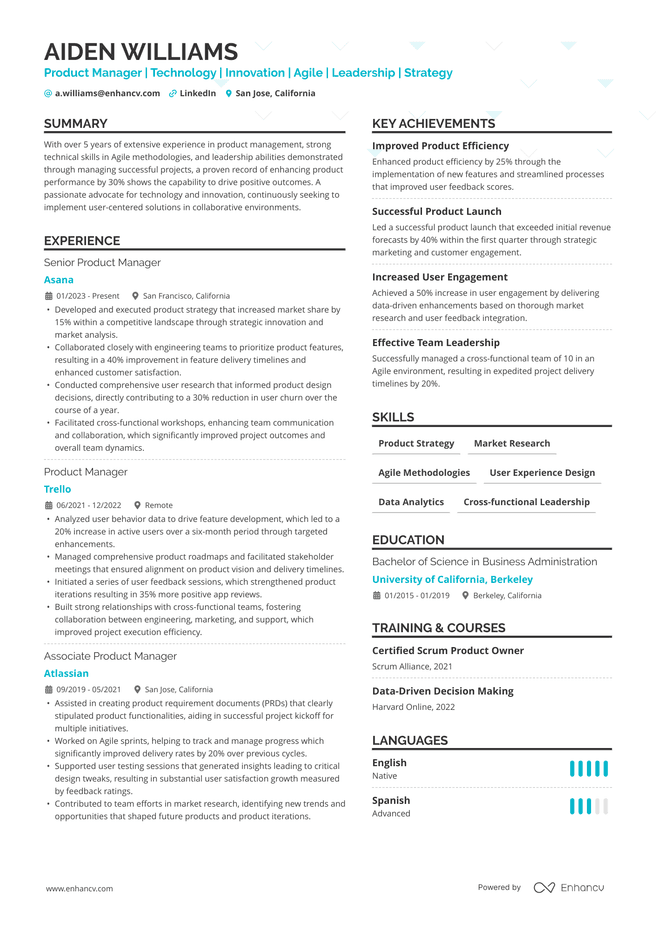
Double Column
Splits the page into two columns so skills, contact info, and certifications sit alongside your work history. Fits candidates with a lot to cover, like technical or multi-skilled roles, without pushing the resume past one page.
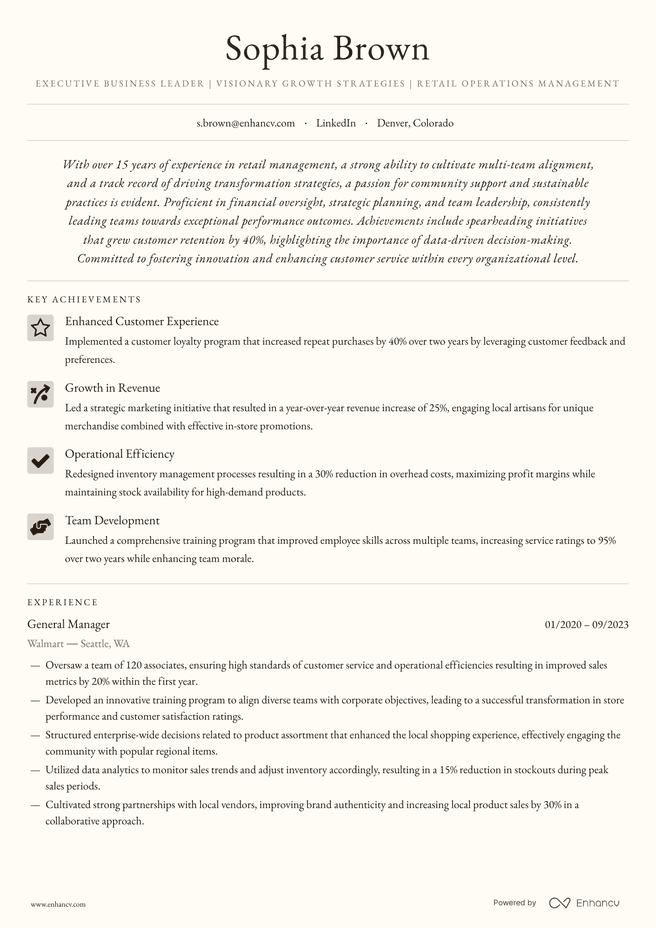
Crest
This elegant two-page resume is great for business owners, executives, and people with substantial experience who want to show the richness of their expertise. Not every resume has to fit the one-page mold. This creamy background, custom font, and subtle icons complement your qualifications perfectly.
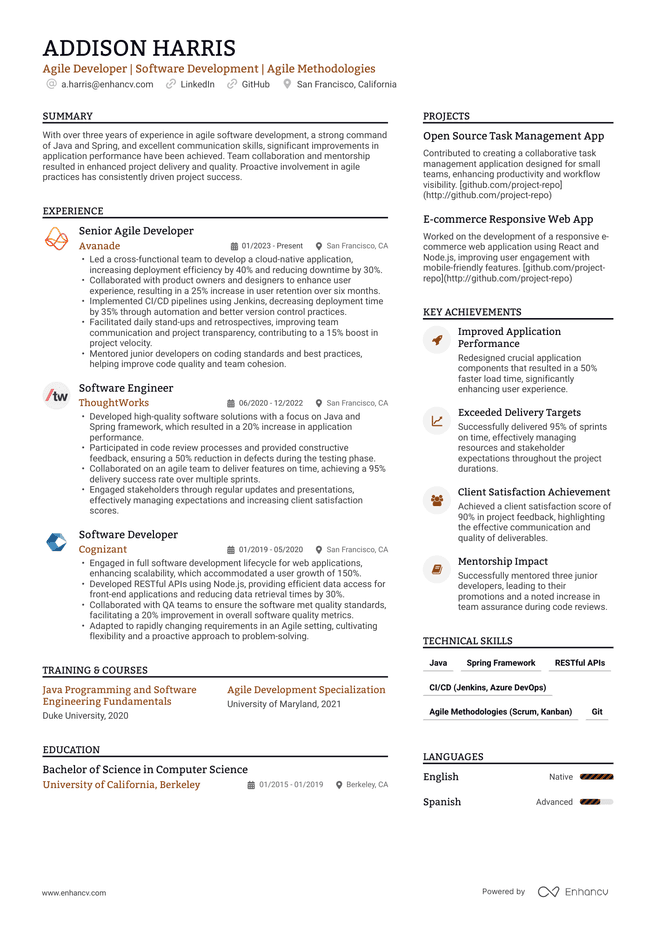
High Performer with Logos
Pulls in the actual logos of past employers, schools, or certifying bodies next to each entry. Gives a recruiter a quick visual anchor when they're skimming names they recognize.
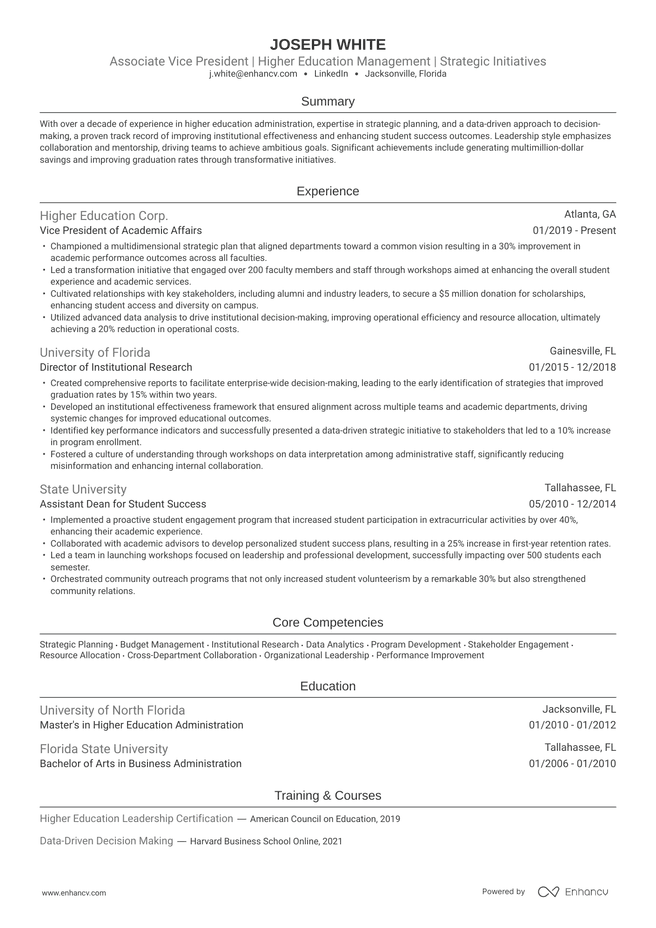
Ivy League
A single-column, no-frills layout modeled on traditional academic and consulting resume formats. Strips out color and graphics in favor of clean typography, built for conservative industries or candidates who want the content to carry the resume.
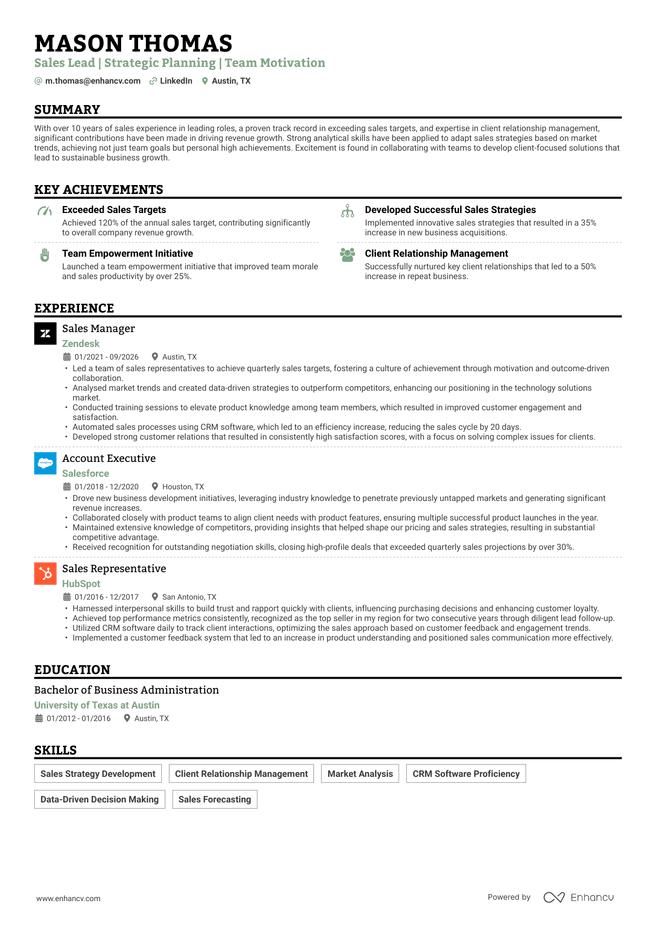
Single Column with Logos and Icons
Keeps everything in one straightforward vertical flow while still using employer/school logos and small icons for section headers. A middle ground for candidates who want visual cues without a multi-column structure.
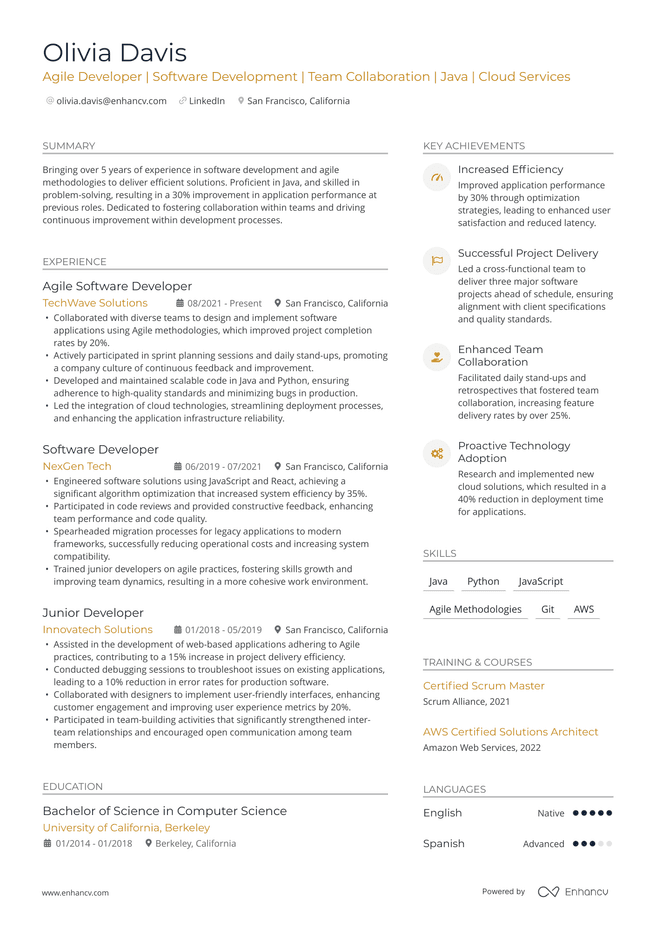
Modern with Icons
Uses small icons next to section headers or contact details (email, phone, LinkedIn) to break up text and speed up scanning. Works best paired with a clean layout so the icons support the content instead of competing with it.
Plenty of resume builders claim to be "ATS-friendly" without offering any proof.
At Enhancv, we'd rather show our work. Our templates are tested against real applicant tracking systems, and we know they parse correctly. Now, in a series of articles, we're going further: showing you real resumes from real candidates to prove how Enhancv's templates hold up in front of the ATS platforms companies actually use. Starting with Workday, whichcompany reports is trusted by more than 11,500 organizations worldwide, including over 65% of the Fortune 500.
We pulled 15 real Enhancv success stories from candidates who applied to companies running Workday. Nine landed interviews.Six got hired. Here are the exact templates they used, the companies that hired or shortlisted them, and what these outcomes can honestly tell you.

Key takeaways
- We tracked 15 real, verified Enhancv success stories at companies running Workday, one of the most widely used ATS platforms.
- Six candidates were hired, nine landed interviews, across templates ranging from minimalist to icon-heavy, single- and double-column.
- Icons, accent colors, backgrounds, and multi-column layouts all appear in both outcome groups. None of these design choices blocked a candidate from getting through.
- This shows real-world outcomes, not a parsing test. Workday sorts resumes but a recruiter still decides who gets called.
What Workday actually does
A common myth is that Workday—or any ATS—automatically rejects resumes over formatting choices, like fonts, graphics, or a two-column layout. That's not how it works.
Workday parses—this is the technical term for ‘reads’ and ‘organizes’—your resume into structured data, then ranks candidates against the job's criteria. It's a filtering and sorting step, not a gatekeeper that auto-rejects on sight.
Enhancv’s own research backs this up. In our survey of 25 U.S. recruiters, 92% said their systems don't auto-reject resumes for formatting, content, or design, and only 8% had content-based auto-rejection configured at all. One recruiter using Workday specifically said they use the platform to rank resumes but still review them personally.
That's the two-readers idea in practice. Workday decides who gets seen first. The recruiter decides who gets called.
Real candidates, real templates, real outcomes
Here are the 15 templates behind these stories, grouped by outcome. Each candidate applied to a company running Workday, using the template shown below. To protect our applicants’ privacy, we’ve removed any personal information. These were all made with the Enhancv AI Resume Builder.
The 6 people who were hired
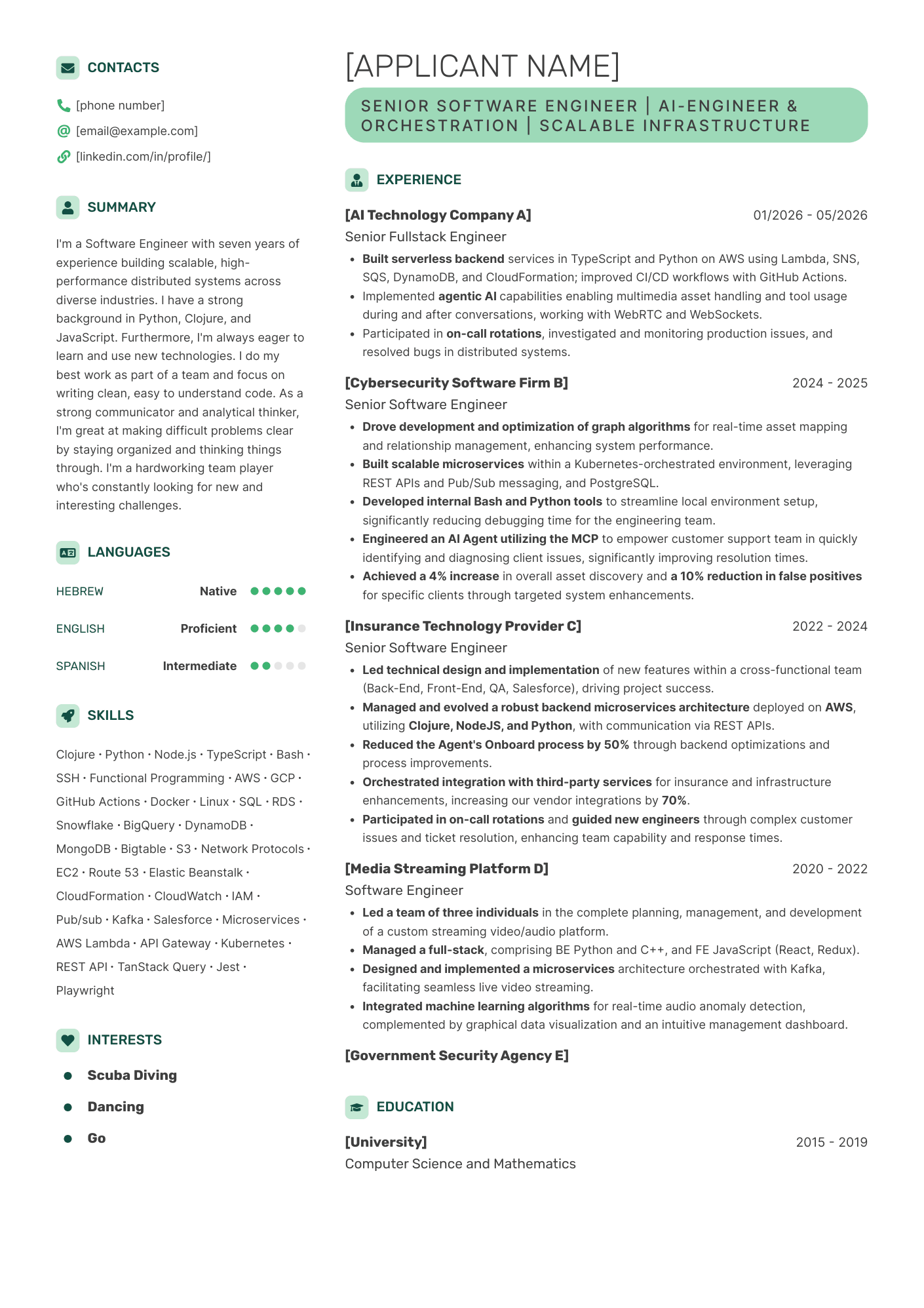
Company: Dell
Position: Senior Software Engineer (AI/Orchestration)
Template: Contemporary, double-column, icons, accent color
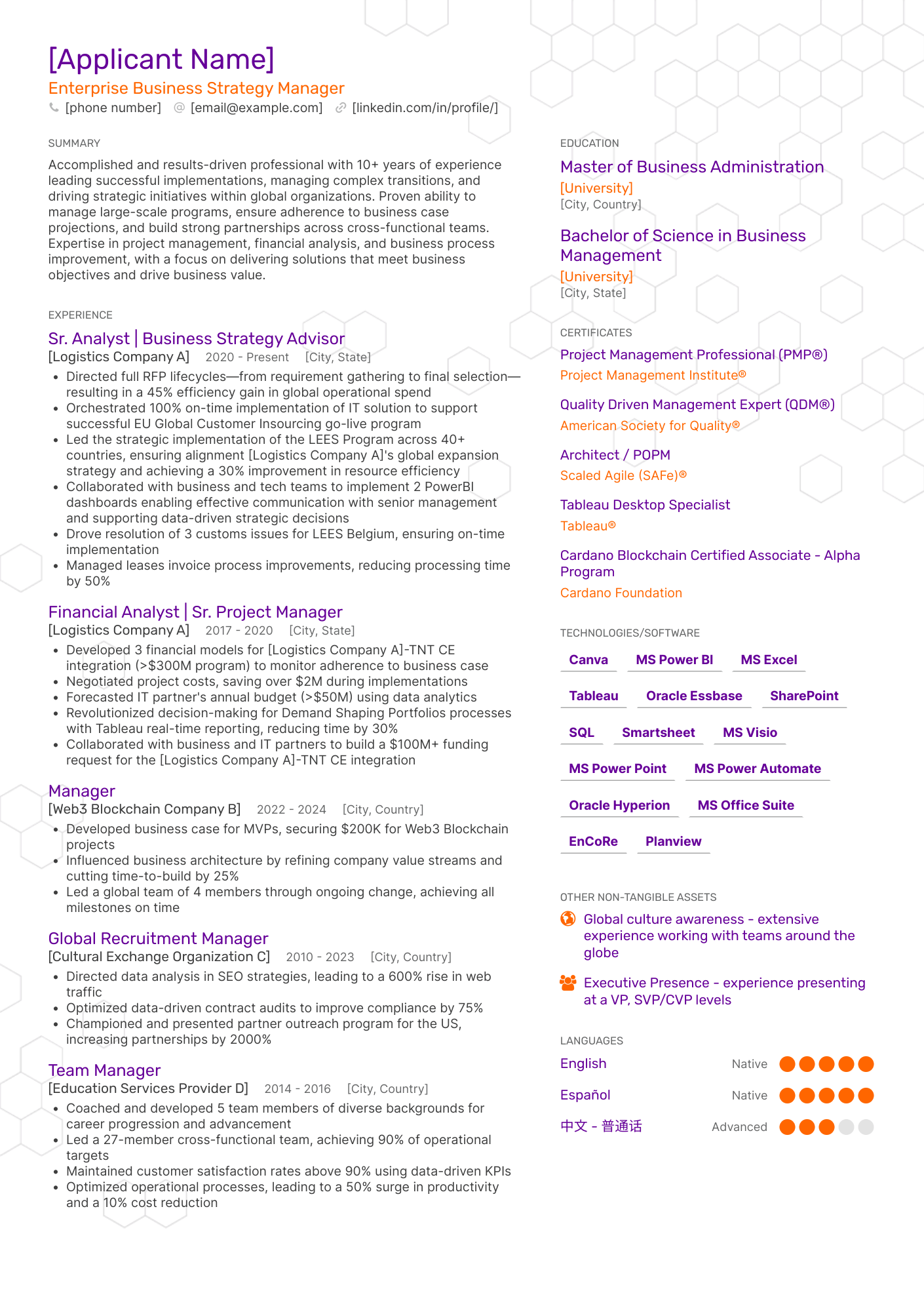
Company: FedEx
Position: Enterprise Business Strategy Manager
Template: Minimal
Includes: double columns, accent colors, background, icons
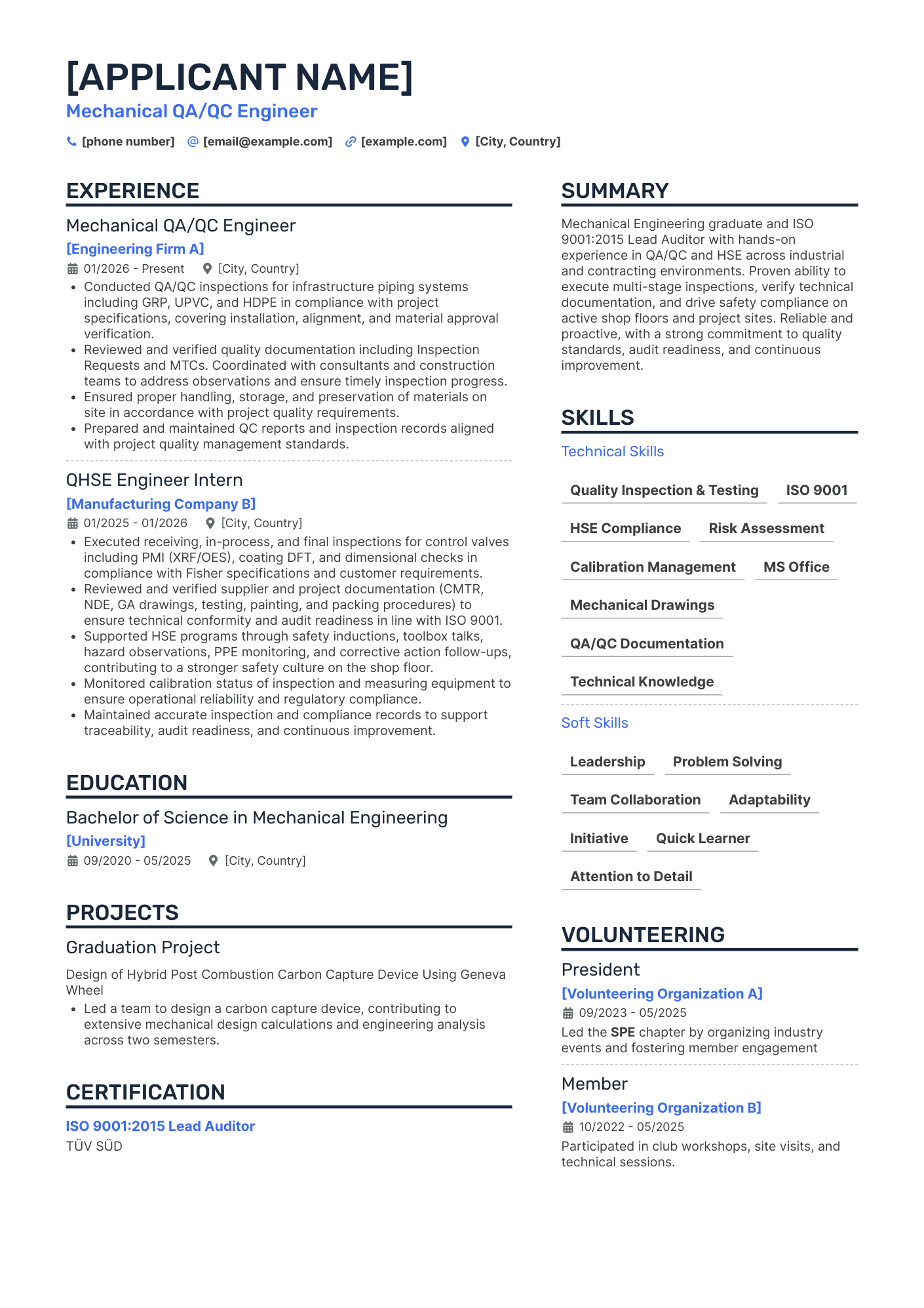
Company: Flowserve
Position: Mechanical QA/QC Engineer
Template: Double column
Includes: double columns, accent color
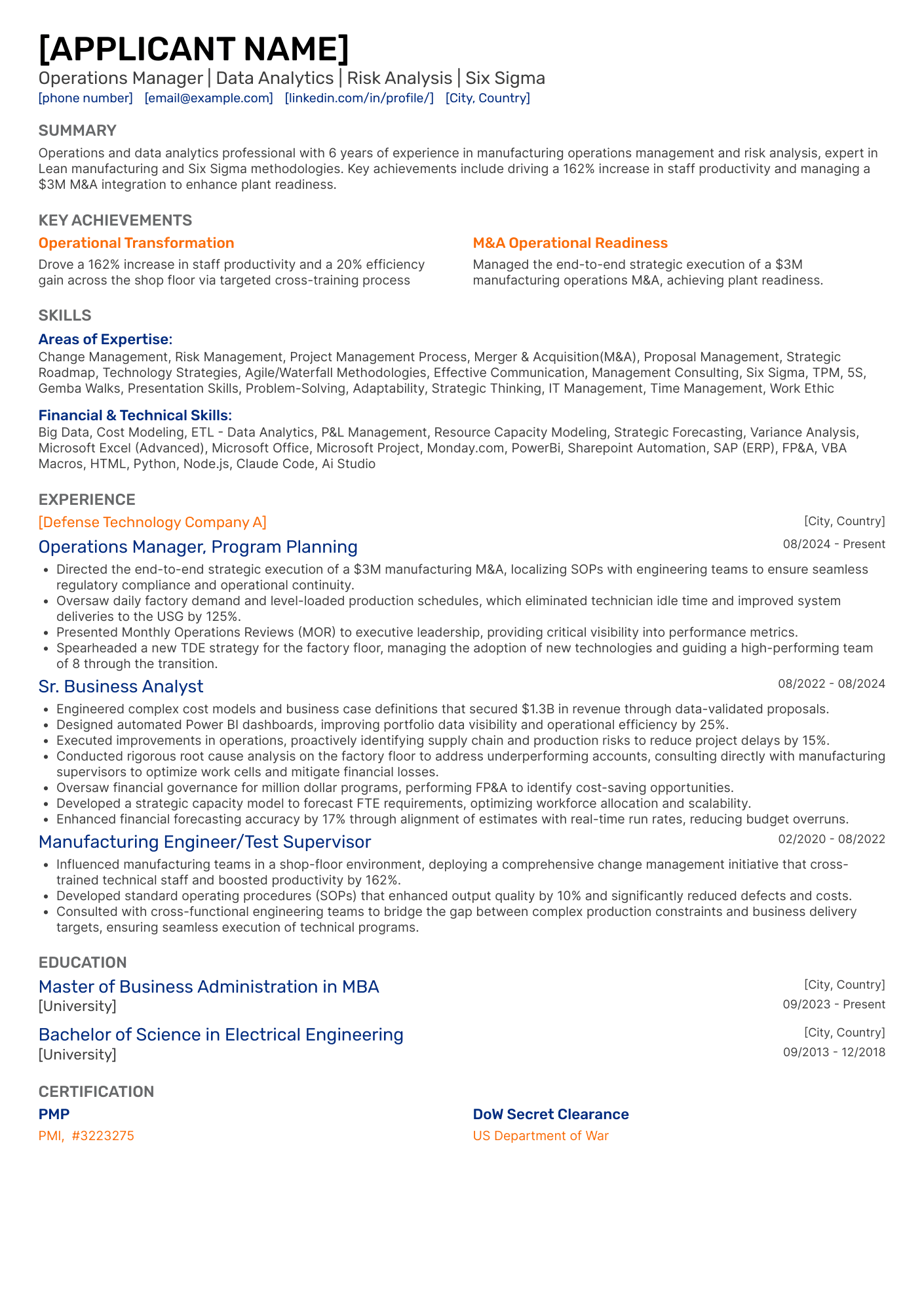
Company: GE Vernova
Position: Operations Manager (Data Analytics/Six Sigma)
Template: Classic
Includes: single column, accent colors
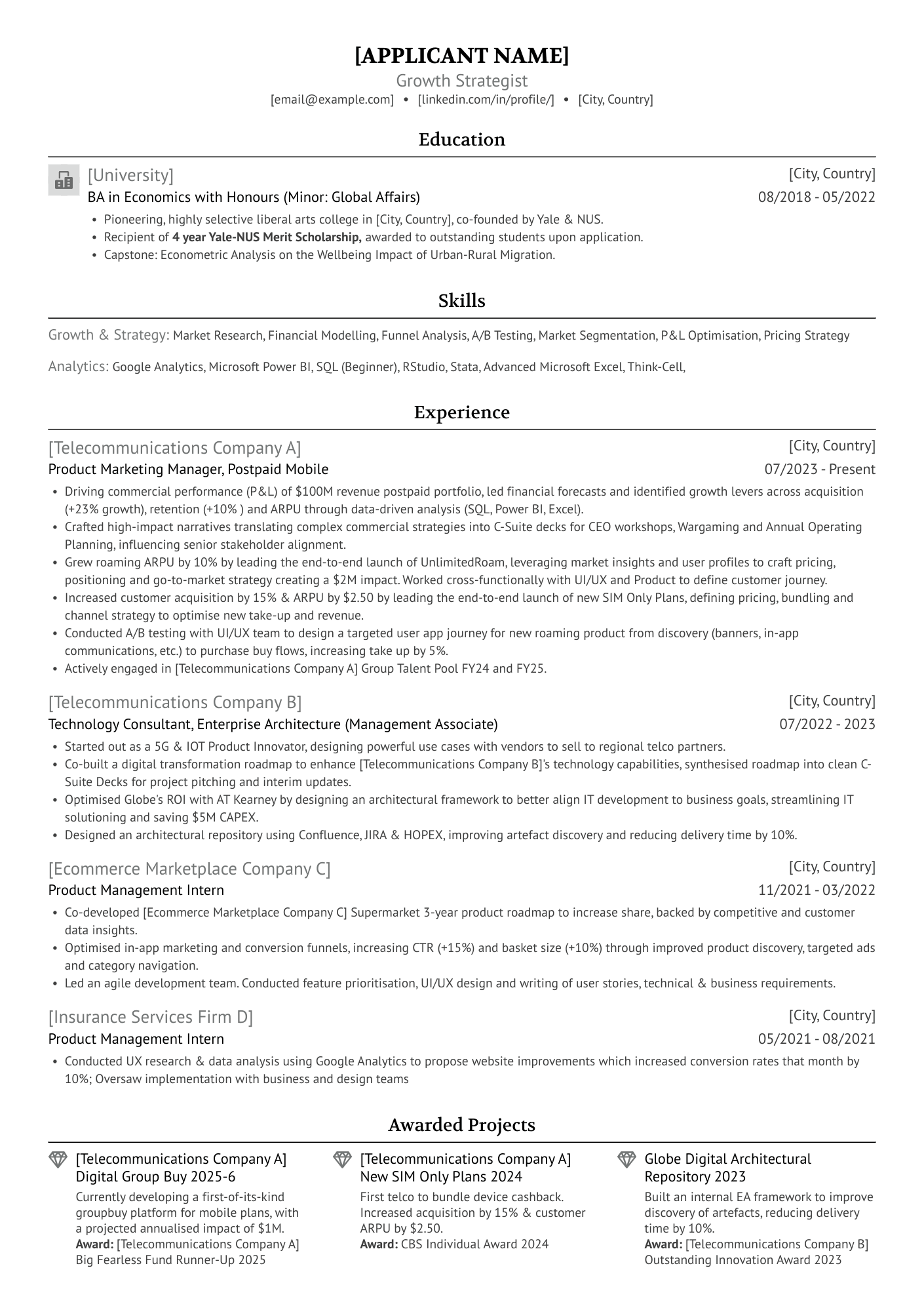
Company: Delivery Hero
Position: Growth Strategist
Template: Ivy League
Includes: single column, logos, icons
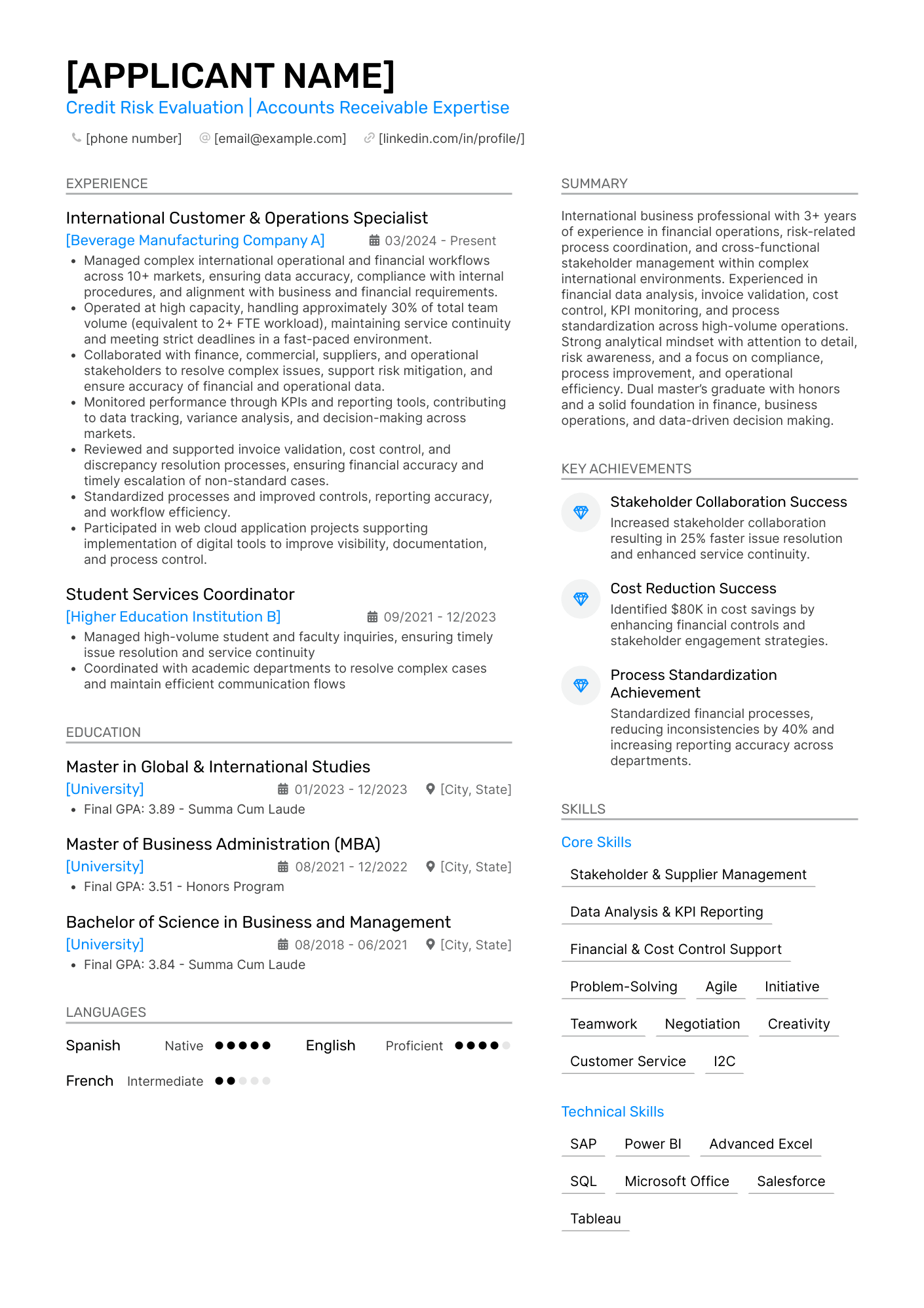
Company: Johnson & Johnson
Position: Credit Risk & Accounts Receivable Specialist
Template: Modern
Includes: double columns, accent color, icons
The 9 people who landed an interview
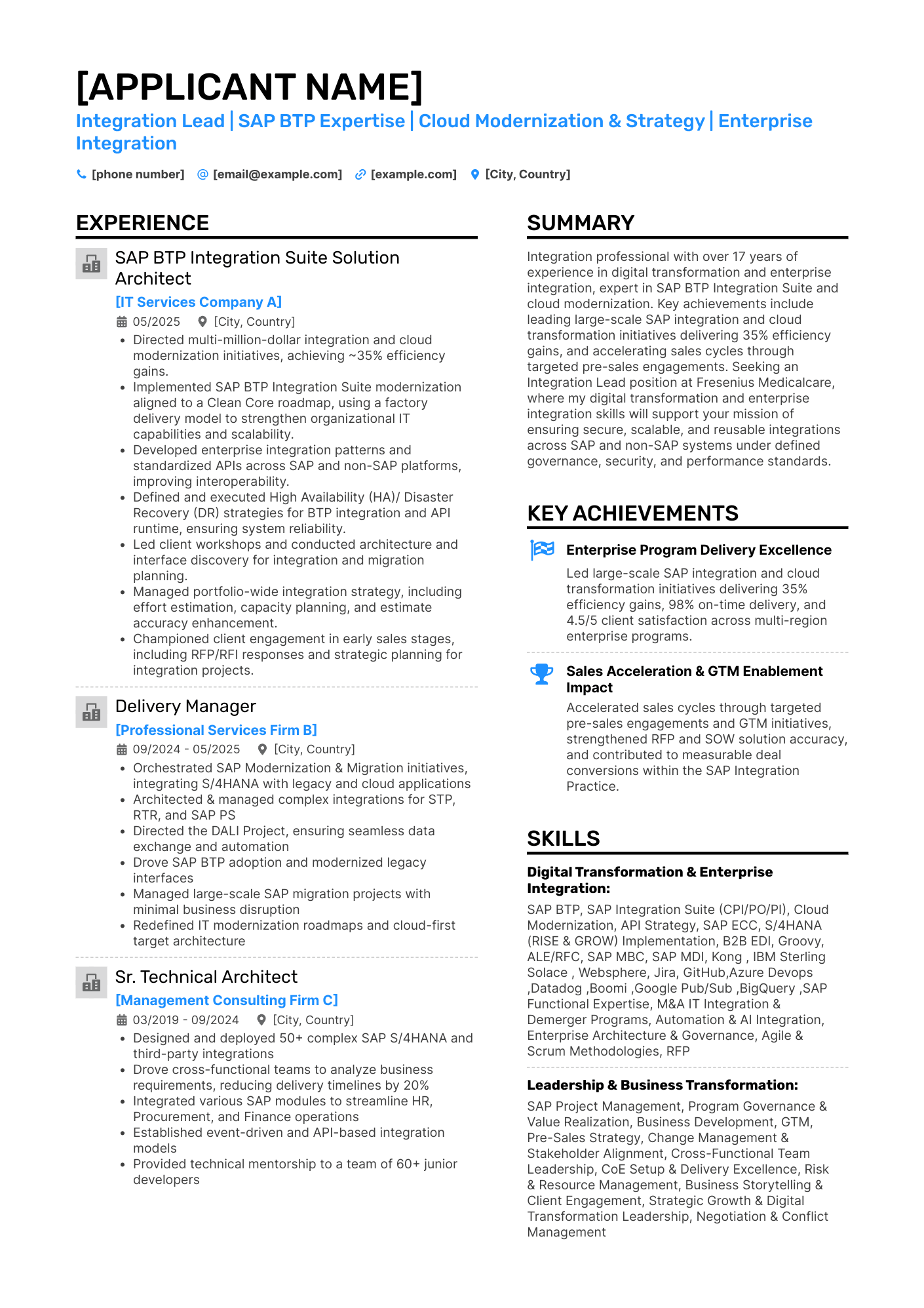
Company: Sanofi
Position: Integration Lead (SAP BTP/Cloud)
Template: Modern
Includes: double columns, accent color, logos, icons
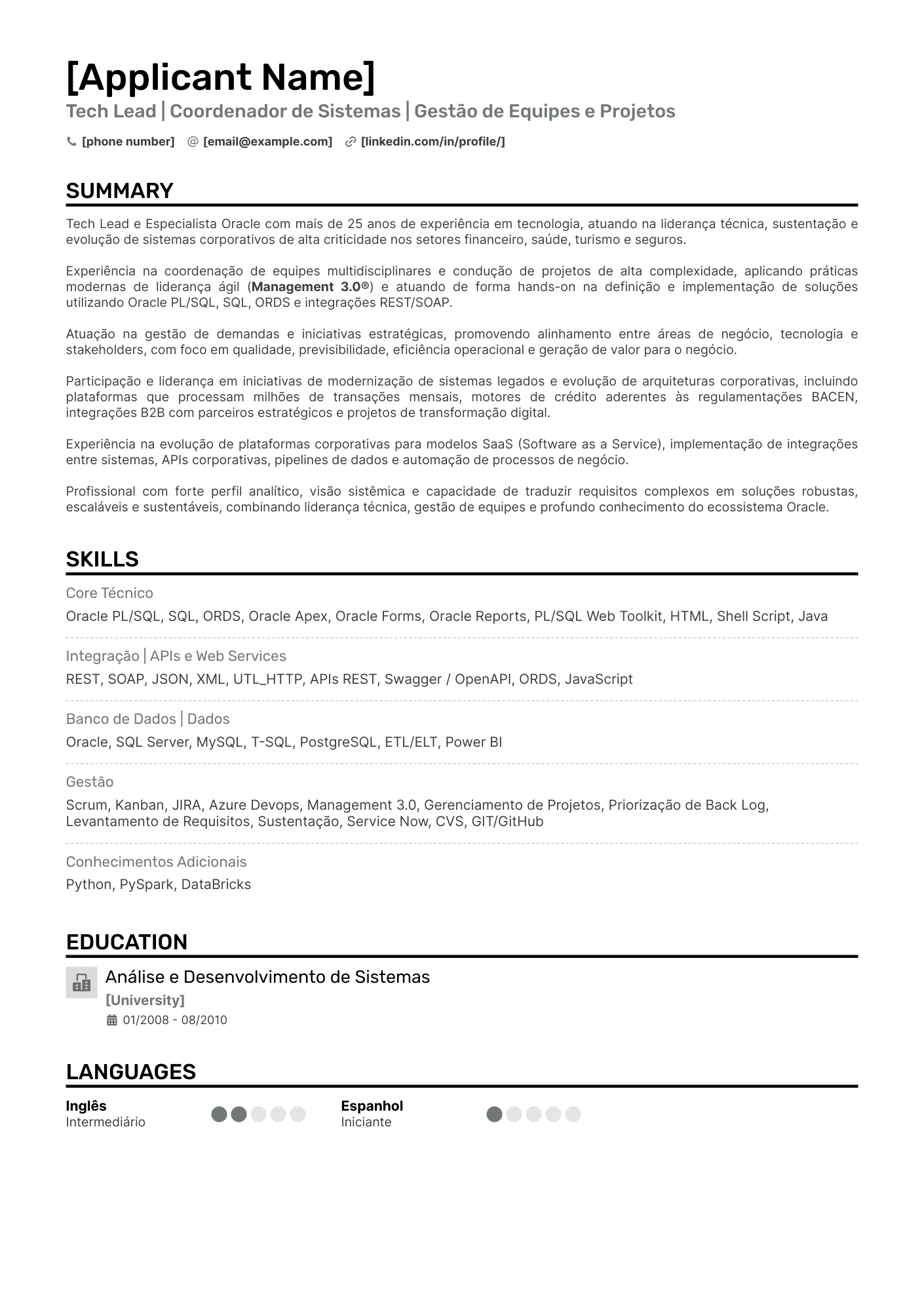
Company: NTT
Position: Tech Lead/Systems Coordinator
Template: Single Column
Includes: Logos
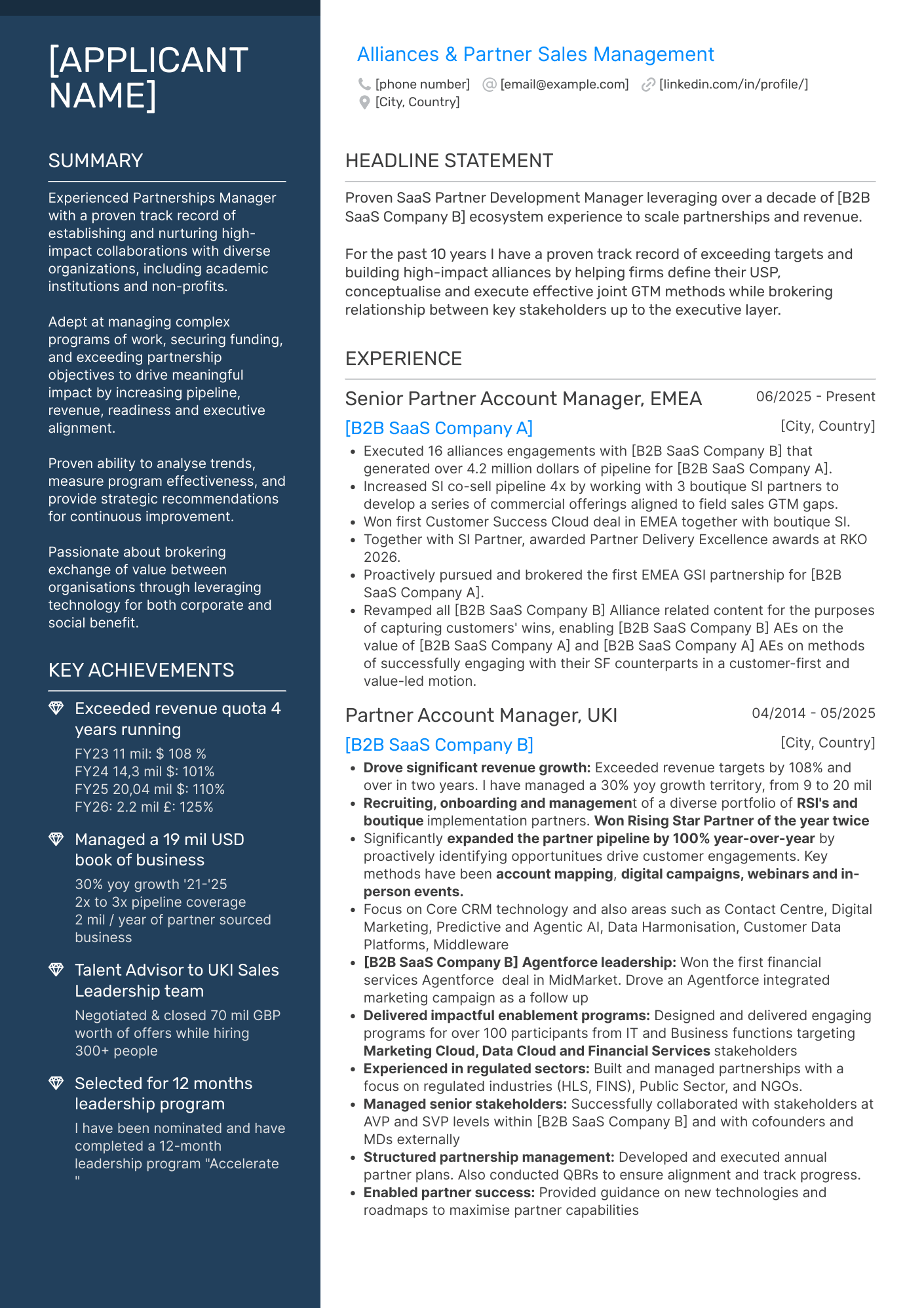
Company: Salesforce
Position: Alliances & Partner Sales Manager (EMEA)
Template: Polished
Includes: double columns, accent colors, icons
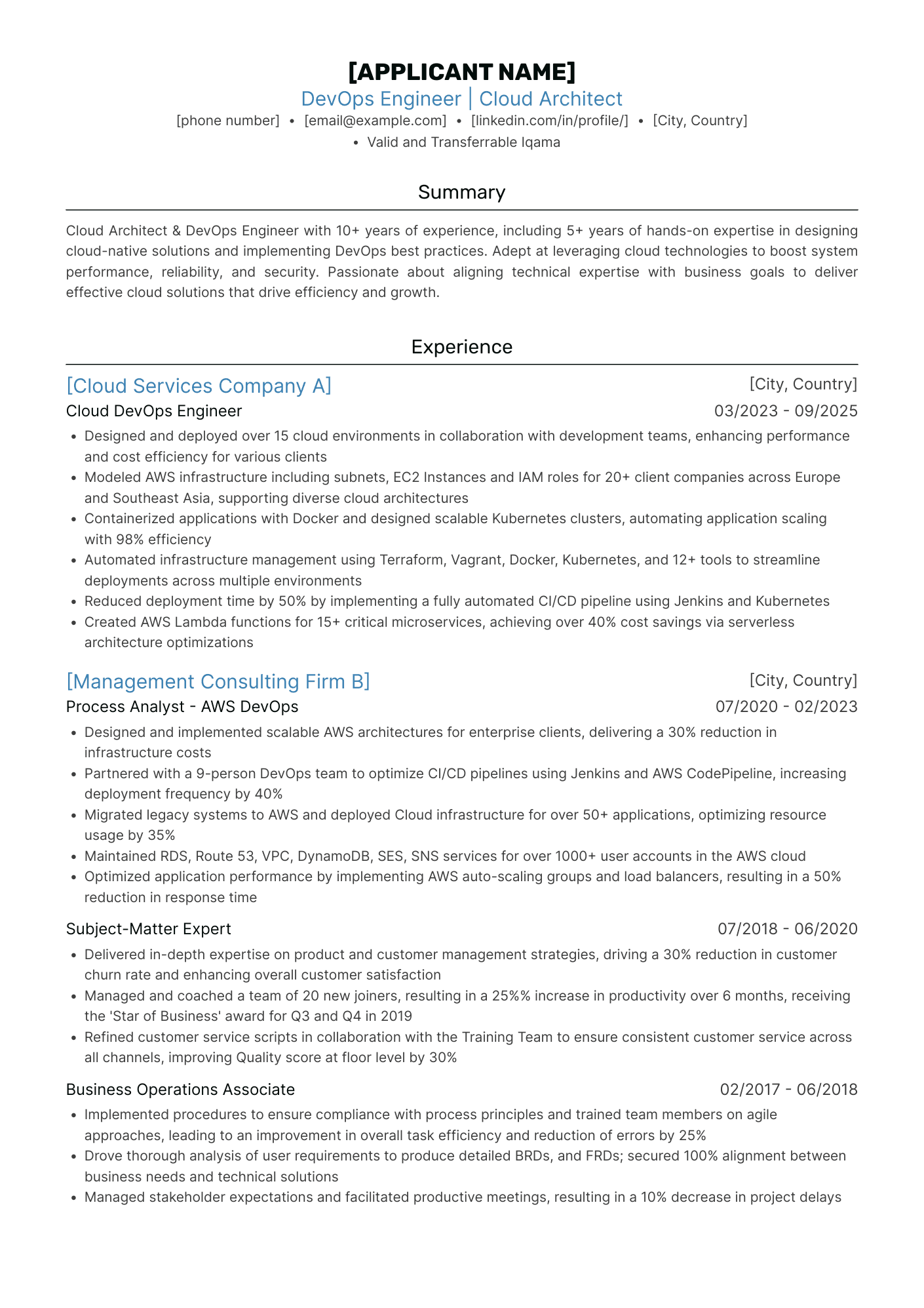
Company: Samsung
Position: DevOps Engineer/Cloud Architect
Template: Ivy League
Includes: single column,accent color,
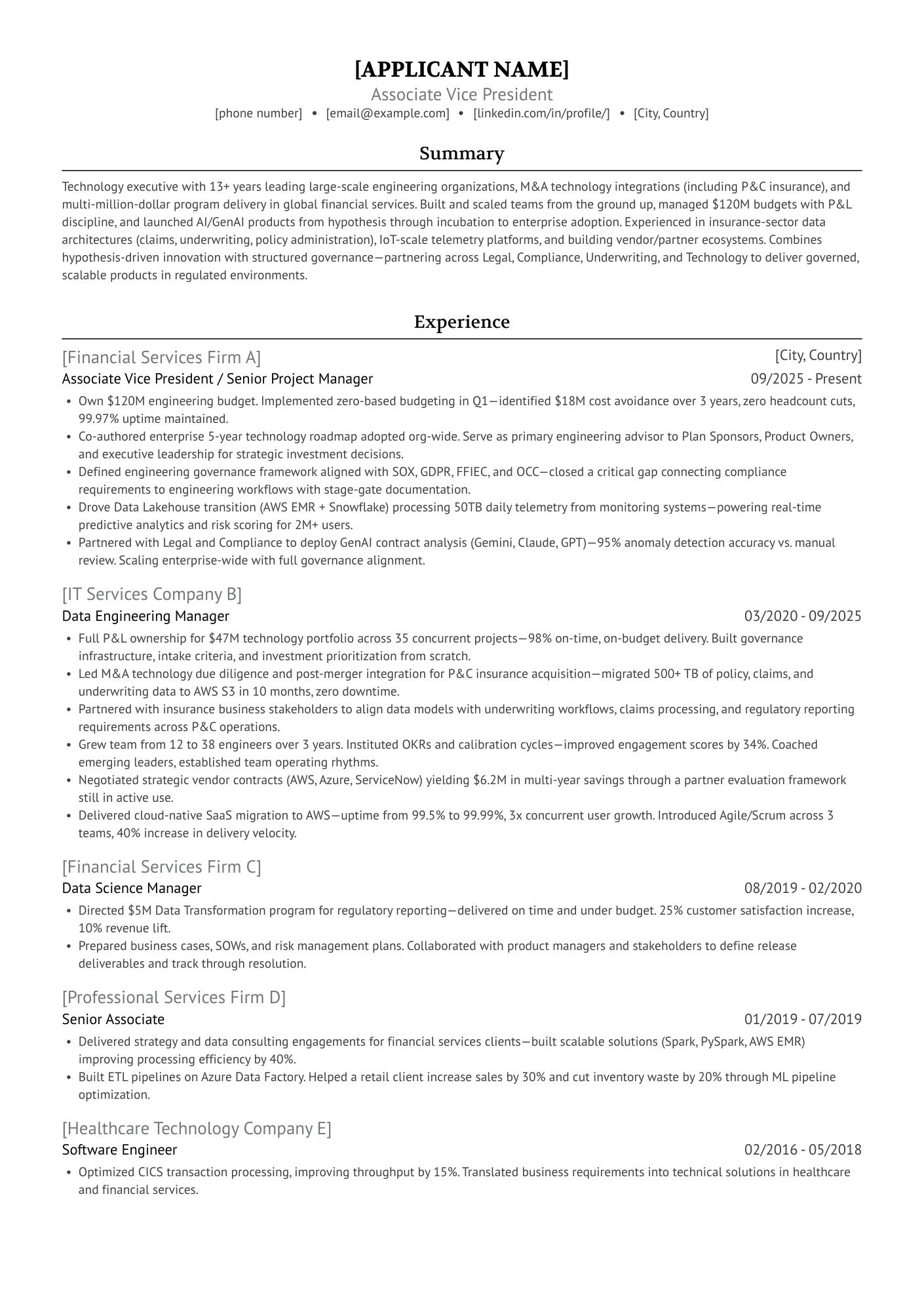
Company: Citi*
Position: Associate VP (Technology)
Template: Ivy League
Includes: single column
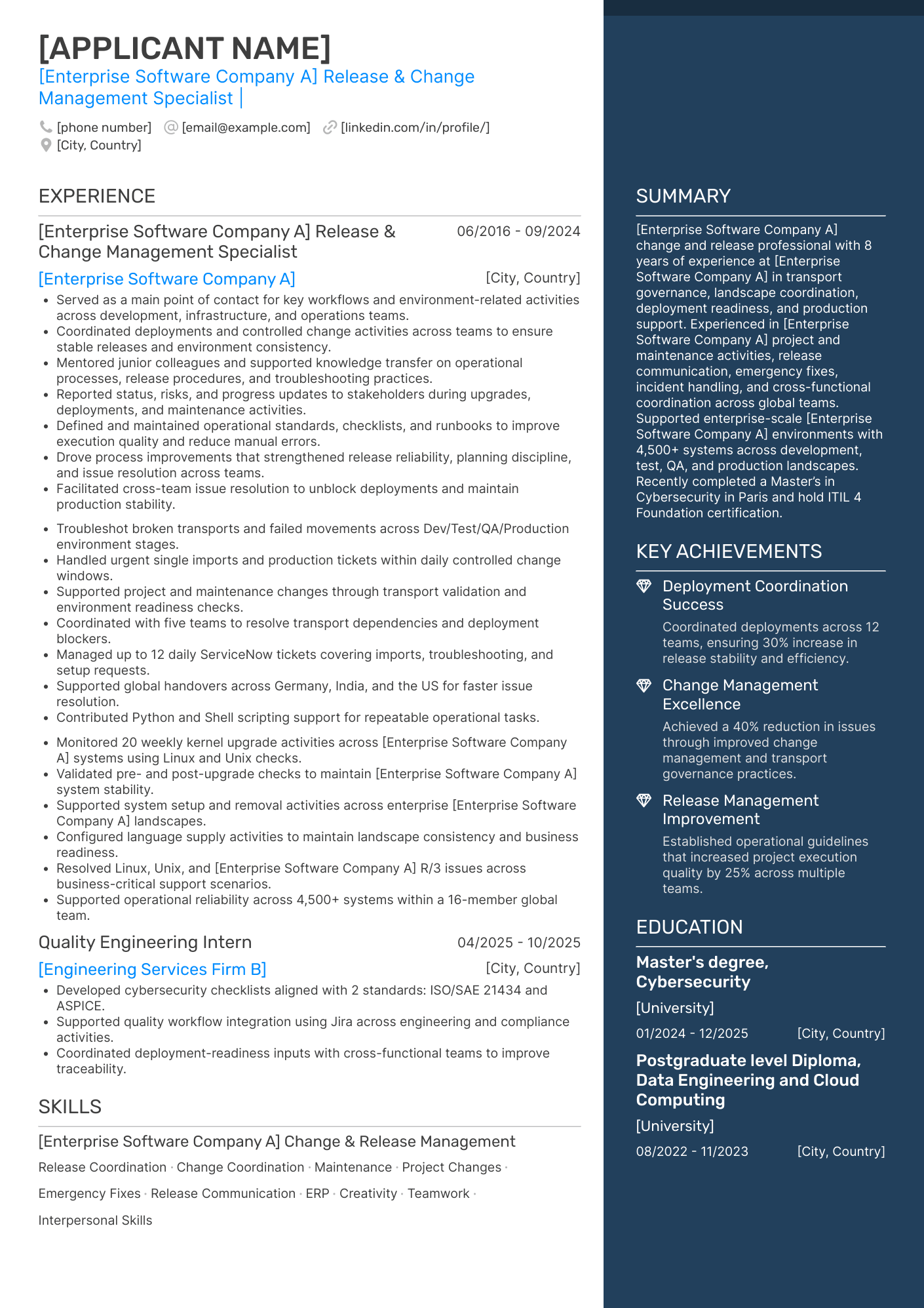
Company: Kering
Position: Release & Change Management Specialist (SAP)
Template: Elegant
Includes: double columns, accent colors, icons
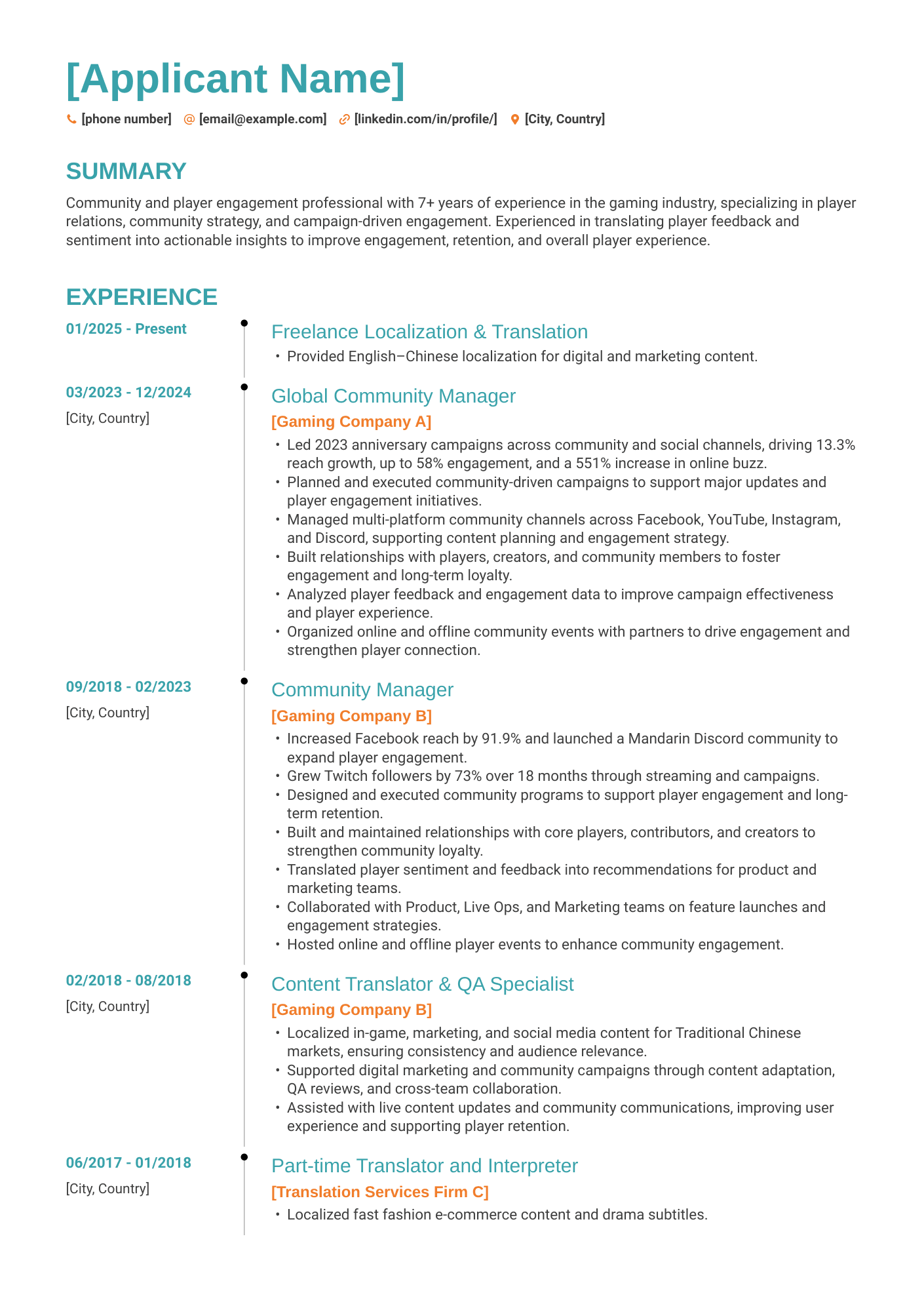
Company: Tencent*
Position: Community Manager
Template: Timeline
Includes: single-column, accent colors
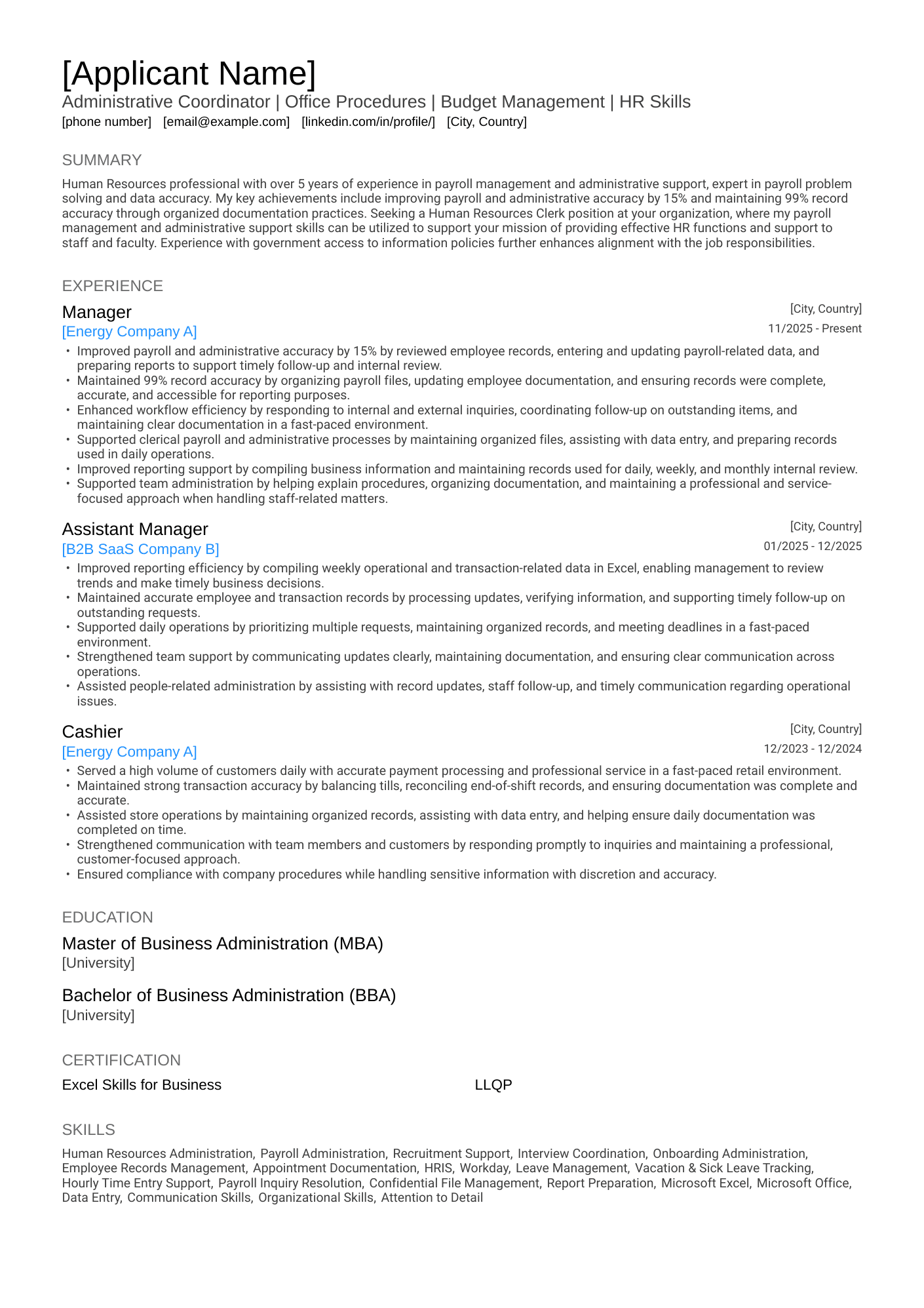
Company: Walmart
Position: Administrative Coordinator (Office/HR/Payroll)
Template: Classic
Includes: single column, accent color
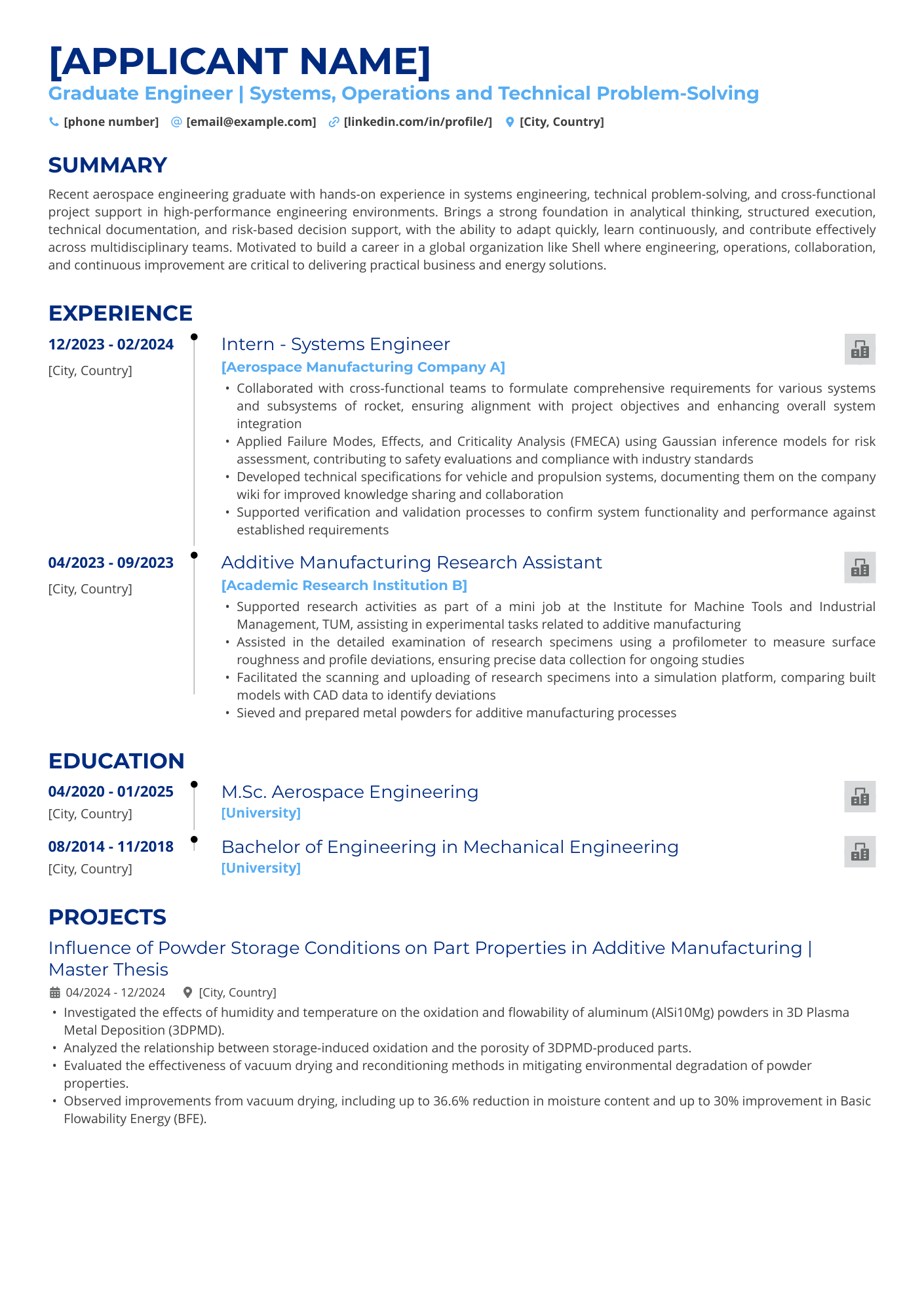
Company: Shell*
Position: Graduate Engineer (Aerospace)
Template: Timeline
Includes: single columns, resume lines, accent colors, logos
*Confidence caveat—see methods note above.
What patterns do we observe?
Looking across the group, one thing stands out: nothing here is stripped down for the sake of "beating the ATS."
- Icons show up in both hired and interview-only resumes (Dell, FedEx, J&J, Sanofi, Salesforce, Kering).
- Accent colors appear in 12 of the 15, across both outcomes.
- Double-column layouts landed candidates hires (Dell, FedEx, Flowserve, J&J) and interviews (Sanofi, Salesforce, Kering) alike.
- Backgrounds and logos show up too, in both groups, not just one.
None of these design choices stopped a candidate from getting hired or landing an interview at a Workday-run company. That doesn't prove any single element helps, but it does undercut the idea that icons, color, or multi-column layouts are inherent liabilities.
The bottom line
These 15 stories don't prove that any single template beats Workday's parser. We don't have parsed-output data to make that claim. What they show is real: real candidates, real companies, real outcomes, across a range of layouts, colors, and icons.
That's the two-readers idea holding up in practice. Workday sorts, but a person still decides. And based on what we've seen here, a well-built resume doesn't have to choose between looking good and getting through.