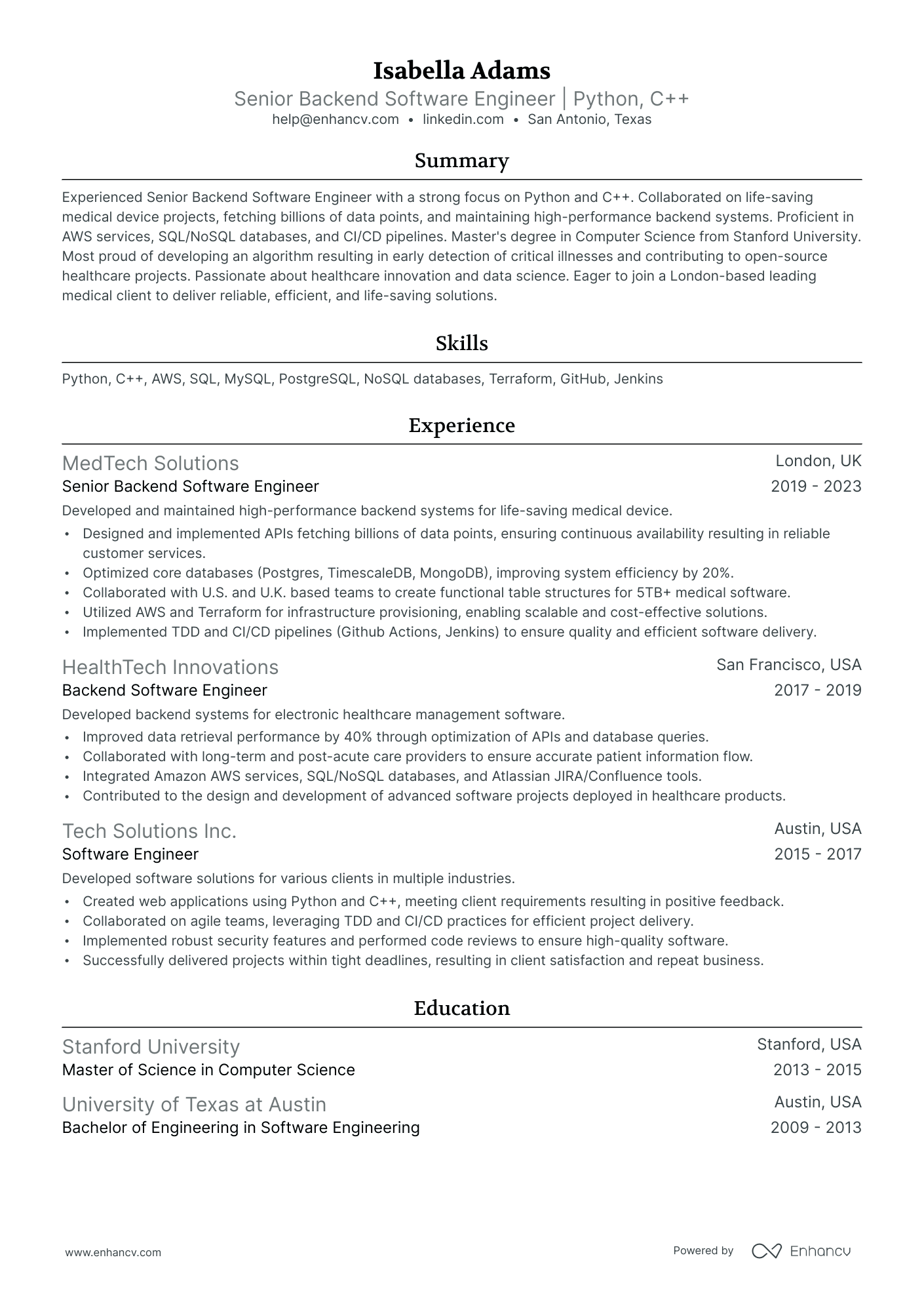
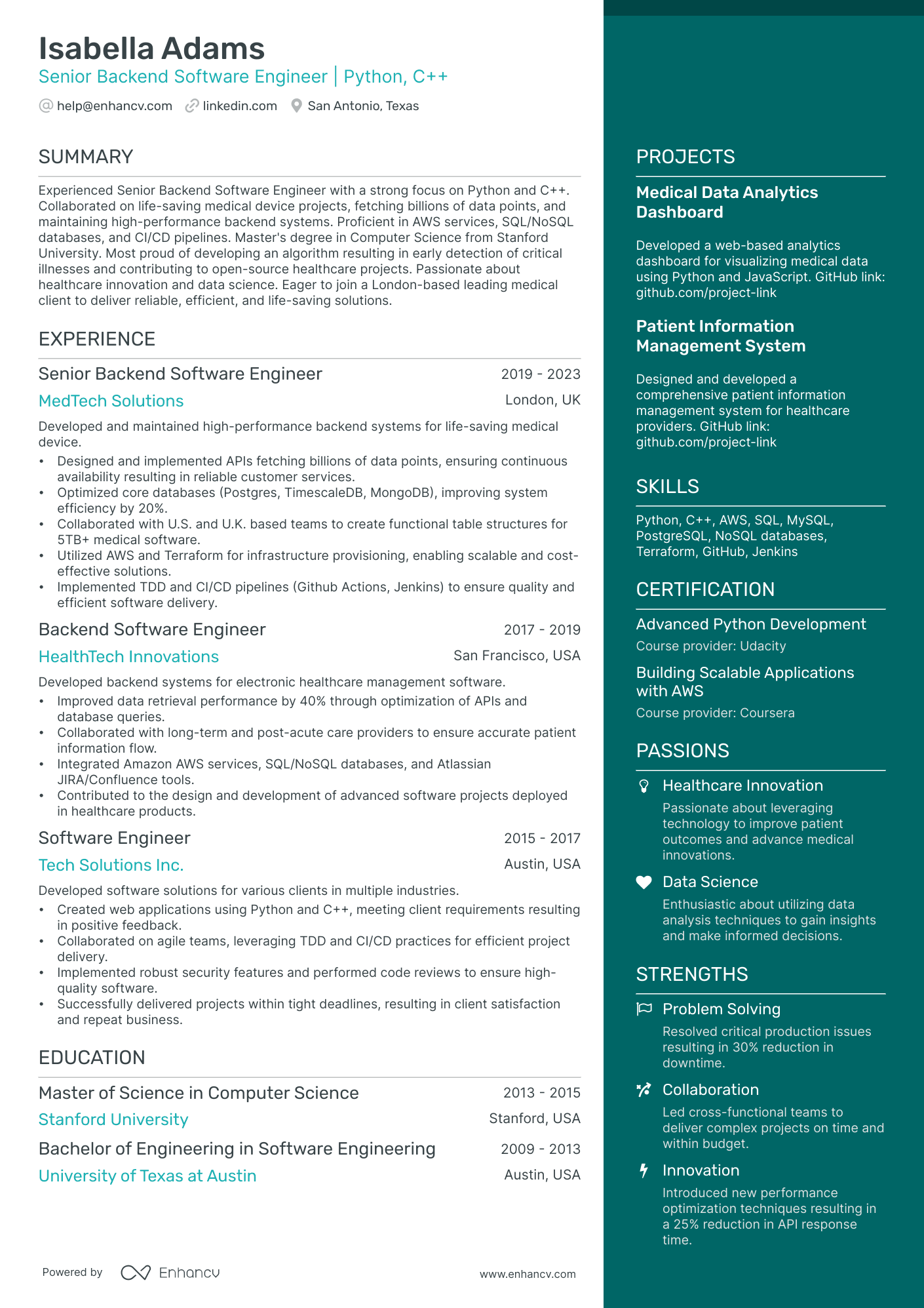
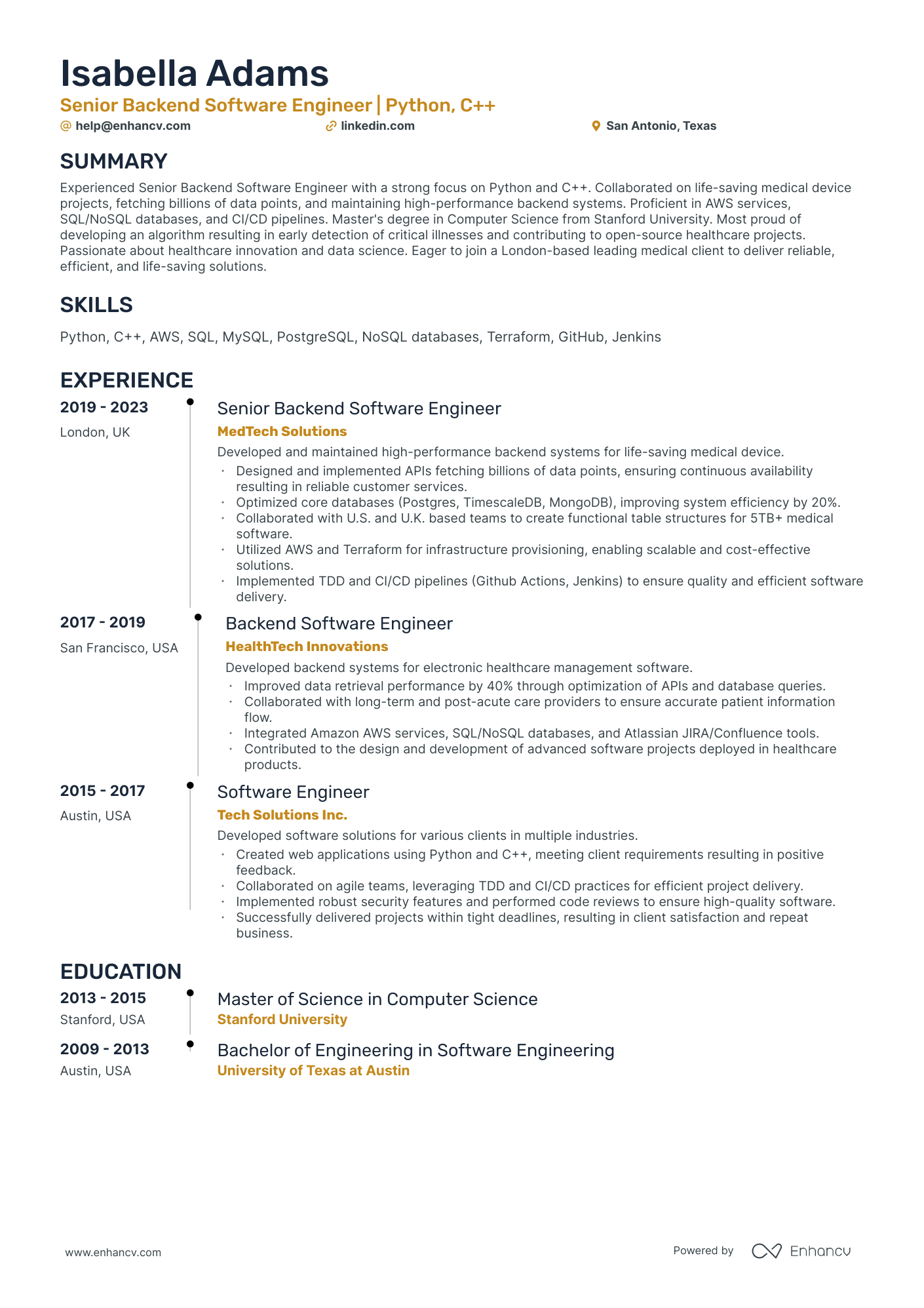
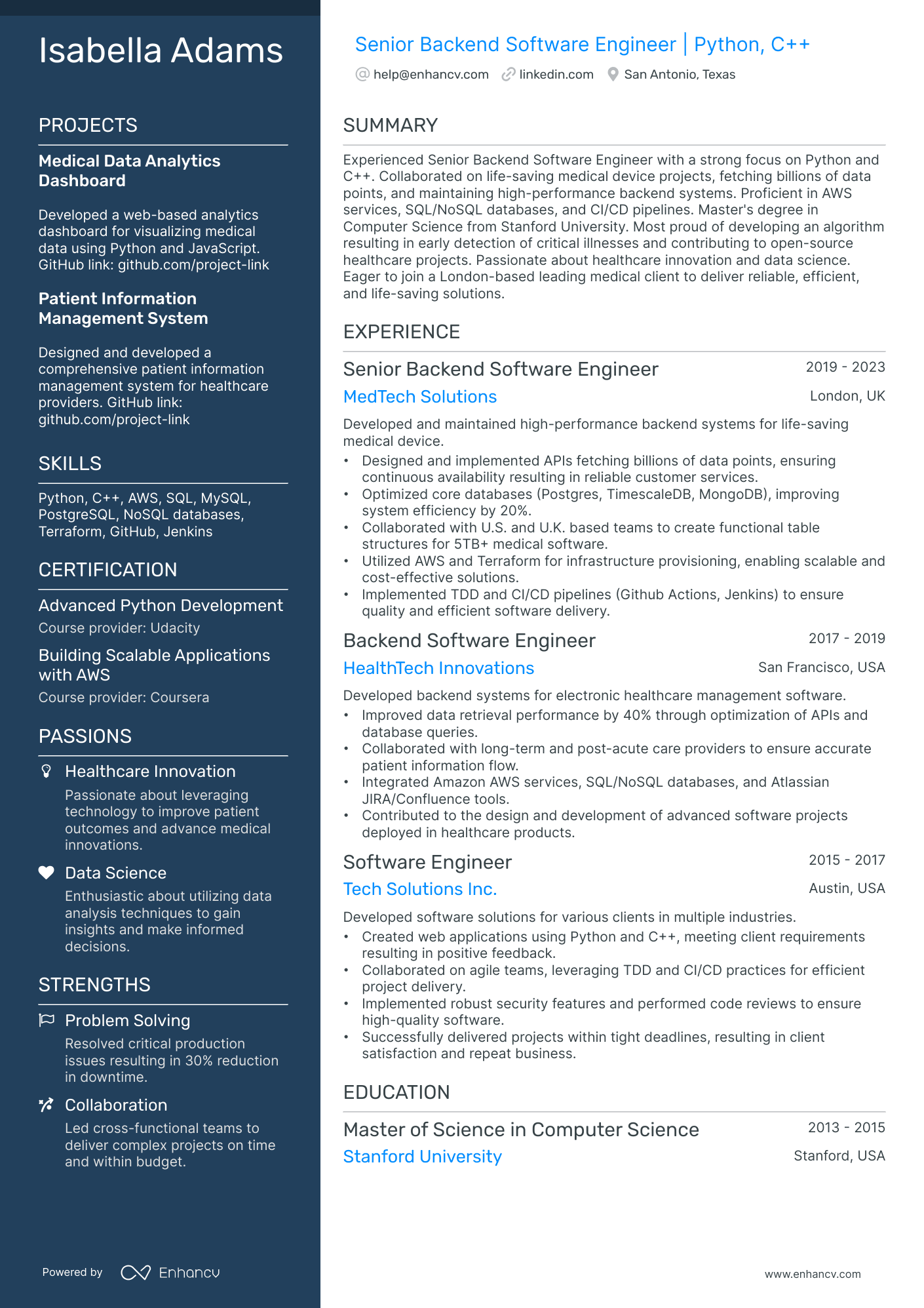
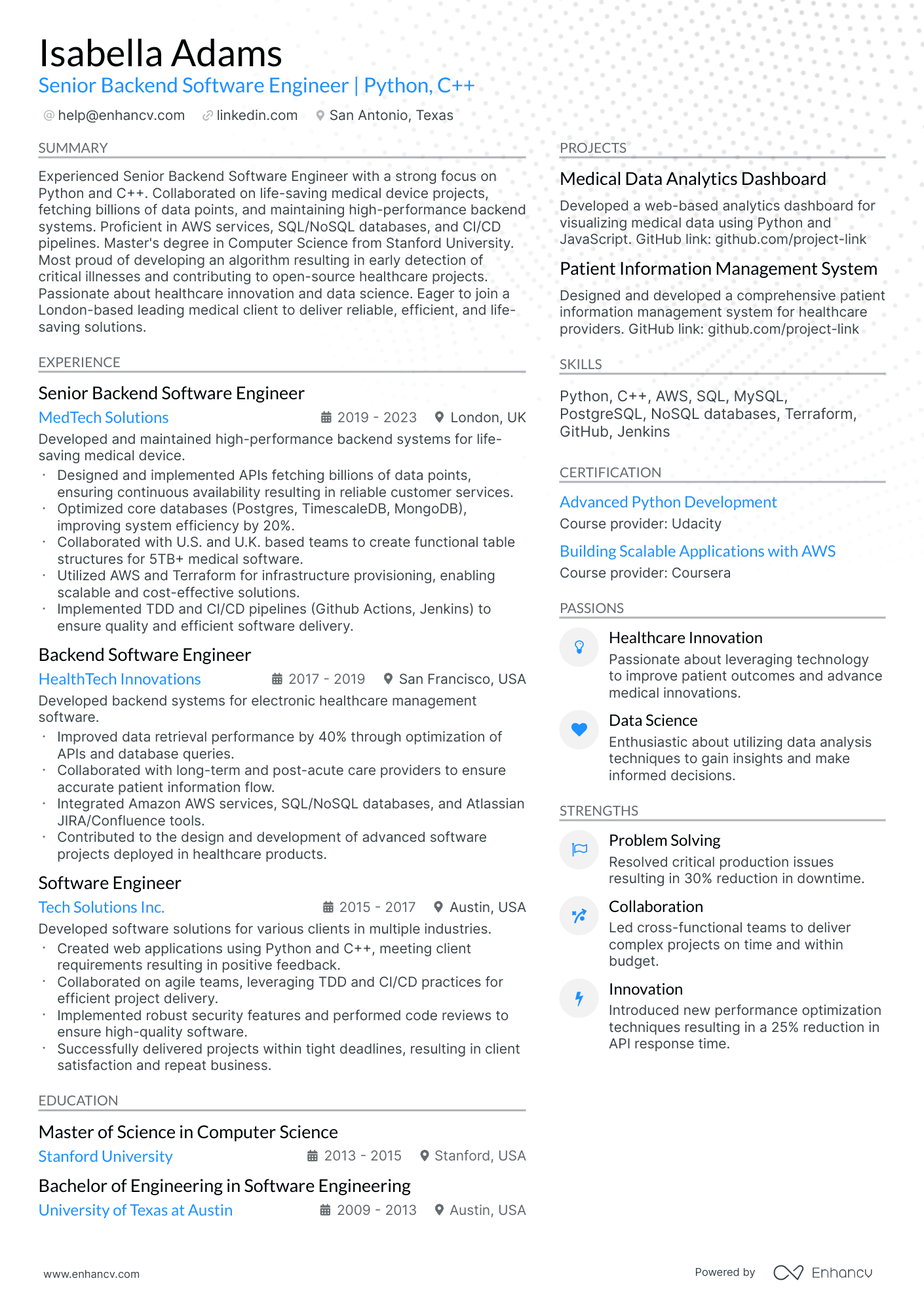
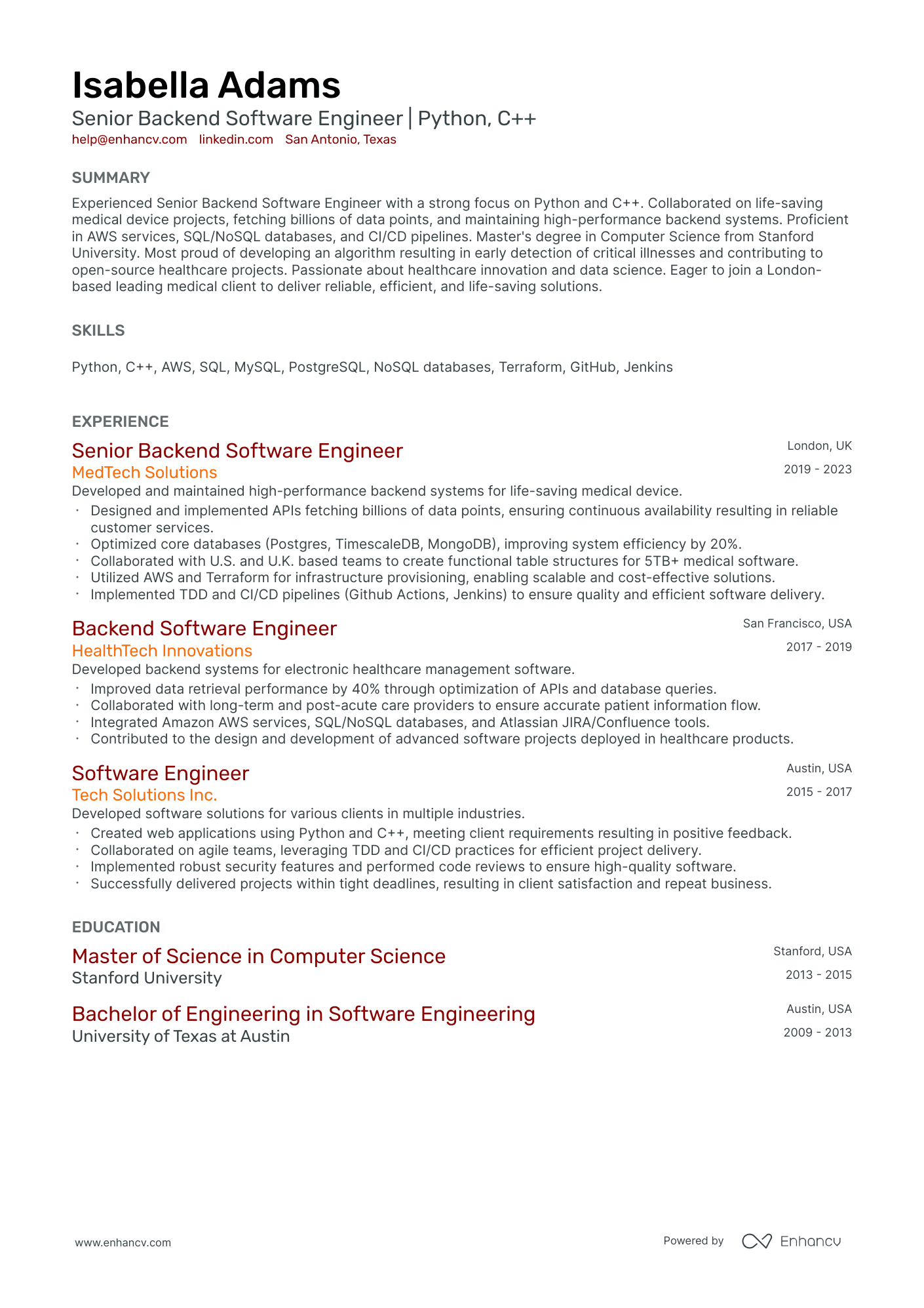
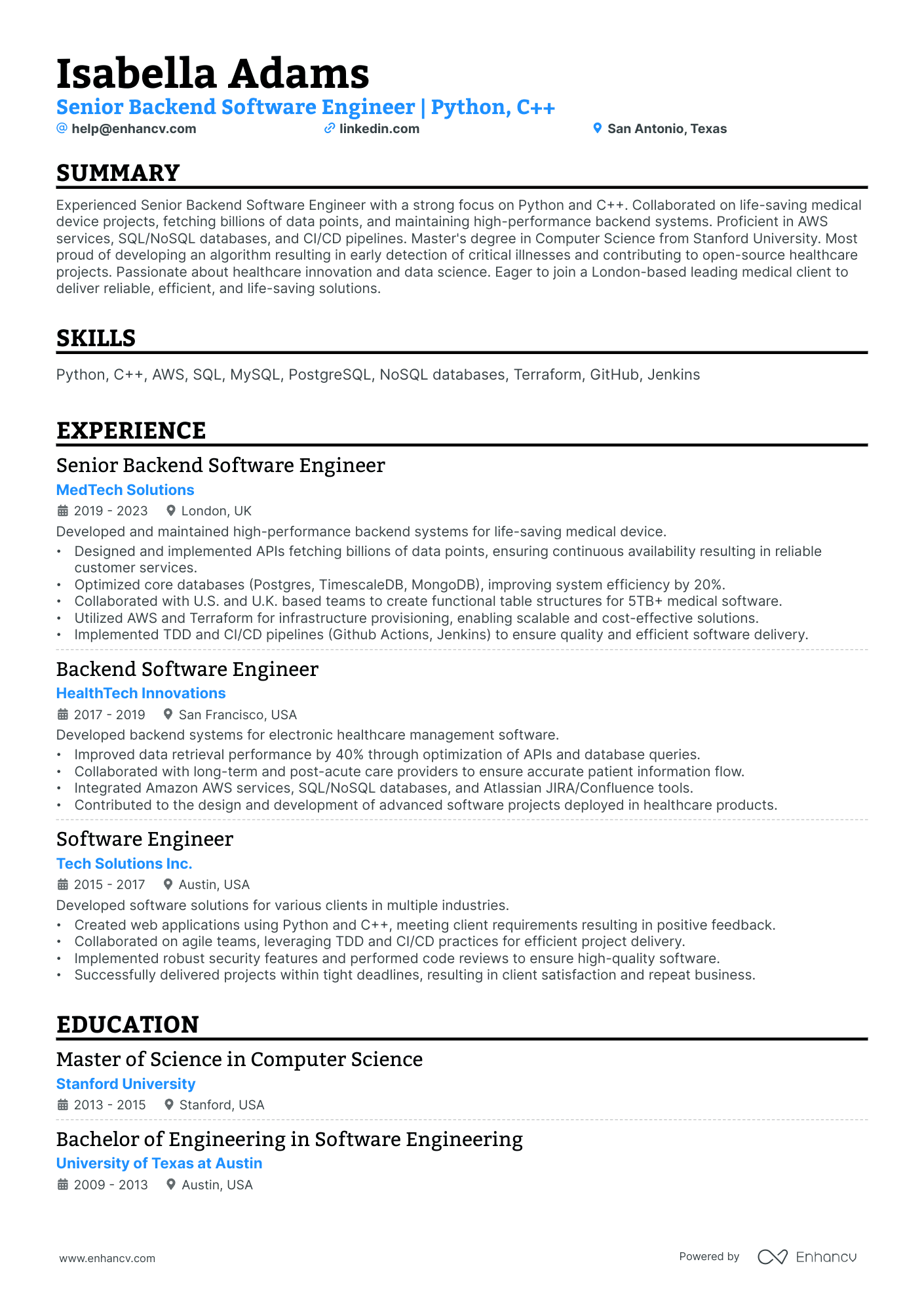
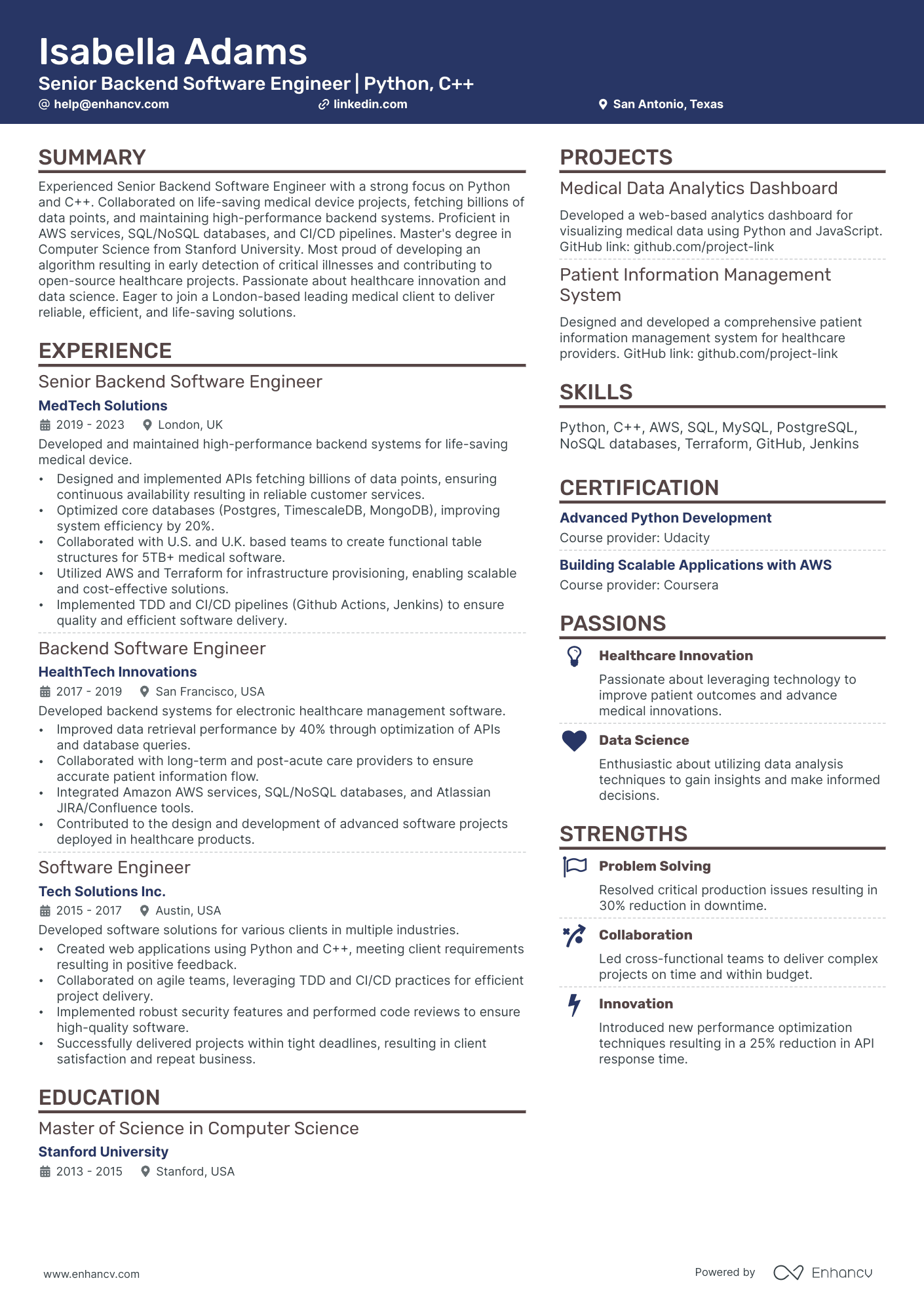
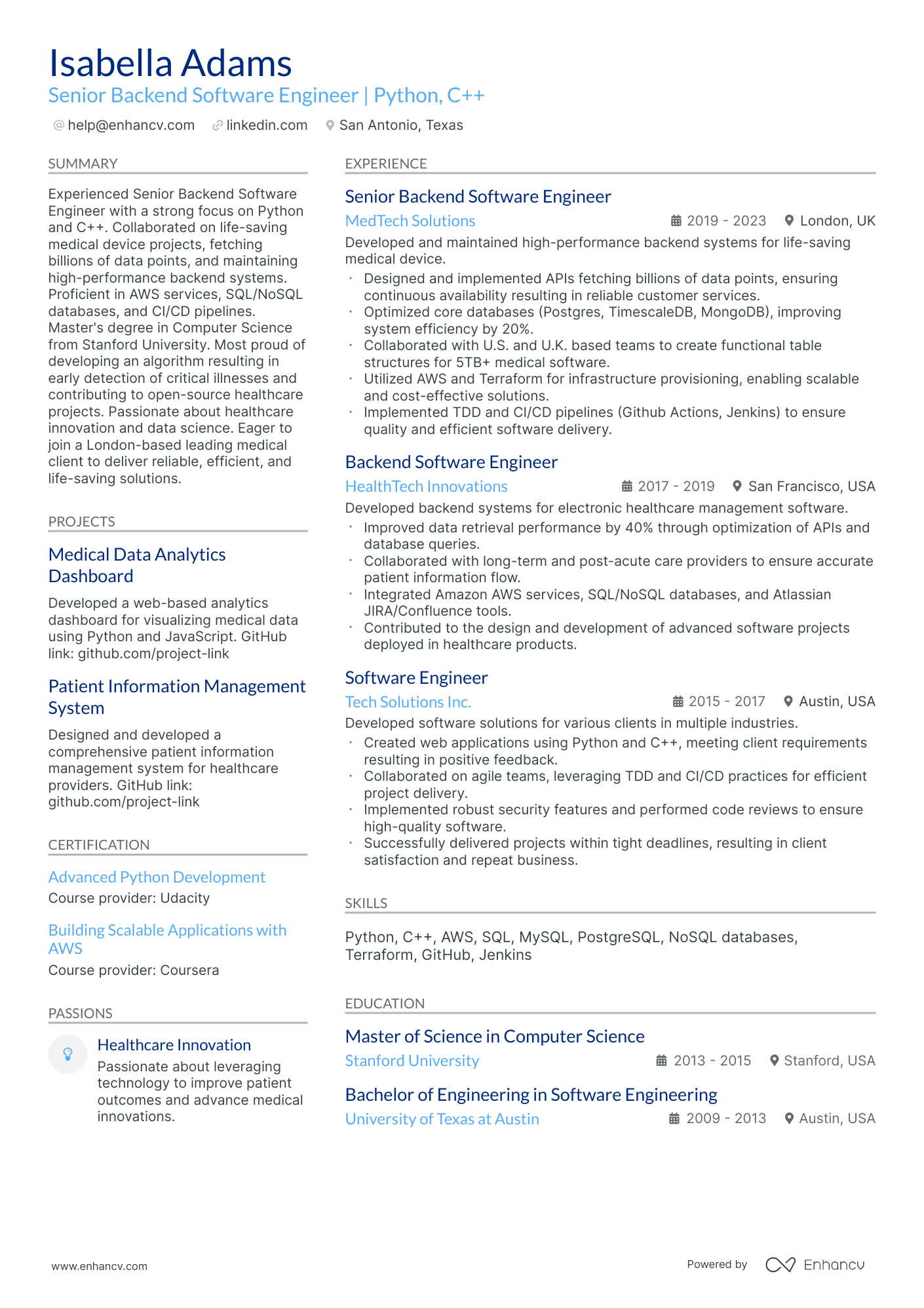
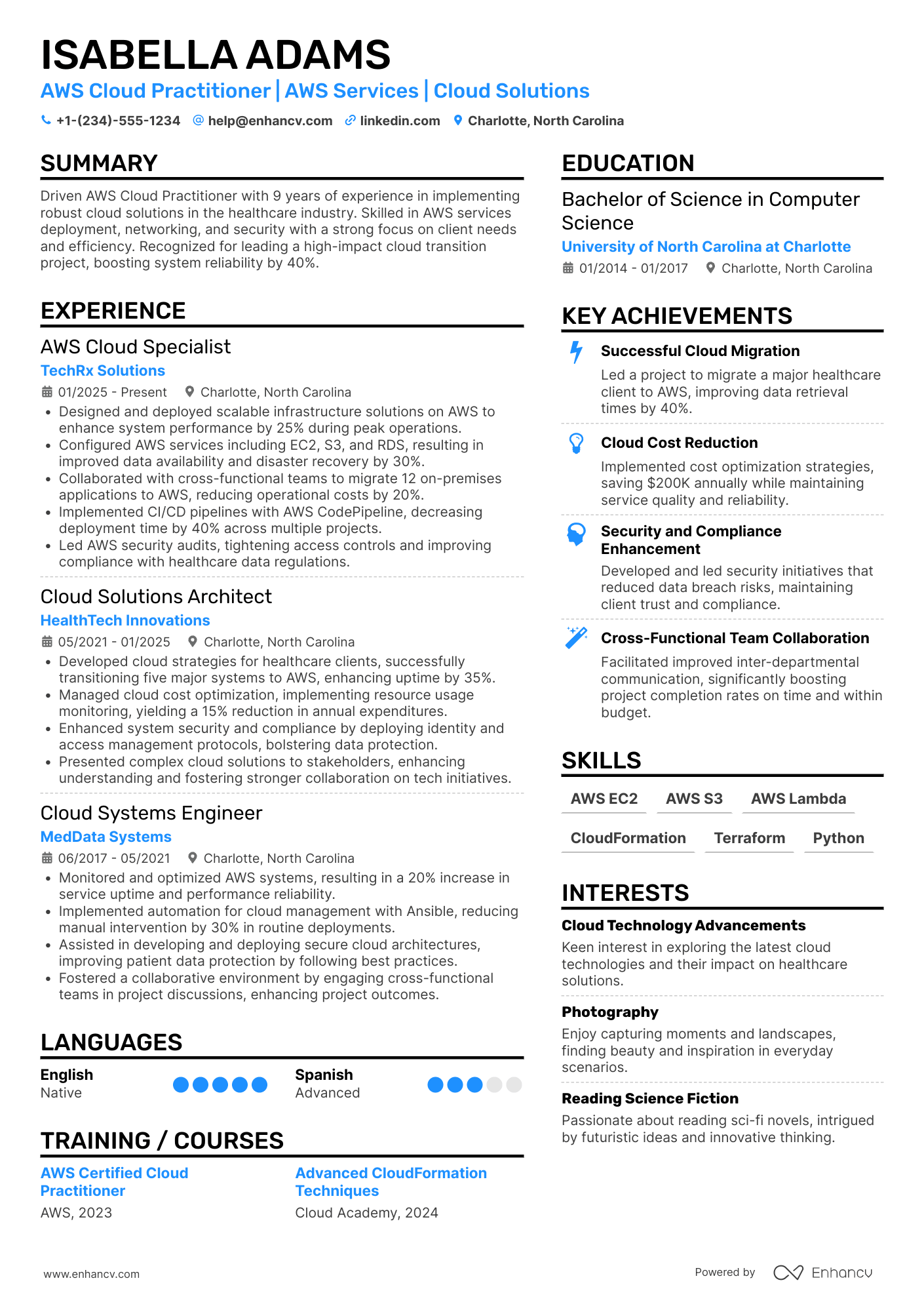
Most AWS Cloud Practitioner resumes fail because they list services and training instead of measurable impact. That hurts in today's AWS Cloud Practitioner resume screening, where applicant tracking system filters and fast recruiter scans favor proof over keywords.
A strong resume shows what changed because of your work. Knowing how to make your resume stand out starts with highlighting uptime gains, cost reductions, faster deployments, fewer security findings, smoother audits, and improved incident response times. Quantify scope with accounts supported, environments managed, and stakeholders served.

Key takeaways
- Quantify cloud impact with metrics like cost savings, uptime gains, and faster deployments.
- Tailor every experience bullet to match the AWS services named in the job posting.
- Use reverse-chronological format if you have cloud experience showing clear progression.
- Lead with certifications, labs, and projects when you lack full-time cloud roles.
- Back every listed skill with a specific outcome in your experience section.
- Use Enhancv's tools to turn vague job duties into measurable, recruiter-ready bullets.
- Stop using AI once your resume accurately reflects real experience—never fabricate claims.
How to format a AWS cloud practitioner resume
Recruiters evaluating AWS cloud practitioner candidates prioritize foundational cloud knowledge, relevant AWS certifications, and the ability to apply cloud concepts to real business scenarios. Choosing the right resume format ensures these signals surface quickly during both automated screening and the initial human review.

I have significant experience in this role—which format should I use?
Use a reverse-chronological format to present your cloud experience in a clear, progression-driven timeline that recruiters can scan in seconds. Do:
- Lead with your most recent role and highlight expanding scope, such as supporting larger environments, more complex architectures, or cross-team cloud initiatives.
- Feature AWS-specific tools and domains prominently—AWS Management Console, IAM, S3, EC2, CloudWatch, billing and cost management, and the AWS Well-Architected Framework.
- Quantify outcomes tied to cost optimization, uptime improvements, migration milestones, or security posture enhancements.
I'm junior or switching into this role—what format works best?
A hybrid format works best, allowing you to lead with a targeted skills section while still providing a concise work history that gives recruiters chronological context. Do:
- Place a skills section near the top that groups AWS competencies (cloud concepts, security, billing, core services) alongside any earned certifications like AWS Certified Cloud Practitioner.
- Include hands-on projects, labs, or transitional experience—such as AWS free-tier projects, cloud migration coursework, or IT support roles where you interacted with cloud infrastructure.
- Connect every listed skill to a concrete action and a measurable or observable result so recruiters see application, not just familiarity.
Why not use a functional resume?
A functional format strips away the timeline and context that recruiters need to verify where and how you applied your AWS knowledge, making it harder to trust your claimed competencies.
- Career changers with no cloud-adjacent work history: You have IT, networking, or systems administration experience that hasn't yet been framed around cloud, and you need to lead with transferable skills while building AWS project experience.
- Recent certification holders with limited professional experience: You earned the AWS Certified Cloud Practitioner credential through self-study or a bootcamp and lack formal job entries to populate a chronological layout.
- A functional format may be acceptable if you're pivoting from an unrelated field and have no professional IT experience, but only if every listed skill is tied to a specific project, lab, or certification exercise with a defined outcome.
With your resume's structure and layout in place, the next step is filling it with the right sections to showcase your AWS cloud expertise effectively.
What sections should go on a AWS cloud practitioner resume
Recruiters expect a clean, role-aligned resume that proves you can support AWS services, follow cloud best practices, and deliver reliable outcomes. Understanding which resume sections to include helps you organize your qualifications for maximum clarity.
Use this structure for maximum clarity:
- Header
- Summary
- Experience
- Skills
- Projects
- Education
- Certifications
- Optional sections: Open-source work, volunteering, languages
Strong experience bullets should emphasize measurable impact, the AWS services you used, the scope of what you supported, and the results you delivered.
Is your resume good enough?
Drop your resume here or choose a file. PDF & DOCX only. Max 2MB file size.
With your resume structure in place, the next step is to write your AWS cloud practitioner resume experience so each role supports the sections you’ve included.
How to write your AWS cloud practitioner resume experience
Your work experience section should highlight cloud projects you've shipped, AWS services you've worked with, and the measurable outcomes your contributions produced. Hiring managers prioritize demonstrated impact—cost savings, improved uptime, faster deployments—over descriptive task lists that simply recount daily responsibilities.
Each entry should include:
- Job title
- Company and location (or remote)
- Dates of employment (month and year)
Three to five concise bullet points showing what you owned, how you executed, and what outcomes you delivered:
- Ownership scope: the AWS environments, cloud infrastructure, migration initiatives, or service portfolios you were directly accountable for as a cloud practitioner.
- Execution approach: the AWS services, cloud management consoles, infrastructure-as-code tools, monitoring frameworks, or cost-optimization methods you used to plan, implement, and maintain cloud solutions.
- Value improved: the changes you drove in cloud cost efficiency, system reliability, deployment speed, security posture, or resource utilization across your organization's AWS footprint.
- Collaboration context: how you partnered with development teams, security engineers, architects, vendors, or business stakeholders to align cloud operations with organizational goals and compliance requirements.
- Impact delivered: the tangible results your work produced—expressed through operational improvements, risk reduction, scalability gains, or business outcomes—rather than a summary of tasks performed.
Experience bullet formula
A AWS cloud practitioner experience example
✅ Right example - modern, quantified, specific.
AWS Cloud Practitioner
BluePeak HealthTech | Remote
2023–2025
Digital health platform supporting 1.2M monthly patient sessions with HIPAA-aligned cloud workloads on AWS.
- Migrated five customer-facing services from Amazon Elastic Compute Cloud (EC2) to AWS Fargate on Amazon Elastic Container Service (ECS), cutting monthly compute spend by 22% and improving deployment frequency from weekly to daily.
- Implemented infrastructure as code using AWS CloudFormation and AWS Systems Manager Parameter Store, reducing environment provisioning time from two days to forty-five minutes and eliminating configuration drift across three accounts.
- Hardened identity and access management using AWS Identity and Access Management (IAM), AWS Organizations service control policies, and AWS Key Management Service (KMS), reducing high-risk permissions by 68% and passing two external security audits with zero critical findings.
- Tuned observability with Amazon CloudWatch, AWS X-Ray, and structured logging standards, decreasing mean time to detect incidents by 35% and cutting mean time to recovery by 28% in partnership with on-call engineers.
- Automated continuous integration and continuous delivery using AWS CodePipeline, AWS CodeBuild, and Amazon Simple Storage Service (S3) artifact versioning, lowering failed releases by 40% and aligning release gates with product managers and quality assurance leads.
Now that you've seen how a strong experience section comes together, let's look at how to align those details with a specific job posting.
How to tailor your AWS cloud practitioner resume experience
Recruiters evaluate your resume through both manual review and applicant tracking systems that scan for relevant terms. Tailoring your resume to the job description ensures your cloud skills and achievements align with what hiring managers prioritize.
Ways to tailor your AWS cloud practitioner experience:
- Match specific AWS services and tools named in the job description.
- Mirror the job posting's terminology for cloud deployment models.
- Align your listed metrics with KPIs the employer emphasizes.
- Reference the AWS Well-Architected Framework if the posting mentions it.
- Highlight cost optimization work when the role stresses budget management.
- Include compliance or security experience when the posting requires it.
- Emphasize cross-team collaboration if the role involves multiple stakeholders.
- Reflect the exact cloud migration or monitoring methodologies they reference.
Tailoring means aligning your real accomplishments with each role's stated requirements, not forcing disconnected keywords into your experience bullets.
Resume tailoring examples for AWS cloud practitioner
| Job description excerpt | Untailored | Tailored |
|---|---|---|
| "Monitor and optimize AWS cloud infrastructure costs using Cost Explorer and Trusted Advisor to achieve a 15% reduction in monthly spend." | Helped reduce cloud costs by reviewing usage and making recommendations. | Leveraged AWS Cost Explorer and Trusted Advisor to analyze resource utilization across 12 accounts, identifying idle EC2 instances and underused RDS clusters to cut monthly cloud spend by 18%. |
| "Deploy and manage multi-region architectures using Amazon EC2, S3, and Route 53 to ensure 99.9% uptime for production workloads." | Managed cloud servers and storage to keep systems running smoothly. | Architected multi-region deployments across Amazon EC2, S3, and Route 53, configuring failover routing policies and cross-region replication that maintained 99.95% uptime for 30+ production workloads. |
| "Implement IAM policies and AWS Organizations SCPs to enforce least-privilege access across development, staging, and production environments." | Set up user permissions and access controls for cloud environments. | Designed and enforced 50+ IAM policies and AWS Organizations service control policies (SCPs) across development, staging, and production accounts, reducing overprivileged roles by 40% through least-privilege access audits. |
Once you’ve aligned your experience with the role’s AWS expectations, quantify your AWS cloud practitioner achievements to show the impact of that work.
How to quantify your AWS cloud practitioner achievements
Quantifying your achievements proves business impact beyond certifications. Focus on cost savings, reliability gains, security risk reduction, delivery speed, and adoption outcomes across AWS services and accounts.
Quantifying examples for AWS cloud practitioner
| Metric | Example |
|---|---|
| Cost optimization | "Reduced monthly AWS spend by 18% ($2,400) by rightsizing eight EC2 instances and enabling AWS Compute Optimizer recommendations." |
| Reliability | "Improved service uptime from 99.5% to 99.95% by configuring multi-AZ RDS, Route 53 health checks, and CloudWatch alarms." |
| Security posture | "Cut critical Security Hub findings by 60% in four weeks by enforcing IAM least privilege, enabling MFA, and remediating S3 public access." |
| Delivery speed | "Cut environment provisioning time from two days to 30 minutes by deploying VPC, IAM, and EC2 via AWS CloudFormation templates." |
| Adoption enablement | "Onboarded 25 users to AWS SSO and standardized tagging across three accounts, raising tagged-resource coverage from 40% to 92%." |
Turn vague job duties into measurable, recruiter-ready resume bullets in seconds with Enhancv's Bullet Point Generator.
With strong bullet points in place, it's equally important to highlight the hard and soft skills that reinforce your qualifications throughout your AWS cloud practitioner resume.
How to list your hard and soft skills on a AWS cloud practitioner resume
A well-organized skills section matters for AWS cloud practitioner roles because recruiters and ATS scan them to confirm cloud fundamentals, tooling, and business impact; aim for a balanced mix of hard skills and execution-focused soft skills aligned to the job post. AWS cloud practitioner roles require a blend of:
- Product strategy and discovery skills.
- Data, analytics, and experimentation skills.
- Delivery, execution, and go-to-market discipline.
- Soft skills.
Your skills section should be:
- Scannable (bullet-style grouping).
- Relevant to the job post.
- Backed by proof in experience bullets.
- Updated with current tools.
Place your skills section:
- Above experience if you're junior or switching careers.
- Below experience if you're mid/senior with strong achievements.

Hard skills
- AWS core services: EC2, S3, RDS, Lambda
- IAM, MFA, least privilege
- VPC, subnets, security groups
- CloudWatch, CloudTrail monitoring
- AWS Well-Architected Framework
- Shared Responsibility Model
- AWS pricing, cost allocation tags
- Cost Explorer, Budgets
- AWS CLI, SDK basics
- Infrastructure as code: CloudFormation, Terraform
- Git, GitHub, CI/CD basics
- KMS encryption, Secrets Manager
Soft skills
- Translate requirements into cloud choices
- Explain tradeoffs in plain language
- Write clear runbooks and notes
- Ask precise scoping questions early
- Collaborate with security and finance
- Prioritize by risk and impact
- Own issues through resolution
- Escalate blockers with context
- Validate assumptions with data
- Communicate status and next steps
- Follow change control discipline
- Document decisions and rationale
How to show your AWS cloud practitioner skills in context
Your skills shouldn't live only in a dedicated skills list. Explore resume skills examples to see how top candidates weave competencies throughout their applications.
They should be demonstrated in:
- Your summary (high-level professional identity)
- Your experience (proof through outcomes)
Here's what strong examples look like in practice.
Summary example
Senior cloud engineer with eight years in healthcare IT. Architected AWS multi-account environments using Organizations, CloudFormation, and IAM best practices—cutting infrastructure costs by 34% while maintaining HIPAA compliance across distributed teams.
Why it works:
- Reflects senior-level experience clearly
- Names specific AWS tools and services
- Includes a concrete cost-reduction metric
- Signals cross-team collaboration skills
Experience example
Senior Cloud Engineer
Meditel Systems | Remote
March 2019–Present
- Migrated 12 on-premise applications to AWS using EC2, S3, and RDS, reducing downtime by 27% within the first year.
- Partnered with DevOps and security teams to implement CloudWatch monitoring, improving incident response time by 40%.
- Designed cost-optimization strategies through Reserved Instances and auto-scaling, saving $180K annually across three business units.
Why it works:
- Every bullet includes measurable proof.
- Skills appear naturally through real outcomes.
Once you’ve connected your AWS cloud practitioner skills to real tasks and outcomes, the next step is learning how to build an AWS cloud practitioner resume with no experience that still presents those skills clearly and credibly.
How do I write a AWS cloud practitioner resume with no experience
Even without full-time experience, you can demonstrate readiness through projects and self-guided learning. Our guide on writing a resume without work experience covers strategies that apply directly to cloud roles. Consider building your candidacy with:
- AWS Skill Builder labs
- Free Tier hands-on projects
- Cloud resume challenge completion
- Personal homelab cloud migrations
- Open-source AWS documentation contributions
- Volunteer nonprofit cloud setup
- Certification practice exams and notes
- GitHub portfolio with IaC templates
Focus on:
- AWS services mapped to use
- Security, IAM, and least privilege
- Cost awareness and budgeting controls
- Evidence: links, metrics, artifacts
Resume format tip for entry-level AWS cloud practitioner
Use a skills-based resume format because it highlights AWS cloud practitioner projects, labs, and certifications before limited work history. Do:
- Put certifications and labs above work history.
- Add GitHub links for every project.
- List AWS services used per bullet.
- Quantify results: cost, uptime, time.
- Include IAM, logging, and backups.
- Built a Free Tier AWS cloud practitioner demo using S3, CloudFront, Route 53, and IAM, cutting page load time from 1.8s to 0.9s.
Once you've structured your resume around transferable skills and relevant projects, your education section becomes the next key area to leverage for credibility.
How to list your education on a AWS cloud practitioner resume
Your education section helps hiring teams confirm you have the foundational technical knowledge needed. It validates your background in areas like networking, systems, or IT—all relevant to the AWS cloud practitioner role.
Include:
- Degree name
- Institution
- Location
- Graduation year
- Relevant coursework (for juniors or entry-level candidates)
- Honors & GPA (if 3.5 or higher)
Avoid listing specific months or days for your graduation date—use the year only.
Here's a strong education entry tailored for an AWS cloud practitioner resume.
Example education entry
Bachelor of Science in Information Technology
George Mason University, Fairfax, VA
2022 | GPA: 3.7/4.0
- Relevant Coursework: Cloud Computing Fundamentals, Computer Networking, Database Management, IT Infrastructure, Operating Systems
- Honors: Dean's List (six semesters), Magna Cum Laude
How to list your certifications on a AWS cloud practitioner resume
Certifications on your resume show your commitment to learning, your proficiency with AWS tools, and your industry relevance as an AWS cloud practitioner.
Include:
- Certificate name
- Issuing organization
- Year
- Optional: credential ID or URL
- Place certifications below education when your degree is recent and directly relevant, and your certifications are older or less aligned with the role.
- Place certifications above education when they are recent, role-relevant, or required, especially if they best validate your AWS cloud practitioner skills.
Best certifications for your AWS cloud practitioner resume
- AWS Certified Cloud Practitioner
- AWS Certified Solutions Architect—Associate
- AWS Certified SysOps Administrator—Associate
- Microsoft Certified: Azure Fundamentals
- Google Cloud Digital Leader
- CompTIA Cloud+
Once you’ve positioned your AWS credentials where recruiters can spot them quickly, use your resume summary to reinforce that qualification upfront and frame your fit for the role.
How to write your AWS cloud practitioner resume summary
Your resume summary is the first thing a recruiter reads. A strong one instantly connects your cloud skills and certifications to the role's requirements.
Keep it to three to four lines, with:
- Your title and relevant years of experience in cloud or IT roles.
- The domain or industry you've worked in, such as SaaS, e-commerce, or finance.
- Core tools and skills like AWS services, cost optimization, or cloud security fundamentals.
- One or two measurable achievements that show real impact.
- Soft skills tied to outcomes, such as cross-team communication that reduced deployment errors.

PRO TIP
At the entry level, lead with your AWS Cloud Practitioner certification and specific services you've used. Highlight early wins like cost savings, successful migrations, or documentation improvements. Avoid vague phrases like "passionate team player" or "eager to learn." Every word should prove you can do the job.
Example summary for a AWS cloud practitioner
AWS-certified cloud practitioner with two years of experience supporting cloud migrations in e-commerce environments. Helped reduce monthly infrastructure costs by 18% through resource monitoring and right-sizing recommendations across EC2 and S3.
Optimize your resume summary and objective for ATS
Drop your resume here or choose a file.
PDF & DOCX only. Max 2MB file size.
Now that your summary captures your cloud expertise and value, make sure your header presents the essential contact and credential details recruiters need to reach you.
What to include in a AWS cloud practitioner resume header
Your resume header is the top section with your key details, and it boosts visibility, credibility, and recruiter screening for a AWS cloud practitioner.
Essential resume header elements
- Full name
- Tailored job title and headline
- Location
- Phone number
- Professional email
- GitHub link
- Portfolio link
A LinkedIn link helps recruiters verify your experience quickly and supports faster screening.
Do not include photos on a AWS cloud practitioner resume unless the role is explicitly front-facing or appearance-dependent.
Match your job title and headline to the posting and include "AWS cloud practitioner" to improve keyword matching in recruiter searches.
AWS cloud practitioner resume header
Jordan Lee
AWS cloud practitioner | Cloud Support and AWS Fundamentals
Austin, TX
(512) 555-01XX
your.name@enhancv.com
github.com/yourname
yourwebsite.com
linkedin.com/in/yourname
Once your contact details and role alignment are clear at the top, you can strengthen the rest of your application by adding relevant additional sections for AWS cloud practitioner resumes.
Additional sections for AWS cloud practitioner resumes
When your core sections look similar to other candidates, additional sections help you stand out with role-specific credibility. For example, listing language skills can set you apart in global or multilingual cloud teams.
- AWS certifications and credentials
- Cloud-related volunteer projects
- Technical publications or blog posts
- Languages
- Professional memberships and cloud communities
- Hackathons and cloud competitions
- Hobbies and interests
Once your resume's additional sections are in place, it's worth pairing it with a strong cover letter to maximize your impact.
Do AWS cloud practitioner resumes need a cover letter
No, an AWS cloud practitioner resume doesn't require a cover letter. It helps when the role is competitive or the team expects one. If you're unsure where to start, understanding what a cover letter is and how it complements your resume can help you decide. It can make a difference when your fit or experience isn't obvious from the resume.
Use a cover letter to add context your AWS cloud practitioner resume can't show:
- Explain role or team fit by matching your experience to the job's AWS services, operating model, and priorities.
- Highlight one or two relevant projects or outcomes, including scope, tools, and measurable results.
- Show understanding of the product, users, or business context, and connect your cloud work to reliability, cost, and security needs.
- Address career transitions or non-obvious experience by mapping past work to AWS cloud practitioner skills and day-to-day responsibilities.
Drop your resume here or choose a file.
PDF & DOCX only. Max 2MB file size.
Even if you decide a cover letter won’t add value for your AWS cloud practitioner application, using AI to improve your AWS cloud practitioner resume is the next step because it helps you strengthen the document that hiring teams review first.
Using AI to improve your AWS cloud practitioner resume
AI can sharpen your wording, tighten structure, and boost impact across every resume section. It's great for drafts and revisions. But overuse creates generic, robotic content. If you're wondering which AI is best for writing resumes, the answer depends on your needs—but the principle stays the same: once your resume sounds clear and role-aligned, step away from AI entirely.
Here are 10 practical prompts to strengthen your AWS cloud practitioner resume:
Strengthen your summary
Quantify experience bullets
Align skills to the role
Improve action verbs
Tighten project descriptions
Tailor to a job posting
Refine certification details
Clarify education entries
Remove filler language
Check overall consistency
Conclusion
A strong AWS cloud practitioner resume proves impact with measurable outcomes, role-specific skills, and a clear structure. Use numbers to show reliability, cost control, performance gains, and security improvements. Keep sections scannable, and align each bullet with the role.
Hiring teams want AWS cloud practitioner candidates who can deliver results now and adapt to changing needs. When your resume stays focused, quantified, and easy to read, it shows readiness for today’s market. Keep it practical, and let your outcomes speak.