

Keyword search puts the sorting work on you. You type a job title, then read listing after listing to work out whether your resume fits any of them.
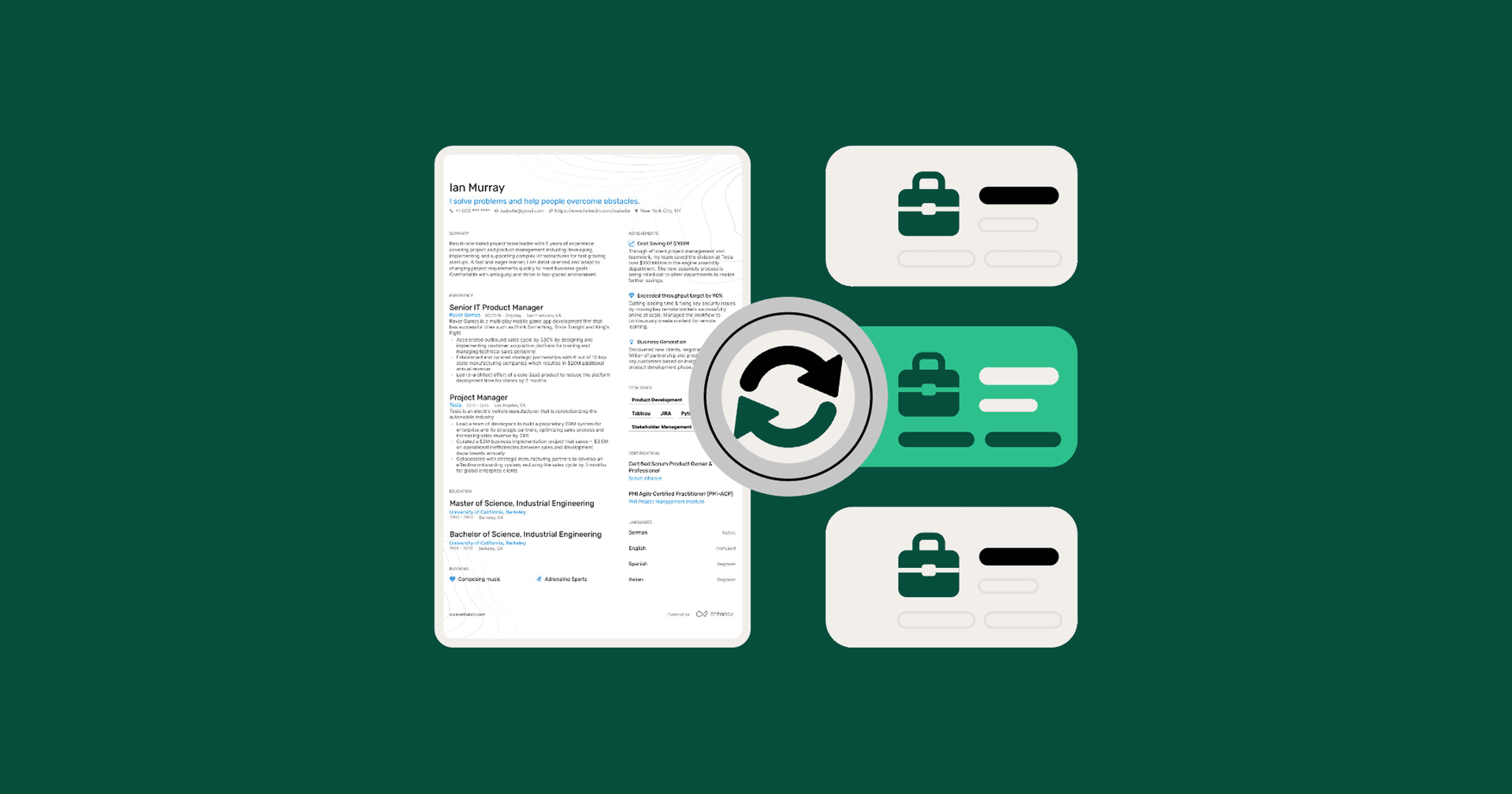
A reverse job search flips that order. Instead of searching by keyword, you let a tool score open roles against your resume and start with the strongest matches. Between the January 2026 launch of Enhancv’s Job Search and September 2026, 47,300 job seekers used it, and 42,600 of them (90%) scored open roles against their resume before applying.
Here’s how the reverse job search works and what the usage data shows.

Key takeaways
- Keyword search puts the sorting on you: One job title can return listings with very different requirements, and you only find out which fit by reading each one.
- Most users started from their resume: 42,600 of 47,300 Job Search users (90%) scored open roles against their resume before applying.
- Match scores kept the list short: Candidates who used match scores explored an average of six to eight high-match roles.
- From search to pipeline: 35,900 users opened matched roles, 13,800 went on to apply, and more than 5,000 saved roles to their Job Application Tracker.
Why doesn’t keyword search work well for job seekers?
Keyword search shows you everything that matches a job title, whether or not it matches your experience. That leaves two problems for you to solve on your own:
- Keyword mismatch: A search for “project manager” can return construction, software, and marketing roles with very different requirements. The only way to sort them is reading each job description line by line.
- The screening blind spot: You don’t see how your experience compares to the posting until a rejection email arrives weeks later, or until you realize no reply is coming.
In our data, Job Search users who worked from match scores explored an average of six to eight high-match roles. That’s a count of roles they looked into, not a weekly target. For pacing, see how many jobs you should apply for, but start from the roles your resume already fits.
We looked at what sending more applications costs in our pipeline tracking study.
How does a reverse job search work?
A reverse job search makes your resume the search filter. You start with roles that already match your background and spend your tailoring time where it’s most likely to count.
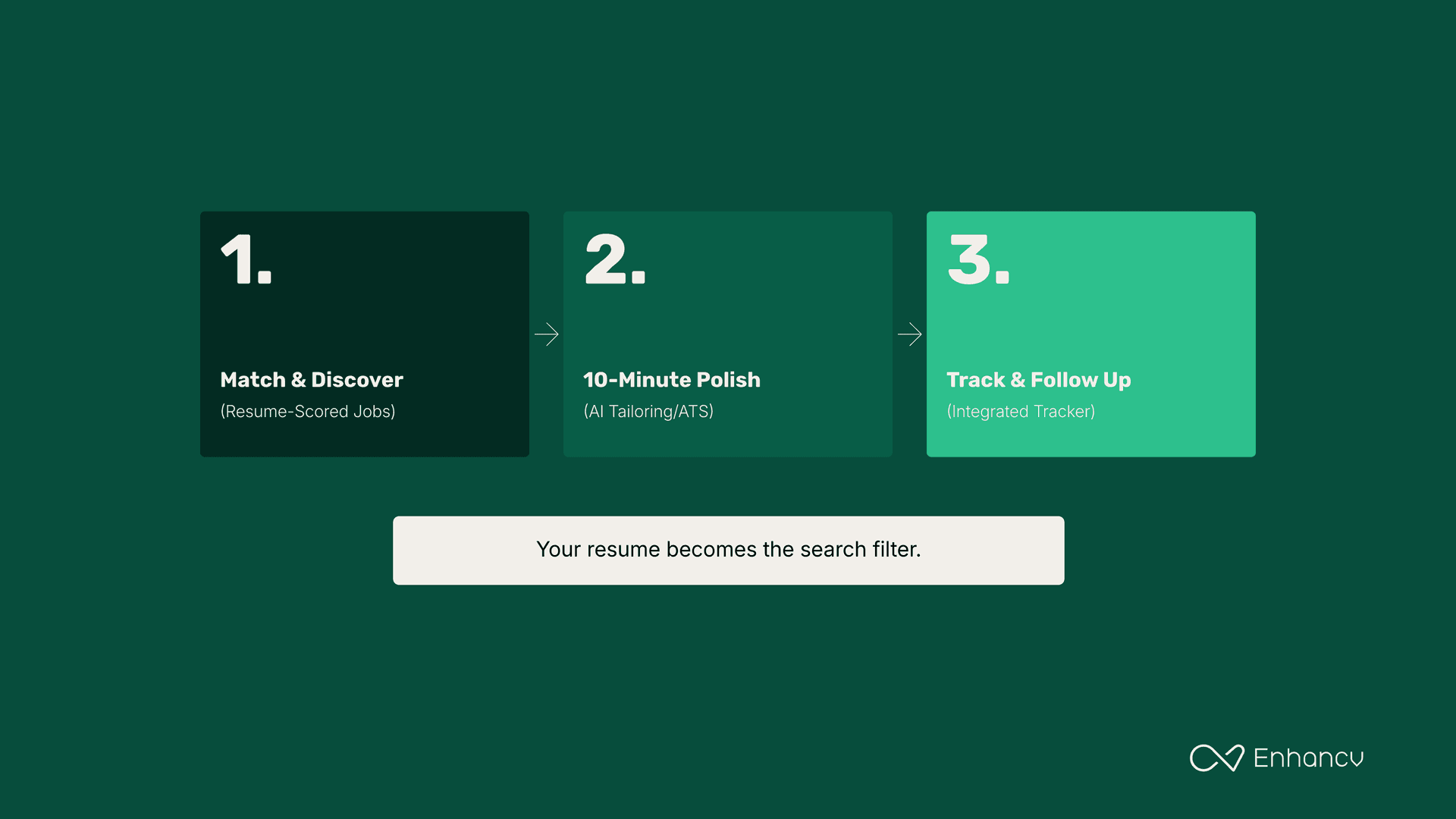
Step 1: Discover roles scored against your background
Instead of typing generic keywords into a search bar, let your resume drive the search.
- Why it works: Scoring open listings against your work history shows which requirements your skills section already covers and which ones are missing, before you’ve spent time on an application.
- How to run it with Enhancv: Open Job Search from your Enhancv dashboard. Enhancv’s job search matches you to open roles and scores each one against your resume, so you apply where you have a real shot. Each match score shows which criteria you meet and which you don’t.
Step 2: Add the matching experience your resume left out
In our data, 35,900 job seekers opened at least one matched role.
- Why it works: You don’t need to rebuild your resume. If a role asks for tools or results you have but left off, tailoring to the job description puts them where both the applicant tracking system and the recruiter see them.
- How to run it with Enhancv: Use Enhancv’s AI Resume Tailoring to adjust your summary and bullet points, then check the match score again to confirm your keyword coverage went up. Before exporting, run Enhancv’s Resume Checker for its 27 checks on content and formatting.
Step 3: Track the application in the same place you found it
In our study, 13,800 job seekers went from search to application, and more than 5,000 saved roles straight into the Job Application Tracker.
- Why it works: Our pipeline tracking study found a median of 10 days between applying and an interview invite. A record of where you applied, which resume you sent, and when to follow up means nothing goes quiet without you noticing.
- How to run it with Enhancv: Save the role to Enhancv’s Job Application Tracker in one click, attach the resume version you sent, and move the card to Applied..
Step 4: Prep for interviews from the same job ad
Once a recruiter reaches out, the job ad you’ve been working from becomes your prep material.
- Why it works: Your interview prep can start from the same job ad you matched and tailored to, so your answers line up with what the posting asks for.
- How to run it with Enhancv: When an invite comes in, move the card to Interviewing. AI Interview Help turns the job ad into likely questions, drafts answers from your resume, and lets you practice role-specific interview questions against an AI interviewer.
How can you run a reverse job search this week?
You can set the whole thing up in one sitting:
- Refresh your base resume: Log in to Enhancv and update your master resume with your latest results, since every match score is calculated from it.
- Open Job Search: Review open roles scored against your resume and sort by match score.
- Pick and tailor: Choose six to eight roles with strong match scores, then tailor your bullet points for the ones you’ll apply to first.
- Save and set reminders: Add each role to your Job Application Tracker, attach the resume you sent, and set a follow-up date.
Start with the resume. Build or update it in Enhancv’s resume builder, then open Job Search to see which open roles it matches best.
Make one that's truly you.