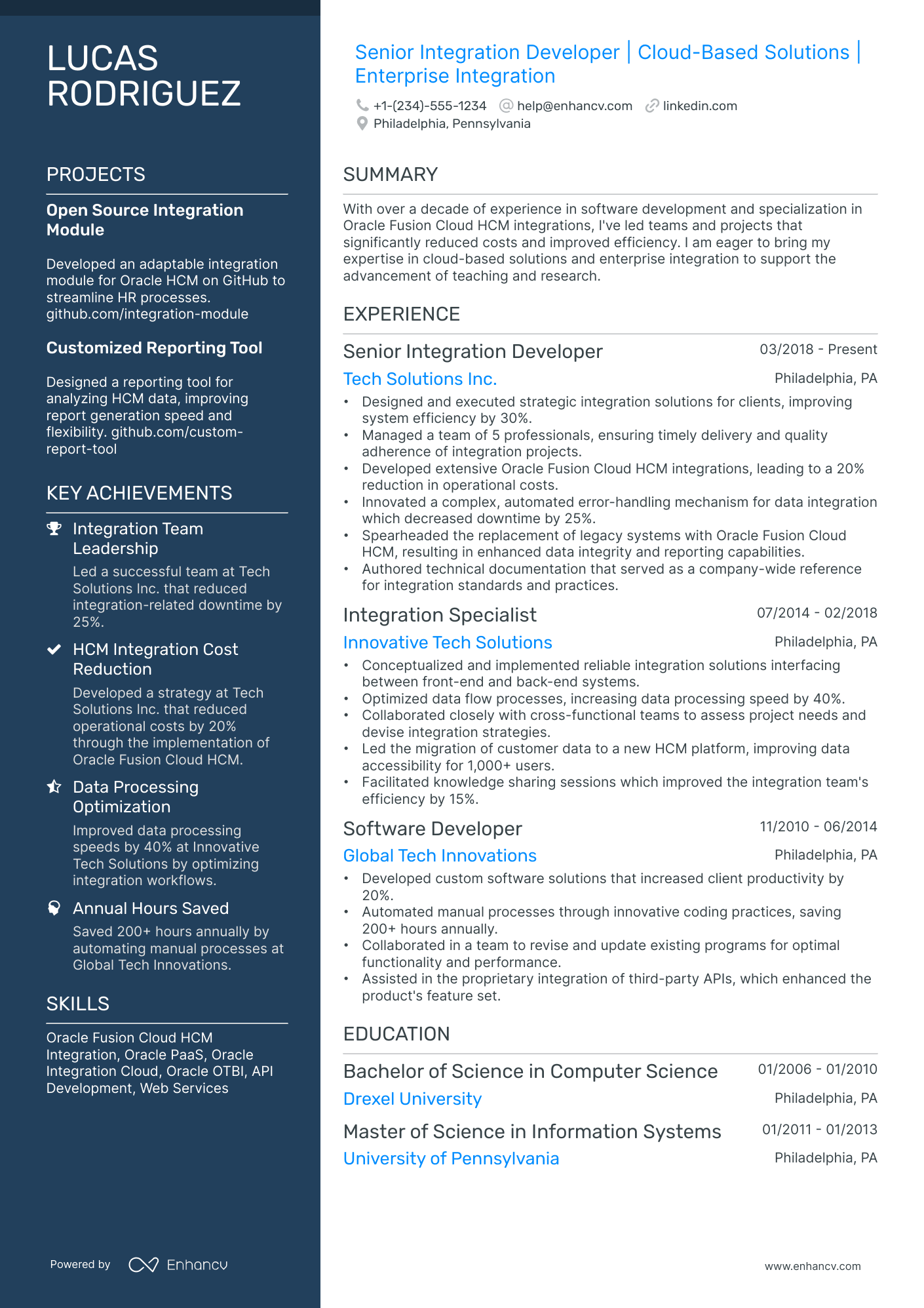
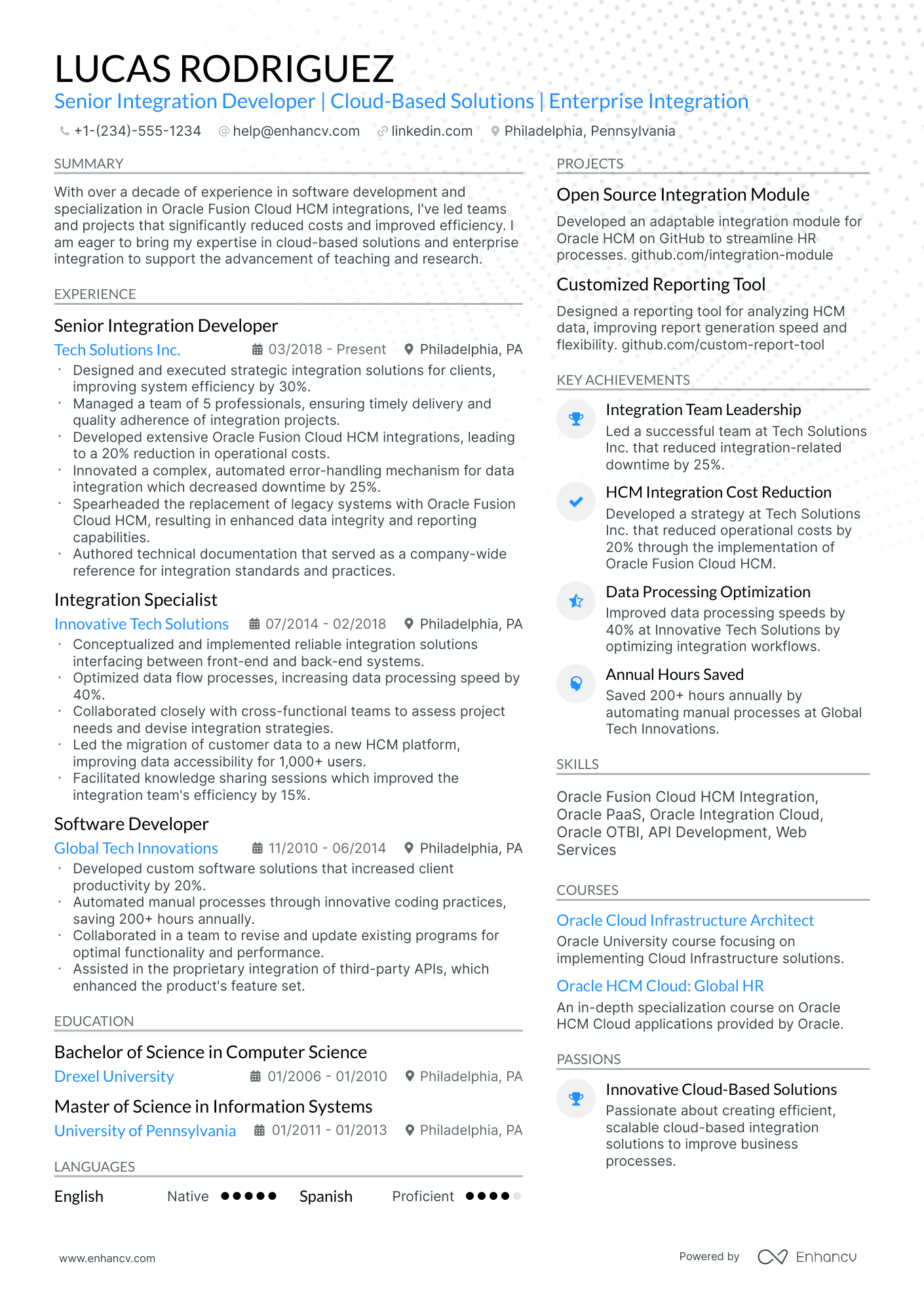
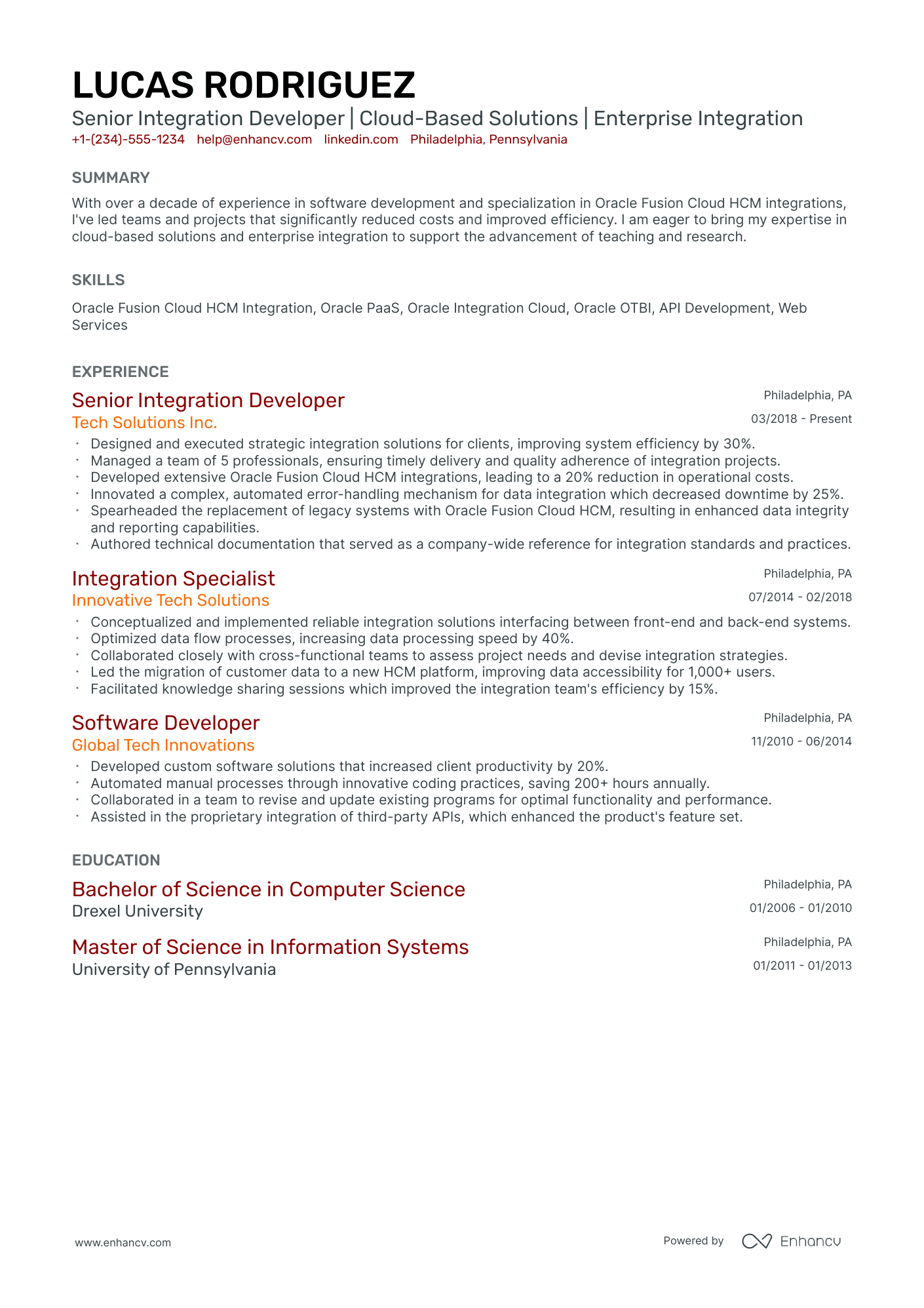
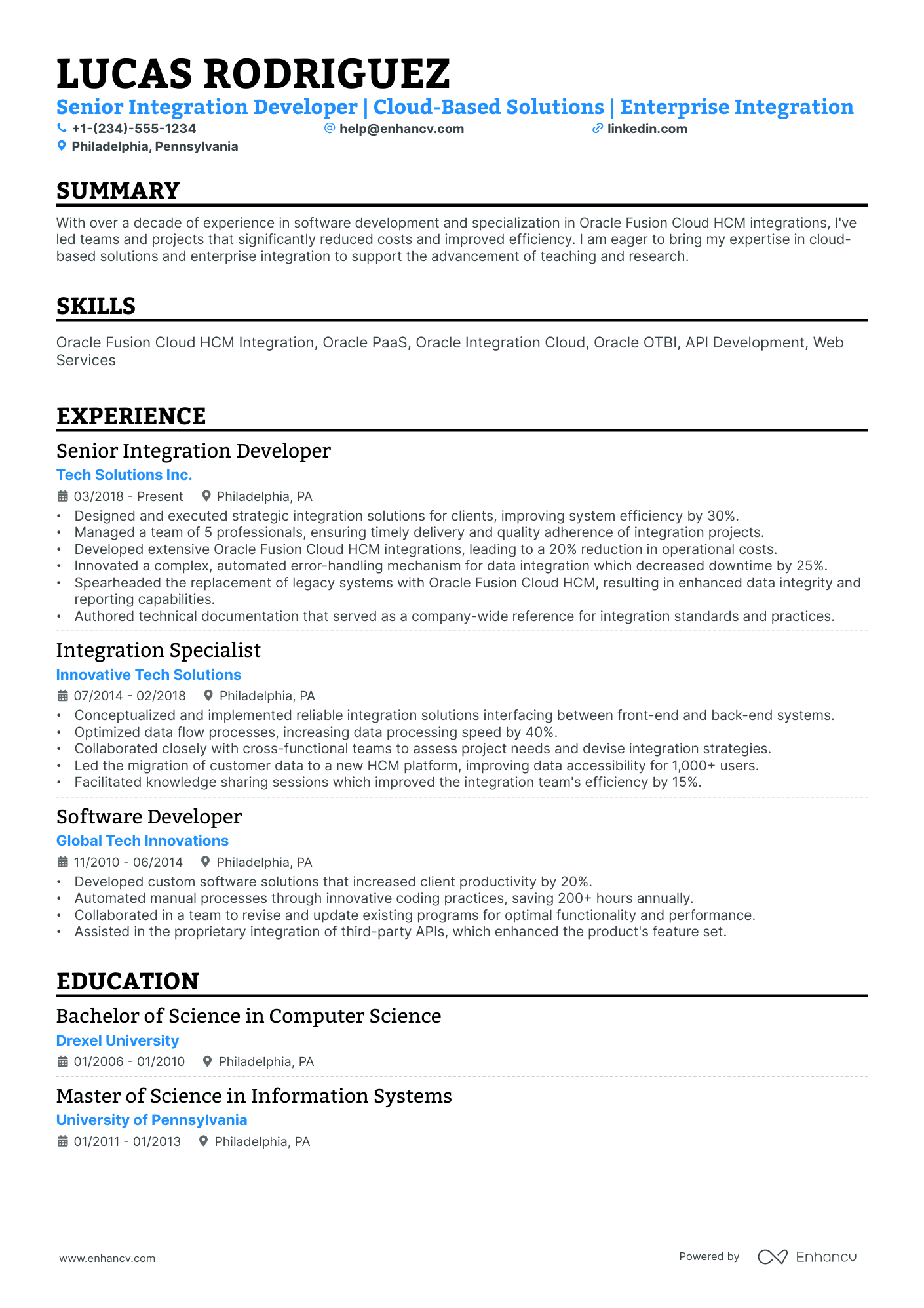
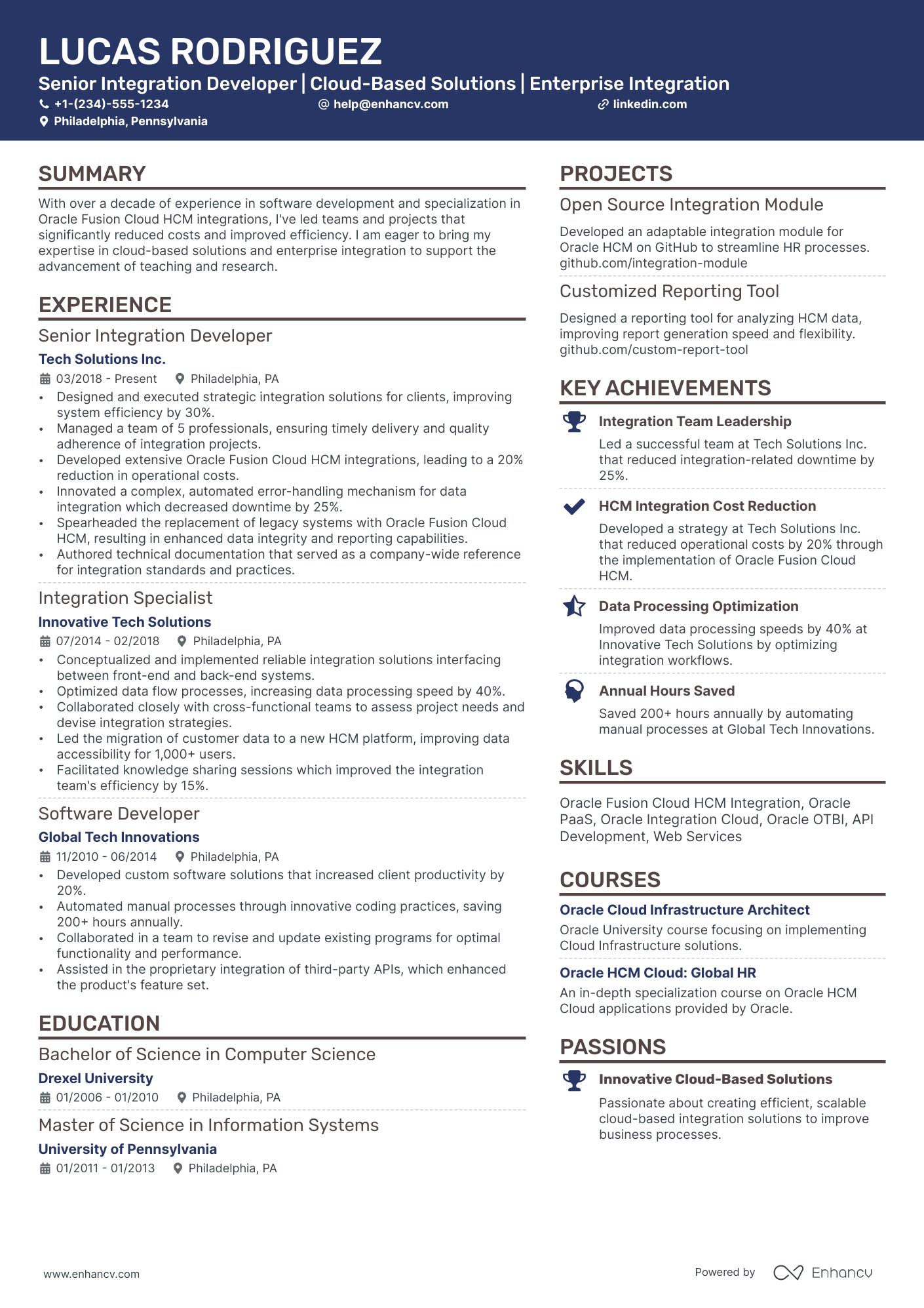
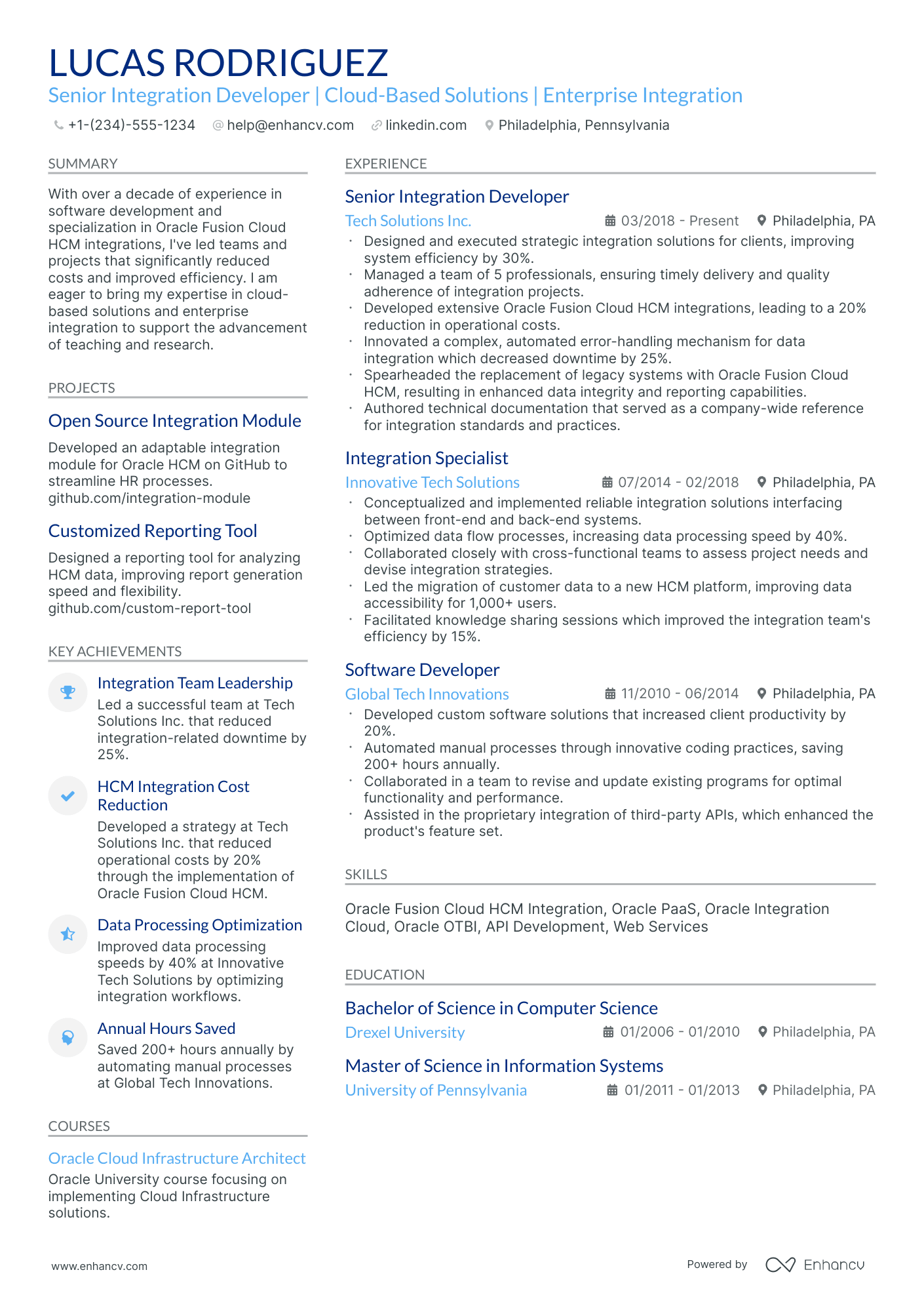
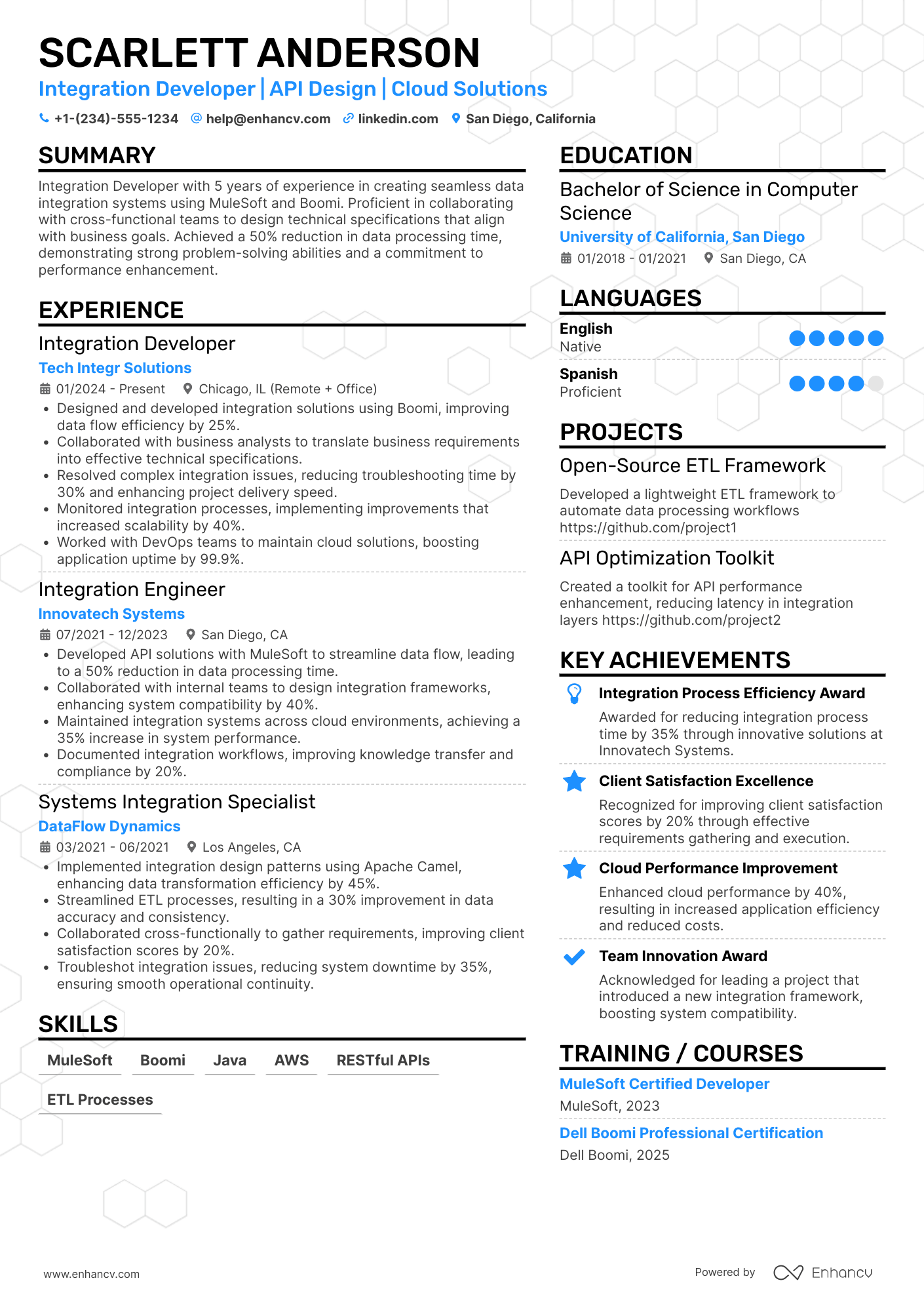
Integration developer resume guides often miss what hiring teams need: clear proof you can design, secure, and support integrations at scale. That hurts in today's screening, where an applicant tracking system filters fast and recruiters scan for impact in seconds.
A strong resume shows outcomes, not tool lists. Knowing how to make your resume stand out means highlighting uptime improvements, reduced latency, lower incident volume, faster delivery cycles, successful migrations, and measurable cost savings. Show scope too: number of systems integrated, data volume, and compliance or audit results.

Key takeaways
- Quantify integration outcomes like latency reduction, uptime gains, and cost savings in every experience bullet.
- Use reverse-chronological format for experienced candidates and hybrid format for career changers or juniors.
- Tailor each resume to the job posting's specific platforms, protocols, and compliance standards.
- Place skills above experience when junior, and below experience when your achievements speak louder.
- Anchor every listed skill to a real project, tool, and measurable result.
- Write a three- to four-line summary featuring your title, domain, core tools, and top achievement.
- Use Enhancv to turn vague duties into measurable, recruiter-ready bullet points faster.
Job market snapshot for integration developers
We analyzed 171 recent integration developer job ads across major US job boards. These numbers help you understand employer expectations, top companies hiring, industry demand at a glance.
What level of experience employers are looking for integration developers
| Years of Experience | Percentage found in job ads |
|---|---|
| 1–2 years | 44.4% (76) |
| 3–4 years | 5.3% (9) |
| 5–6 years | 4.1% (7) |
| 7–8 years | 7.0% (12) |
| 9–10 years | 1.2% (2) |
| 10+ years | 1.2% (2) |
| Not specified | 38.0% (65) |
Integration developer ads by area of specialization (industry)
| Industry (Area) | Percentage found in job ads |
|---|---|
| Finance & Banking | 71.9% (123) |
| Education | 8.8% (15) |
| Manufacturing | 8.8% (15) |
Top companies hiring integration developers
| Company | Percentage found in job ads |
|---|---|
| Accenture | 39.2% (67) |
| Deloitte | 23.4% (40) |
| Korn/Ferry International | 5.8% (10) |
Role overview stats
These tables show the most common responsibilities and employment types for integration developer roles. Use them to align your resume with what employers expect and to understand how the role is structured across the market.
Day-to-day activities and top responsibilities for a integration developer
| Responsibility | Percentage found in job ads |
|---|---|
| Soap | 73.1% (125) |
| Xml | 69.0% (118) |
| Json | 67.3% (115) |
| Rest | 63.7% (109) |
| Javascript | 62.6% (107) |
| Python | 62.6% (107) |
| Java | 59.1% (101) |
| Workday extend | 44.4% (76) |
| Excel | 37.4% (64) |
| Ms project | 37.4% (64) |
| Powerpoint | 37.4% (64) |
| Visio | 37.4% (64) |
Type of employment (remote vs on-site vs hybrid)
| Employment type | Percentage found in job ads |
|---|---|
| On-site | 76.6% (131) |
| Remote | 12.3% (21) |
| Hybrid | 11.1% (19) |
How to format a integration developer resume
Recruiters evaluating integration developer resumes prioritize hands-on experience with middleware platforms, API design, and cross-system data orchestration—along with clear evidence that candidates can deliver measurable integration outcomes. A clean, well-structured resume format ensures these technical signals surface quickly during both human review and applicant tracking system (ATS) parsing.

I have significant experience in this role—which format should I use?
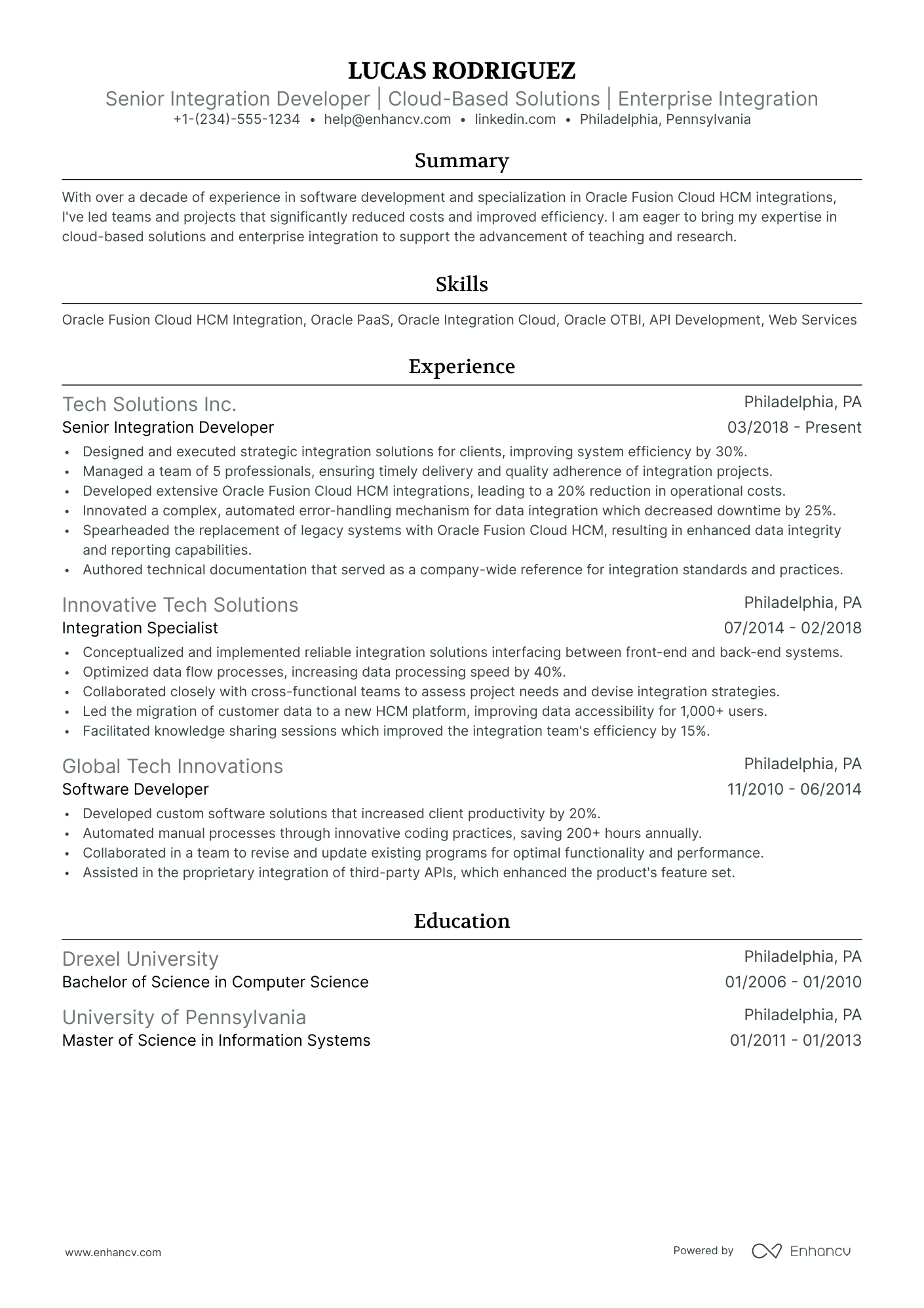
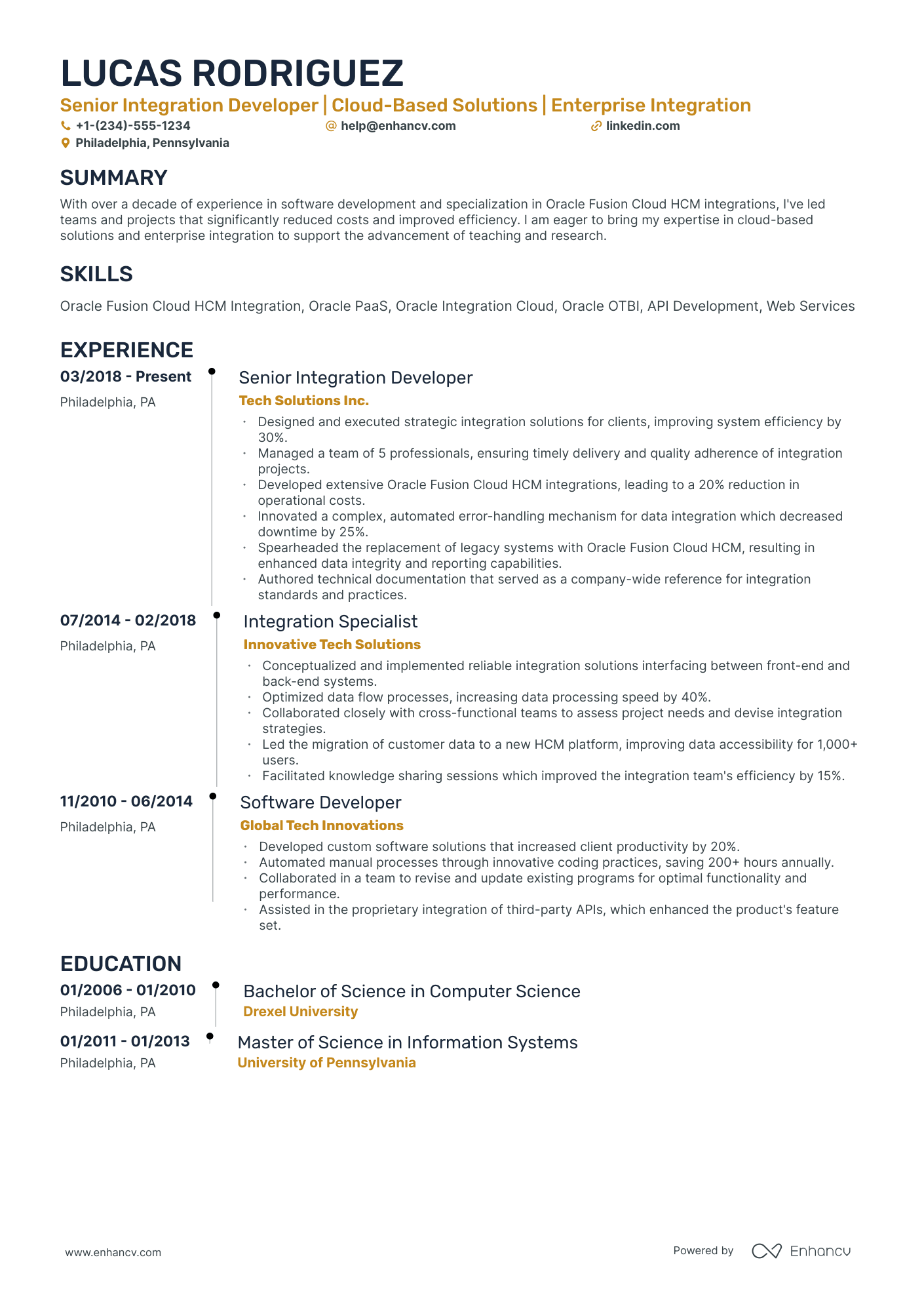
Use a reverse-chronological format to present your integration development career in a clear, linear timeline that highlights growing technical depth and project scope. Do:
- Lead each role entry with the scope of systems, platforms, and stakeholders you owned—such as the number of integrations managed, environments supported, or cross-functional teams coordinated.
- Name specific tools and domains relevant to integration work, including middleware (MuleSoft, Dell Boomi, IBM Integration Bus), API gateways, ETL pipelines, ESB architecture, and cloud-native connectors.
- Quantify outcomes tied to system reliability, data throughput, cost reduction, or time-to-delivery so hiring managers can assess business impact at a glance.
I'm junior or switching into this role—what format works best?
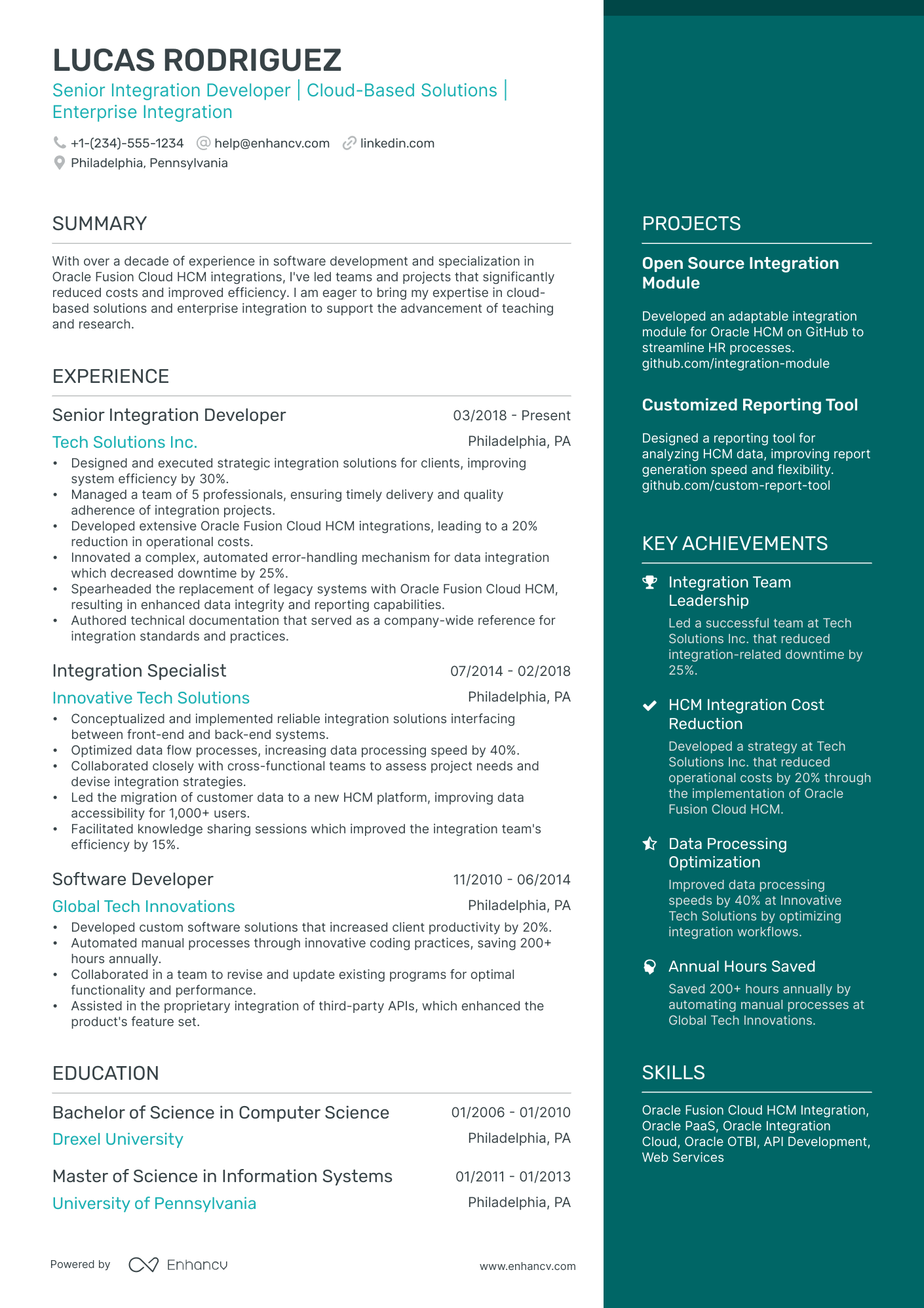
A hybrid format works best because it lets you lead with relevant integration skills and tooling while still providing a chronological work history that shows progression. Do:
- Place a dedicated skills or technical proficiencies section near the top of your resume, listing integration-specific tools (Postman, Zapier, Apache Kafka), languages (Python, Java, SQL), and protocols (REST, SOAP, GraphQL, SFTP).
- Highlight personal projects, freelance work, or certification labs where you built or maintained integrations—such as connecting third-party APIs, automating data pipelines, or configuring webhook workflows.
- Link every action to a concrete result, even in project-based entries, so recruiters can see the connection between your technical contribution and a measurable outcome.
Why not use a functional resume?
A functional format strips away the timeline of your work history, making it difficult for recruiters to evaluate how your integration skills were applied in real environments and whether your experience is recent and relevant.
- Career changers with transferable technical skills: If you've worked in adjacent roles—such as backend development, database administration, or systems engineering—and completed integration-focused projects or certifications but lack formal integration developer job titles.
- Candidates with significant resume gaps: If you're re-entering the workforce after an extended break but have maintained skills through freelance integration work, open-source contributions, or platform-specific certifications (e.g., MuleSoft Certified Developer).
- A functional format is acceptable only when you have no direct integration developer experience and need to foreground transferable technical skills—but you should still anchor every skill to a project or measurable result and transition to a hybrid or reverse-chronological format as soon as you gain relevant role experience.
Now that you've established a clean, readable layout, it's time to fill it with the right sections that highlight your integration development expertise.
What sections should go on a integration developer resume
Recruiters expect a clean, easy-to-scan resume that shows how you design, build, and support reliable integrations across systems. Understanding what to put on a resume for this role is critical to passing both ATS filters and manual review.
Use this structure for maximum clarity:
- Header
- Summary
- Experience
- Skills
- Projects
- Education
- Certifications
- Optional sections: Open-source work, publications, languages
Strong experience bullets should emphasize integration reliability, performance, and security improvements, plus measurable delivery outcomes across systems, stakeholders, and environments.
Is your resume good enough?
Drop your resume here or choose a file. PDF & DOCX only. Max 2MB file size.
With the key resume components in place, the next step is to write your integration developer resume experience section so you can show how you’ve applied them in real work.
How to write your integration developer resume experience
Your work experience section should highlight integration solutions you've shipped, the platforms and middleware you've worked with, and the measurable outcomes your work produced. Hiring managers prioritize demonstrated impact—systems connected, data flows optimized, downtime reduced—over descriptive task lists.
Each entry should include:
- Job title
- Company and location (or remote)
- Dates of employment (month and year)
Three to five concise bullet points showing what you owned, how you executed, and what outcomes you delivered:
- Ownership scope: the integration platforms, APIs, data pipelines, middleware systems, or enterprise environments you were directly accountable for building, maintaining, or scaling.
- Execution approach: the integration frameworks, ETL tools, messaging protocols, cloud services, or development methodologies you used to architect solutions and deliver reliable connectivity between systems.
- Value improved: the changes you drove in data reliability, system performance, processing speed, error rates, uptime, or security posture across the integration landscape.
- Collaboration context: how you partnered with software engineering teams, solution architects, product managers, vendor technical contacts, or business stakeholders to define integration requirements and resolve cross-system dependencies.
- Impact delivered: the business outcomes your integration work produced—expressed through improvements in operational efficiency, data accuracy, system scalability, or reduction in manual processes—rather than a summary of daily activities.
Experience bullet formula
A integration developer experience example
✅ Right example - modern, quantified, specific.
Integration Developer
NorthBridge Health | Remote
2022–Present
Built and scaled healthcare data integrations for a SaaS platform supporting 200+ provider organizations and payer partners.
- Delivered 35+ partner integrations using Mulesoft Anypoint Platform, HL7 v2, FHIR, REST, and SFTP, cutting average onboarding time from six weeks to three weeks.
- Automated end-to-end integration testing with Postman, Newman, and GitHub Actions, reducing production defects by 38% and improving release confidence across biweekly deployments.
- Optimized API performance with caching, pagination, and asynchronous processing in Java and Spring Boot, lowering p95 response time by 42% under peak loads of 1,200 requests per minute.
- Implemented observability with Splunk dashboards, structured logging, and alerting tied to service-level objectives, shrinking mean time to detect from forty minutes to nine minutes and mean time to resolve by 31%.
- Partnered with product managers, security, and client implementation teams to define mapping specs and data governance for protected health information, passing two SOC 2 audits with zero integration-related findings.
Now that you've seen how to structure your experience entries, let's focus on aligning them with the specific requirements of each job posting.
How to tailor your integration developer resume experience
Recruiters evaluate your integration developer resume through applicant tracking systems and manual review, scoring candidates on how closely their experience matches the posting. Tailoring your resume to the job description by reflecting its specific language and priorities increases your chances of passing both filters.
Ways to tailor your integration developer experience:
- Match middleware platforms and integration tools named in the job description.
- Mirror the exact API protocols and data formats the posting specifies.
- Use the same terminology for ETL processes or data transformation methods.
- Reflect specific compliance or security standards referenced in the listing.
- Highlight experience with the enterprise systems the role connects.
- Align your metrics with the KPIs or success criteria the employer values.
- Include relevant industry or domain experience when the posting requires it.
- Reference the collaboration models or agile frameworks the team follows.
Tailoring means aligning your real accomplishments with what the role demands, not forcing disconnected keywords into your experience section.
Resume tailoring examples for integration developer
| Job description excerpt | Untailored | Tailored |
|---|
Once your experience aligns with the role’s requirements, quantify your integration developer achievements to show the impact of that work.
How to quantify your integration developer achievements
Quantifying your achievements shows how your integrations improved speed, reliability, and delivery. Focus on latency, throughput, error rates, uptime, cost, and release cadence across application programming interfaces, message queues, and extract, transform, load pipelines.
Quantifying examples for integration developer
| Metric | Example |
|---|---|
| Performance | "Cut application programming interface latency from 900 ms to 220 ms by adding caching and tuning MuleSoft flows for five high-traffic endpoints." |
| Reliability | "Improved integration uptime from 99.3% to 99.95% by adding retry policies, dead-letter queues, and alerting in Azure Service Bus." |
| Quality | "Reduced production mapping defects by 60% by adding contract tests and schema validation in Postman and JSON Schema across twelve integrations." |
| Cost | "Lowered monthly integration runtime costs by 28% by right-sizing Kubernetes resources and optimizing Apache Kafka partitioning for peak loads." |
| Delivery speed | "Shortened lead time from eight days to three days by templating pipelines in GitHub Actions and standardizing CI checks for integration releases." |
Turn vague job duties into measurable, recruiter-ready resume bullets in seconds with Enhancv's Bullet Point Generator.
With strong bullet points in place, the next step is ensuring your skills section presents the right mix of hard and soft skills that hiring managers expect from an integration developer.
How to list your hard and soft skills on a integration developer resume
Your skills section matters for integration developers because recruiters and ATS scan them to confirm your fit across platforms, APIs, and delivery execution—aim for a balanced mix of technical integration skills and role-specific collaboration skills. integration developer roles require a blend of:
- Product strategy and discovery skills.
- Data, analytics, and experimentation skills.
- Delivery, execution, and go-to-market discipline.
- Soft skills.
Your skills section should be:
- Scannable (bullet-style grouping).
- Relevant to the job post.
- Backed by proof in experience bullets.
- Updated with current tools.
Place your skills section:
- Above experience if you're junior or switching careers.
- Below experience if you're mid/senior with strong achievements.

Hard skills
- REST, SOAP APIs
- API design, versioning
- OAuth 2.0, JWT
- JSON, XML, XSD
- Webhooks, event-driven integration
- Apache Kafka, RabbitMQ
- iPaaS: MuleSoft, Boomi
- ETL and ELT pipelines
- SQL, PostgreSQL
- CI and CD pipelines
- Docker, Kubernetes
- Monitoring: Splunk, Datadog
Your hard skills should reflect the specific platforms, protocols, and tools you've used in production environments.
Soft skills
- Translate requirements into mappings
- Clarify scope and acceptance criteria
- Write integration-ready technical specs
- Coordinate across teams and vendors
- Surface risks and dependencies early
- Triage incidents and prioritize fixes
- Communicate tradeoffs and constraints
- Document decisions and interfaces
- Own deployments and rollback plans
- Manage stakeholder expectations
- Drive root cause analysis
- Maintain change control discipline
Don't underestimate the value of soft skills on your resume—integration developers constantly coordinate across teams, vendors, and stakeholders, making communication and collaboration essential.
How to show your integration developer skills in context
Skills shouldn't live only in a dedicated skills list. Browse examples of resume skills in context to see how other professionals weave technical abilities into their experience and summary sections.
They should be demonstrated in:
- Your summary (high-level professional identity)
- Your experience (proof through outcomes)
Here's how that looks in practice.
Summary example
Senior integration developer with eight years of experience designing middleware solutions across healthcare and fintech. Skilled in MuleSoft, REST APIs, and enterprise service bus architecture. Led a platform migration that reduced data processing latency by 40% while mentoring a distributed team.
- Specifies senior-level experience clearly
- Names role-relevant tools and platforms
- Includes a concrete, measurable outcome
- Highlights leadership as a soft skill
Experience example
Senior Integration Developer
Meridian Health Systems | Remote
March 2019–January 2024
- Architected MuleSoft-based integrations connecting 12 clinical platforms, cutting data sync errors by 63% across all facilities.
- Partnered with product and DevOps teams to implement CI/CD pipelines using Jenkins, reducing deployment cycles from five days to one.
- Designed RESTful API governance standards adopted company-wide, improving third-party onboarding speed by 45%.
- Every bullet includes measurable proof
- Skills surface naturally through real outcomes
Once you’ve tied your integration developer abilities to real outcomes, the next step is translating that approach into a resume when you don’t have formal experience.
How do I write a integration developer resume with no experience
Even without full-time experience, you can demonstrate readiness through projects and self-directed learning. If you're building a resume without work experience, focus on showcasing integration projects that prove your technical abilities:
- API integration capstone project
- Personal ETL automation pipeline
- Open-source connector contributions
- Integration certification labs completed
- Hackathon system integration build
- Freelance data sync for nonprofit
- Internship-like client project simulation
- Technical blog on integration patterns
Focus on:
- Integration project scope and impact
- Tools: MuleSoft, Boomi, Apache Camel
- API design, mapping, transformations
- Testing, logging, error handling
Resume format tip for entry-level integration developer
Use a skills-first resume format because it highlights integration projects, tools, and outcomes when you lack full-time integration developer experience. Do:
- Lead with a "Projects" section.
- List tools beside each project.
- Quantify results with time saved.
- Include GitHub links to code.
- Add tests, logs, and monitoring.
- Built a MuleSoft API-led integration syncing Salesforce and PostgreSQL, reducing manual updates by 80% and adding retry logic, validation, and structured logging.
Even without hands-on experience, your education section can demonstrate the technical foundation and relevant coursework that qualify you for an integration developer role.
How to list your education on a integration developer resume
Your education section helps hiring teams confirm you have the foundational technical knowledge needed for integration developer work. It validates your background in systems, software, and data concepts.
Include:
- Degree name
- Institution
- Location
- Graduation year
- Relevant coursework (for juniors or entry-level candidates)
- Honors & GPA (if 3.5 or higher)
Skip month and day details—list the graduation year only.
Here's a strong education entry tailored for an integration developer resume.
Example education entry
Bachelor of Science in Computer Science
University of Illinois at Urbana-Champaign, Champaign, IL
Graduated 2021
GPA: 3.7/4.0
- Relevant Coursework: Distributed Systems, Database Design, API Architecture, Enterprise Application Integration, Cloud Computing
- Honors: Dean's List (six semesters), Magna Cum Laude
How to list your certifications on a integration developer resume
Certifications on your resume show an integration developer's commitment to learning, proficiency with key tools, and alignment with industry standards. They also help recruiters quickly validate skills for specific platforms and integration patterns. Include:
- Certificate name
- Issuing organization
- Year
- Optional: credential ID or URL
- Place certifications below education when your degree is recent and directly relevant, and your certifications are older or secondary.
- Place certifications above education when they are recent, platform-specific, and closely match the integration developer role you want.
Best certifications for your integration developer resume
- MuleSoft Certified Developer — Level 1 (Mule 4)
- AWS Certified Developer — Associate
- Microsoft Certified: Azure Developer Associate
- Google Cloud Professional Cloud Developer
- Certified Kubernetes Application Developer (CKAD)
- Dell Boomi Professional Developer Certification
- IBM Certified Application Developer — Cloud Pak for Integration
Once you’ve positioned your credentials where they add the most value, shift to your integration developer resume summary to connect them to the role and set context for the rest of your resume.
How to write your integration developer resume summary
Your resume summary is the first thing a recruiter reads, so it needs to earn attention fast. A strong opening frames you as the right integration developer before they scan anything else.
Keep it to three to four lines, with:
- Your title and total years of experience in integration development.
- The domain or industry you've worked in, such as e-commerce, healthcare, or fintech.
- Core tools and technologies like MuleSoft, Dell Boomi, REST APIs, or middleware platforms.
- One or two measurable achievements that show your direct impact on projects.
- Soft skills tied to real outcomes, such as cross-team collaboration that shortened delivery timelines.

PRO TIP
At a mid-level integration developer role, lead with your technical toolkit and concrete project results. Highlight specific platforms you've built integrations on and quantify improvements you delivered. Avoid vague phrases like "passionate problem-solver" or "team player." Instead, show collaboration through measurable outcomes, like reducing API error rates or cutting data sync times.
Example summary for a integration developer
Integration developer with four years of experience building REST and SOAP APIs using MuleSoft in e-commerce environments. Reduced order processing errors by 32% through automated middleware workflows. Collaborated across engineering and product teams to deliver integrations ahead of schedule.
Optimize your resume summary and objective for ATS
Drop your resume here or choose a file.
PDF & DOCX only. Max 2MB file size.
Now that your summary conveys your value as an integration developer, make sure your header presents the essential contact and professional details recruiters need to reach you.
What to include in a integration developer resume header
A resume header lists your key identity and contact details, helping integration developer candidates boost visibility, build credibility, and pass recruiter screening fast.
Essential resume header elements
- Full name
- Tailored job title and headline
- Location
- Phone number
- Professional email
- GitHub link
- Portfolio link
A LinkedIn link helps recruiters verify experience quickly and supports screening.
Do not include a photo on a integration developer resume unless the role is explicitly front-facing or appearance-dependent.
Match your header job title to the posting and include integration platforms you use most in the headline.
Integration developer resume header
Jordan Lee
Integration Developer | MuleSoft and Boomi Integrations | API and ETL Pipelines
Austin, TX
(512) 555-01XX
jordan.lee@enhancv.com
github.com/jordanlee
yourwebsite.com
linkedin.com/in/jordanlee
Once your contact details and role focus are clear at the top, add relevant additional sections to reinforce your fit and provide supporting context.
Additional sections for integration developer resumes
When your core qualifications match other candidates, well-chosen additional sections can set your integration developer resume apart with unique credibility. For example, listing language skills on your resume can be a differentiator when working with global teams or international vendor integrations.
- Languages
- Certifications (middleware platforms, API management, cloud integration)
- Open source contributions
- Technical publications
- Professional affiliations (integration and enterprise architecture communities)
- Hackathons and technical competitions
- Volunteer technical work
With your resume's additional sections reinforcing your technical and professional profile, pairing it with a tailored cover letter can further strengthen your application.
Do integration developer resumes need a cover letter
A cover letter isn't required for an integration developer, but it helps when roles are competitive or hiring teams expect context beyond a resume. If you're unsure what a cover letter is or when to use one, it can make a difference when your background needs explanation or when fit matters.
Use a cover letter to add details your resume can't show:
- Explain role and team fit by matching your integration patterns, tools, and collaboration style to the team's stack and delivery process.
- Highlight one or two relevant projects and outcomes, such as reducing failures, improving latency, or increasing throughput across key integrations.
- Show understanding of the product, users, and business context by describing what the integrations enable and how you measured success.
- Address career transitions or non-obvious experience by connecting prior work to integration developer responsibilities, including APIs, data flows, and reliability.
Drop your resume here or choose a file.
PDF & DOCX only. Max 2MB file size.
Even if you decide a cover letter won’t add value for your integration developer application, you can use AI to refine your resume faster and more precisely.
Using AI to improve your integration developer resume
AI can sharpen your resume's clarity, structure, and impact. It helps refine phrasing and highlight measurable results. But overuse strips authenticity fast. If you're wondering which AI is best for writing resumes, the answer depends on your specific needs—but once your content reads clearly and aligns with your target role, step away from AI.
Here are 10 practical prompts to strengthen specific sections of your integration developer resume:
Strengthen your summary
Quantify experience bullets
Align skills to job posts
Tighten action verbs
Refine project descriptions
Improve certification relevance
Cut redundant phrasing
Clarify technical scope
Tailor education details
Spotlight collaboration impact
Conclusion
A strong integration developer resume proves impact with measurable outcomes, such as reduced latency, fewer incidents, faster releases, or higher throughput. It highlights role-specific skills, including application programming interfaces, data mapping, messaging, error handling, and security. Clear structure makes results and scope easy to scan.
Keep your integration developer resume focused, consistent, and easy to read. When you pair outcomes with relevant skills and a clean layout, you show readiness for today’s hiring market and near-future needs. That clarity helps hiring teams move you forward faster.