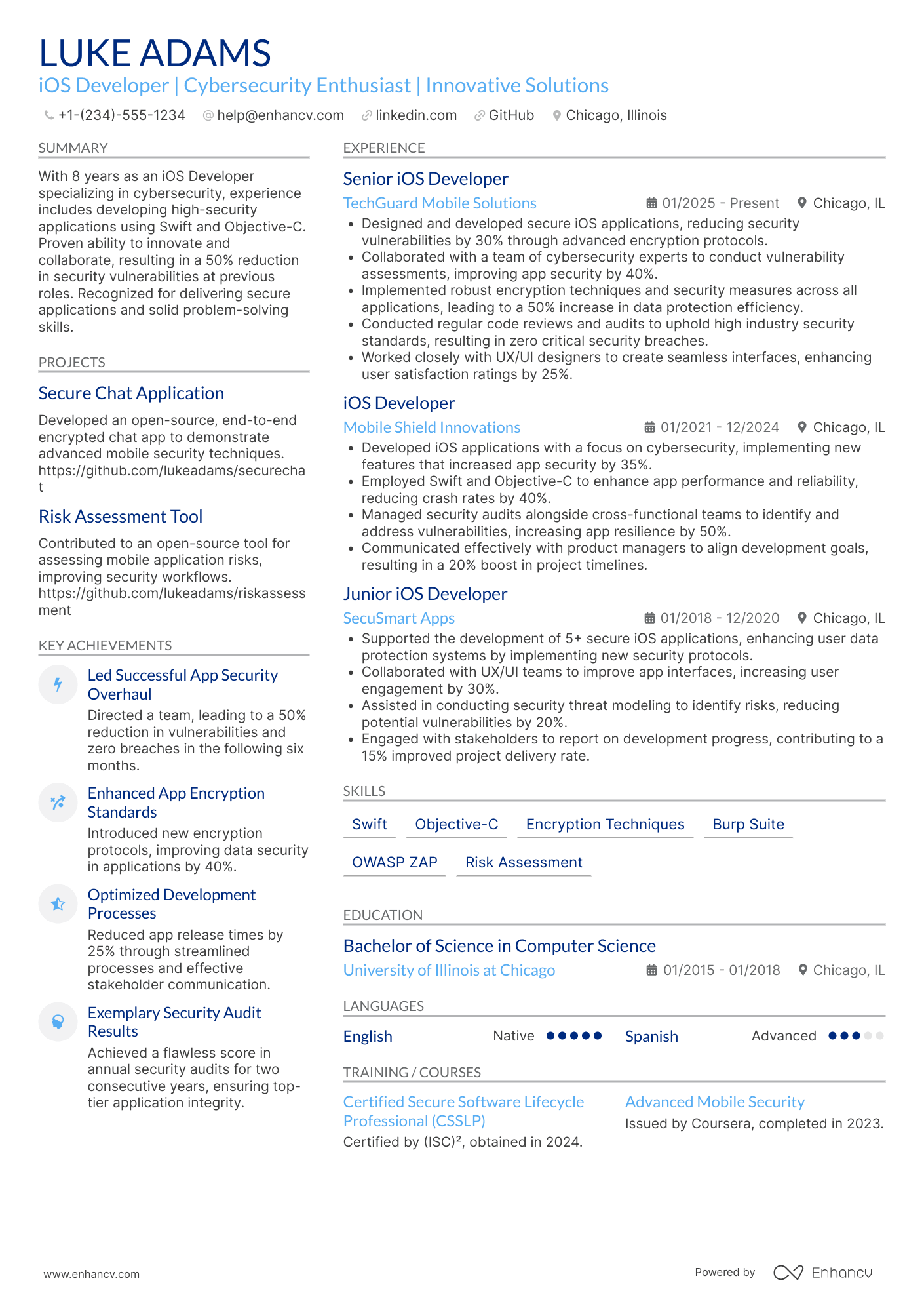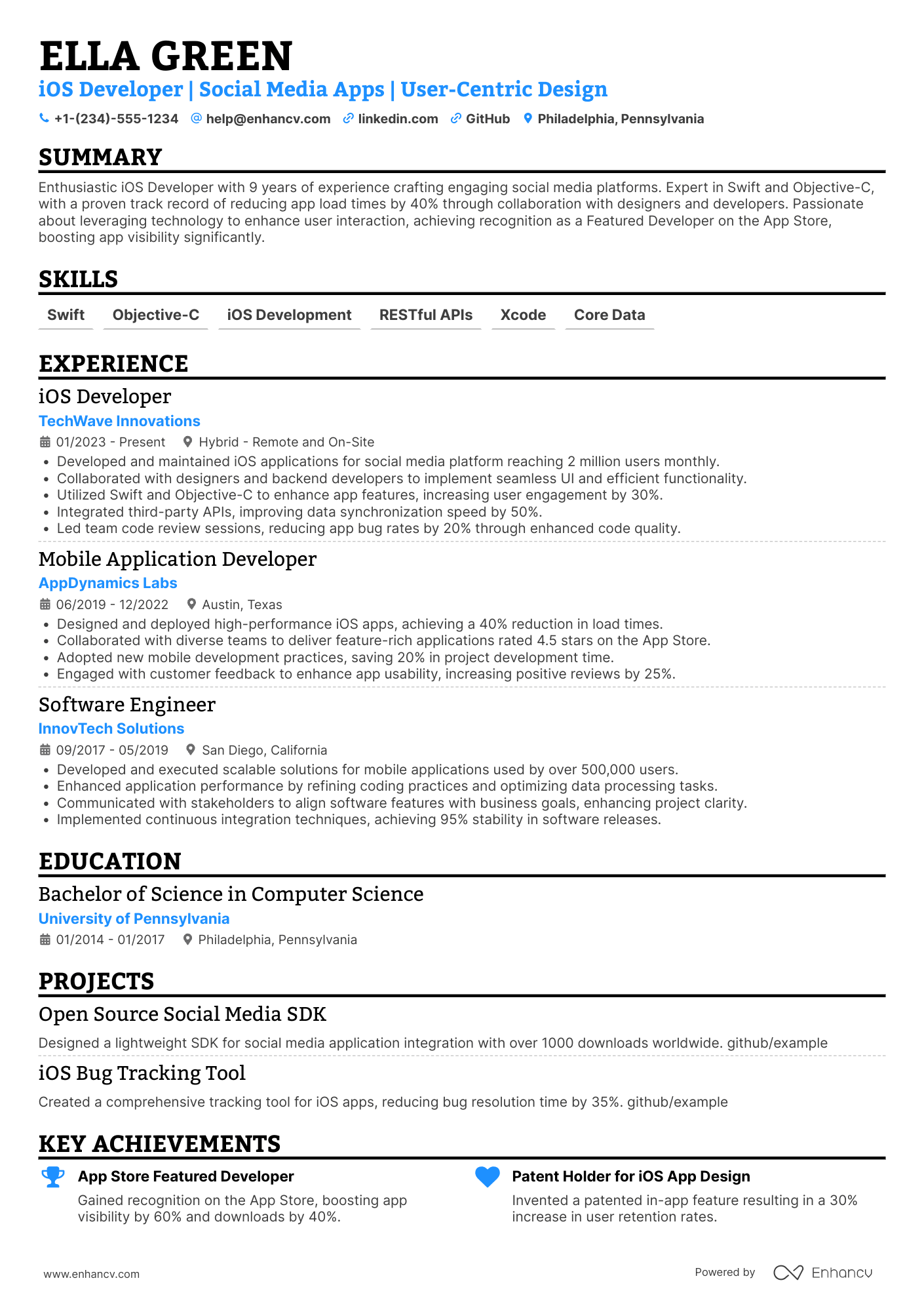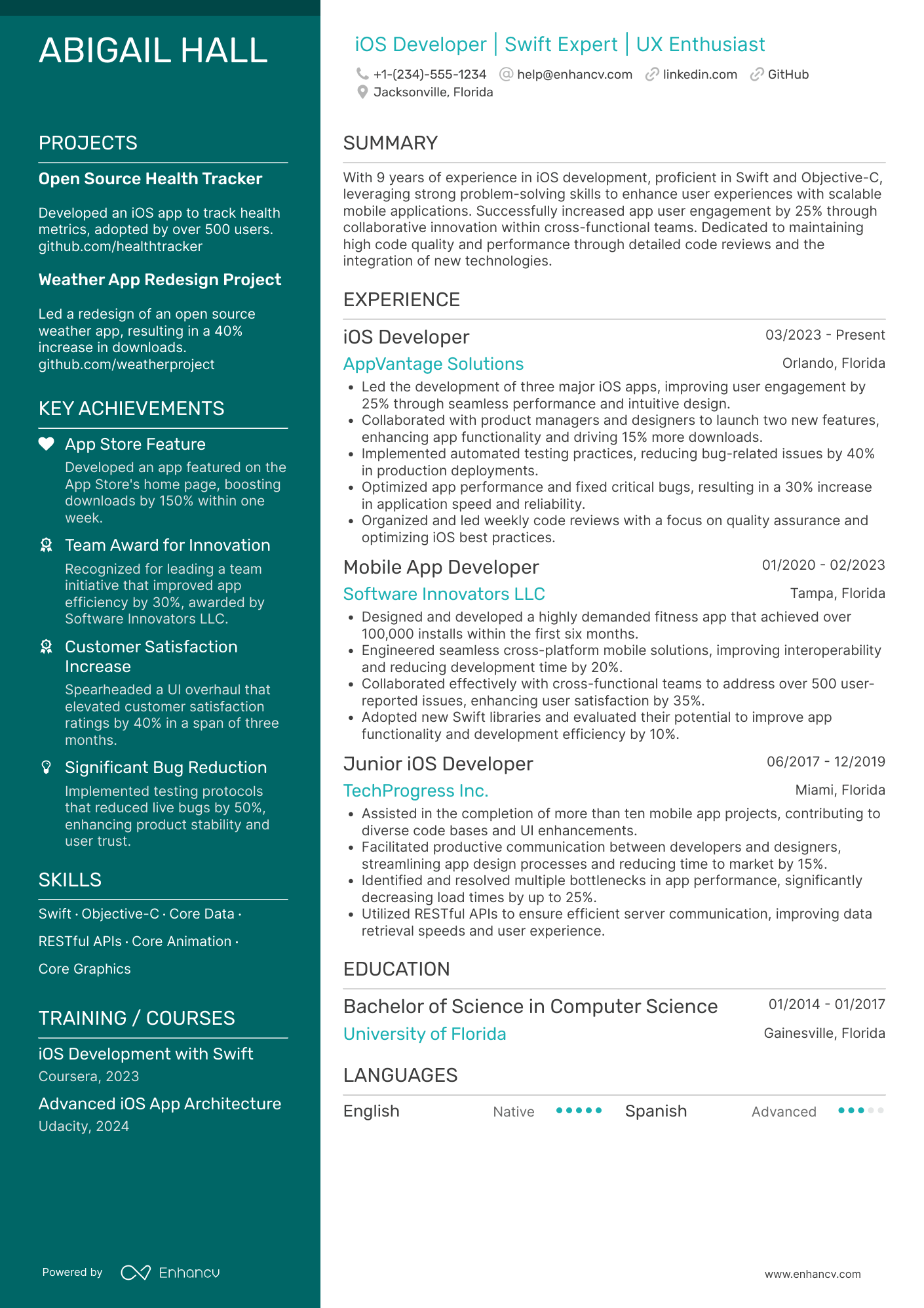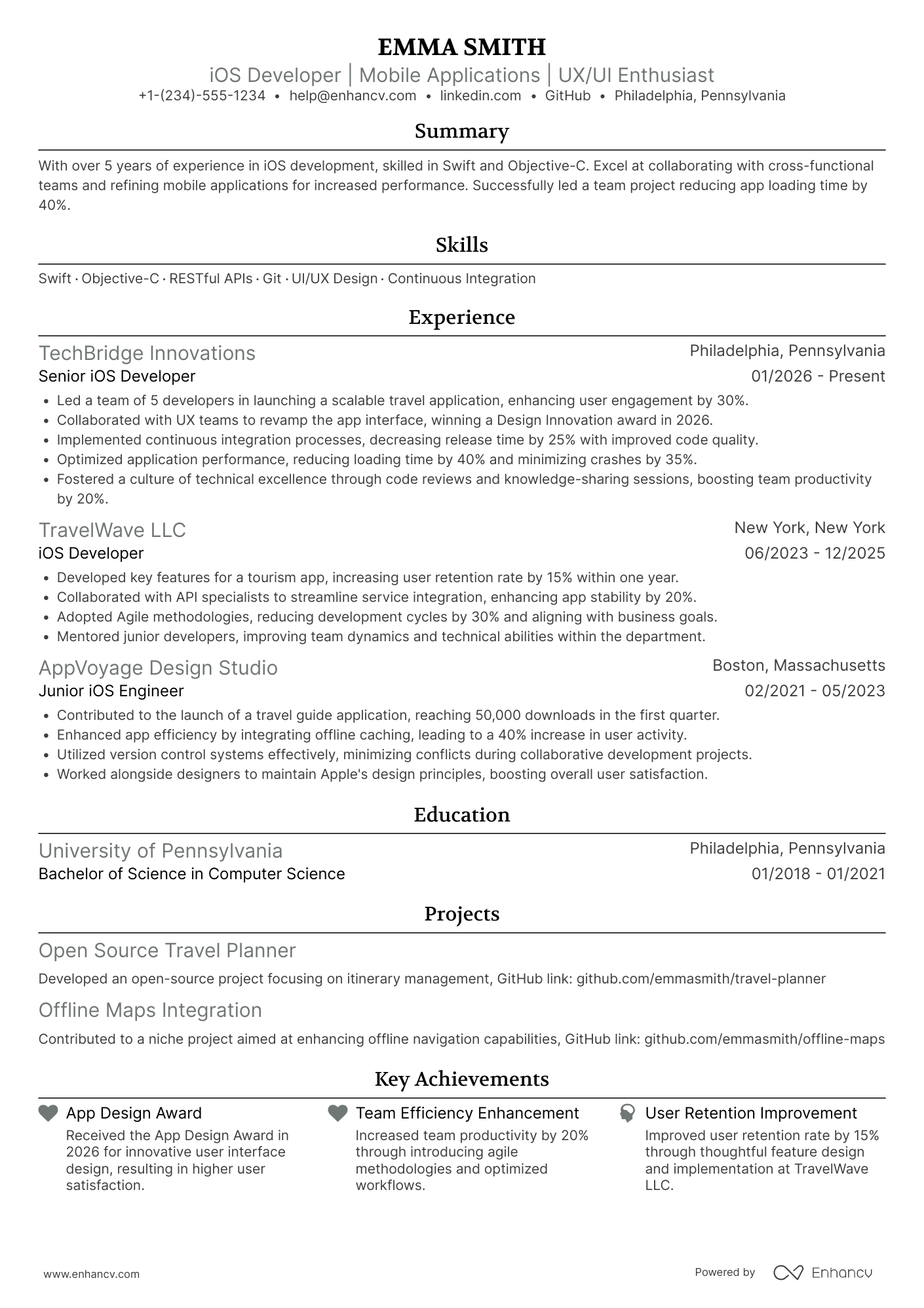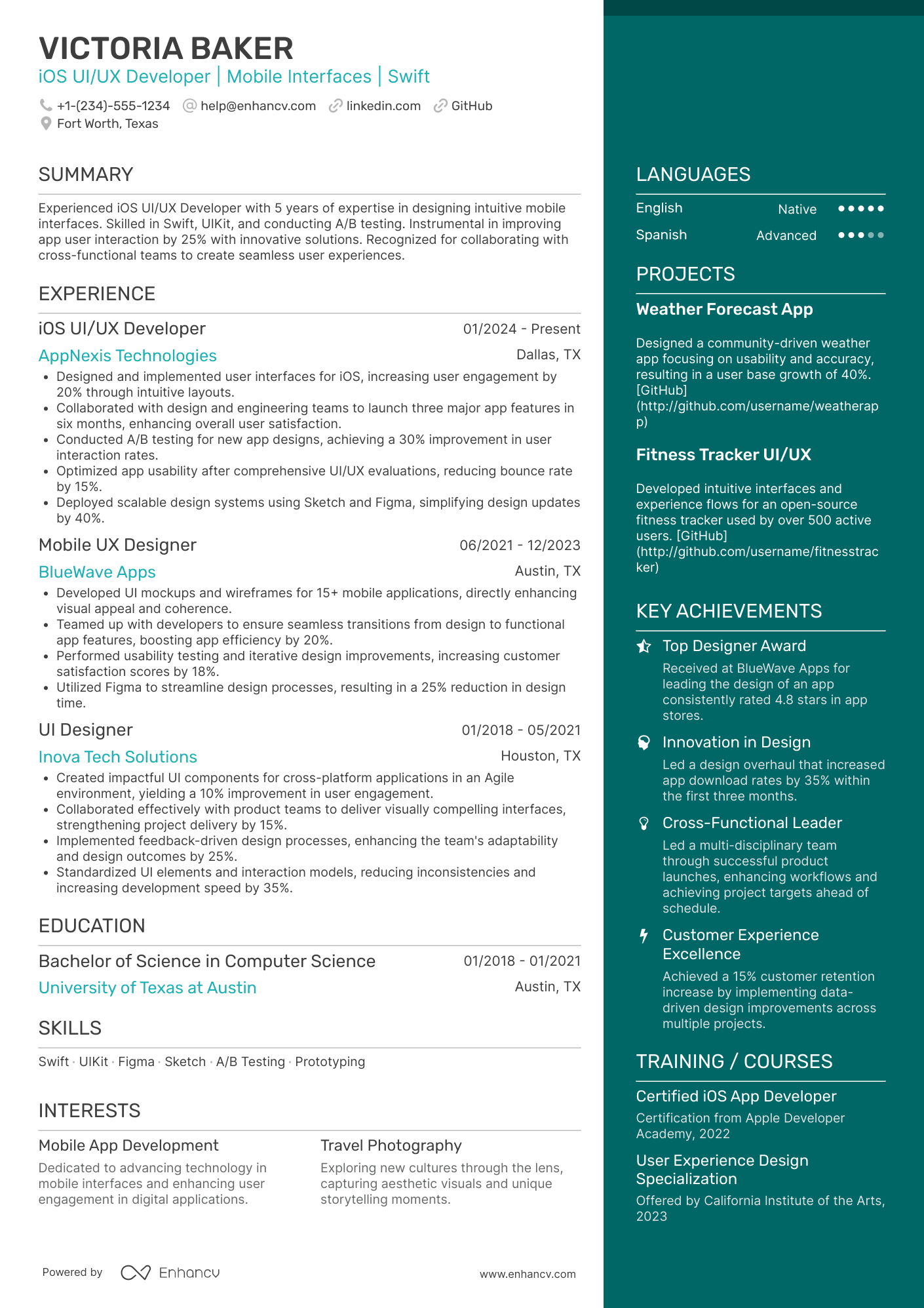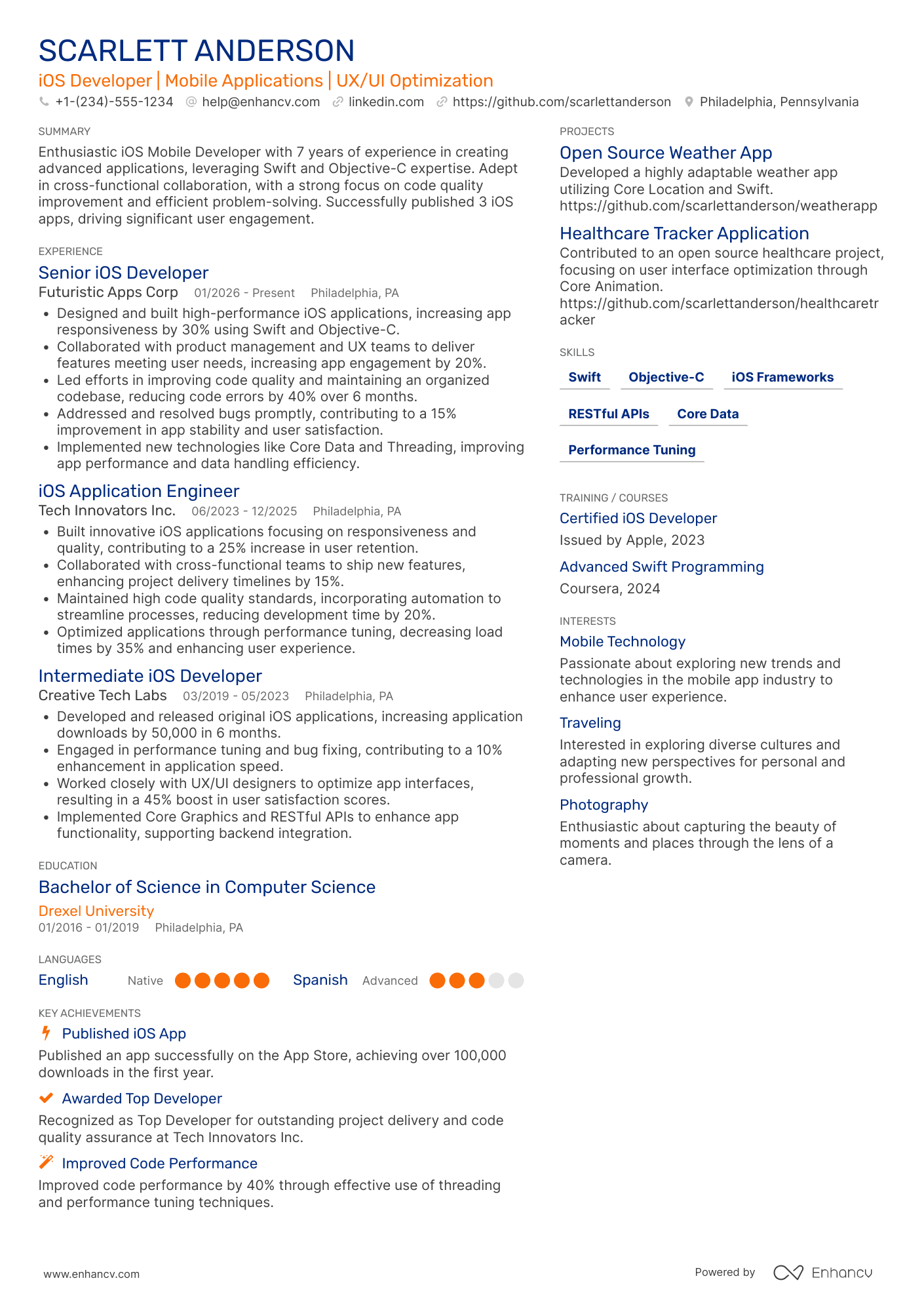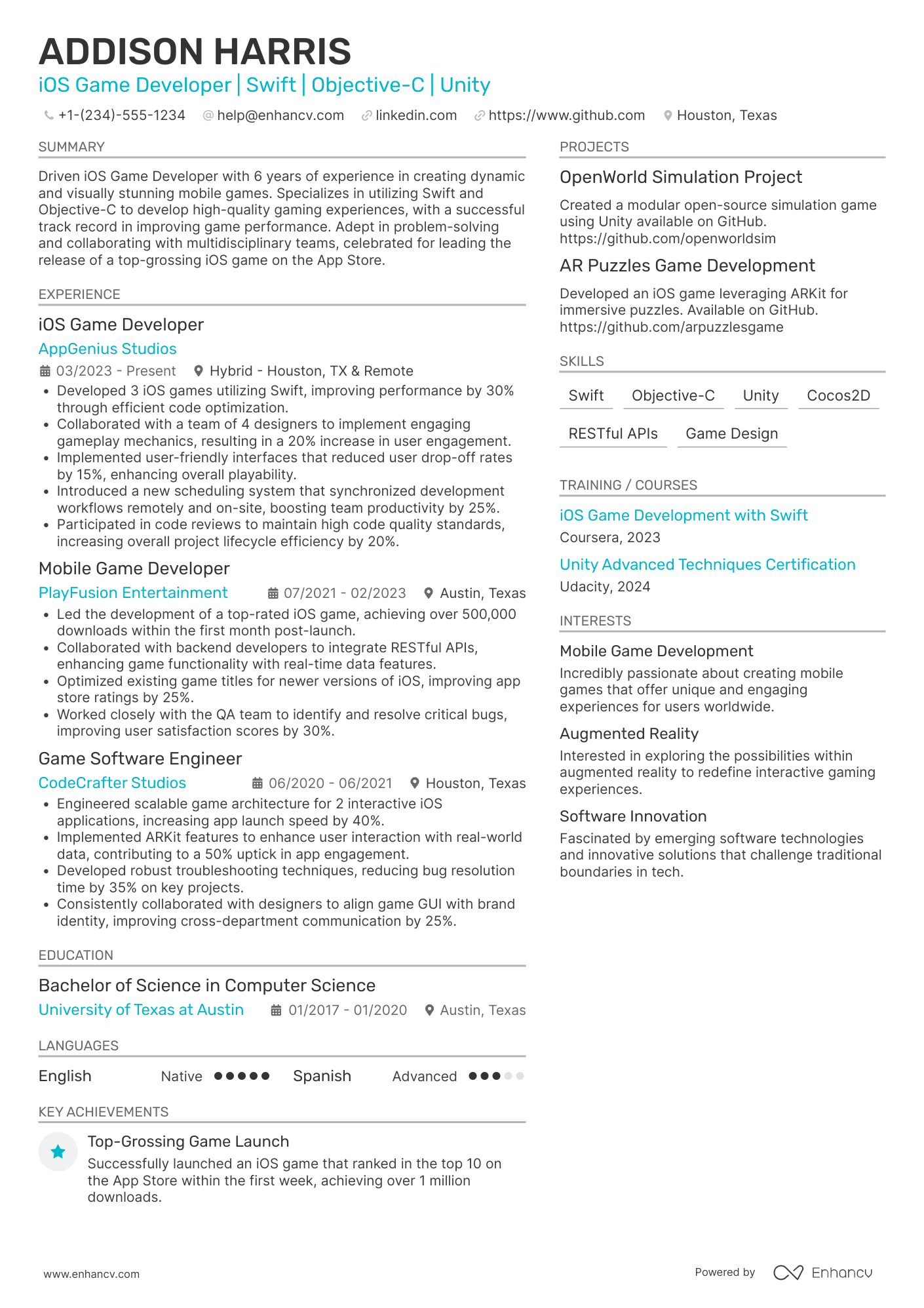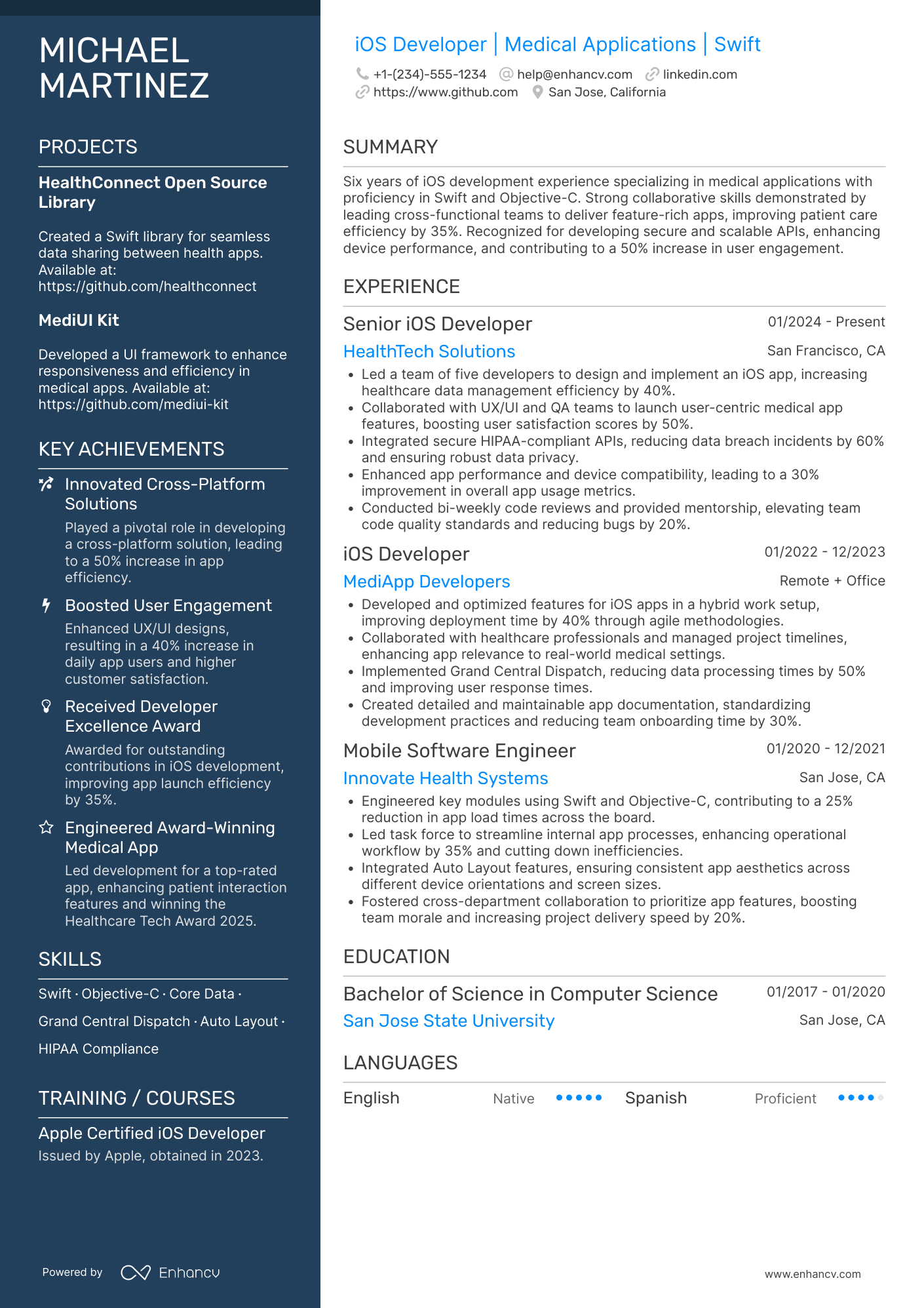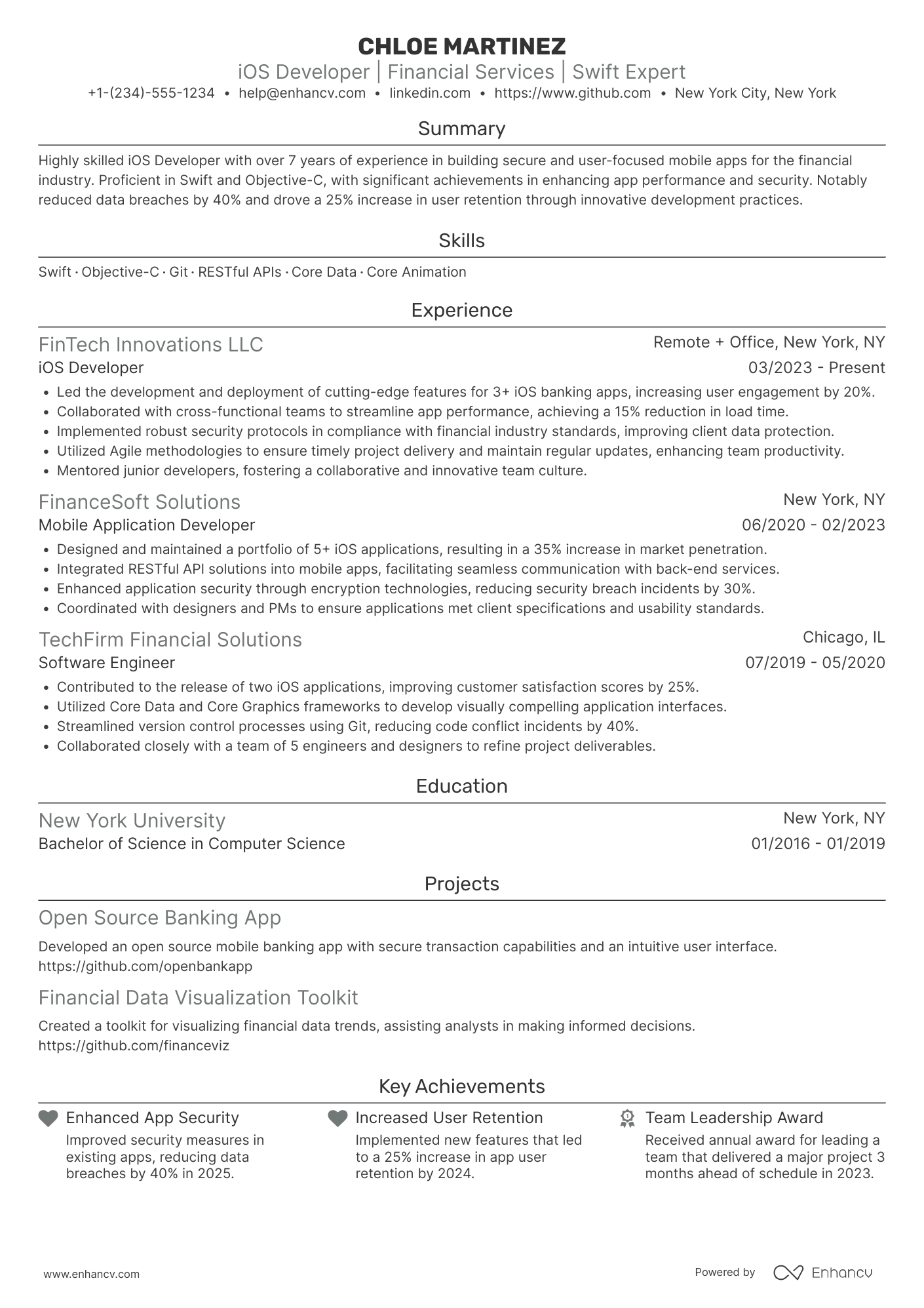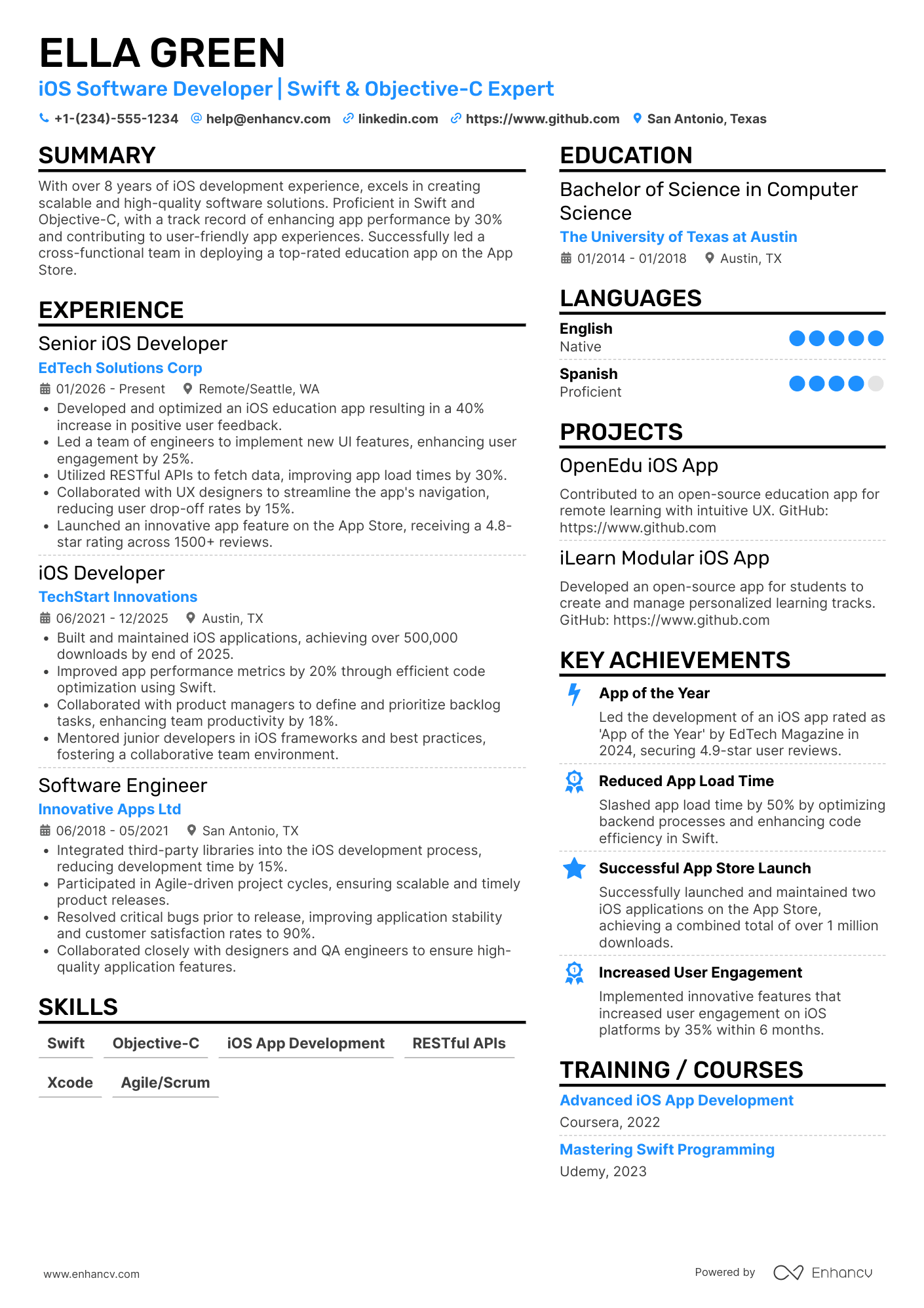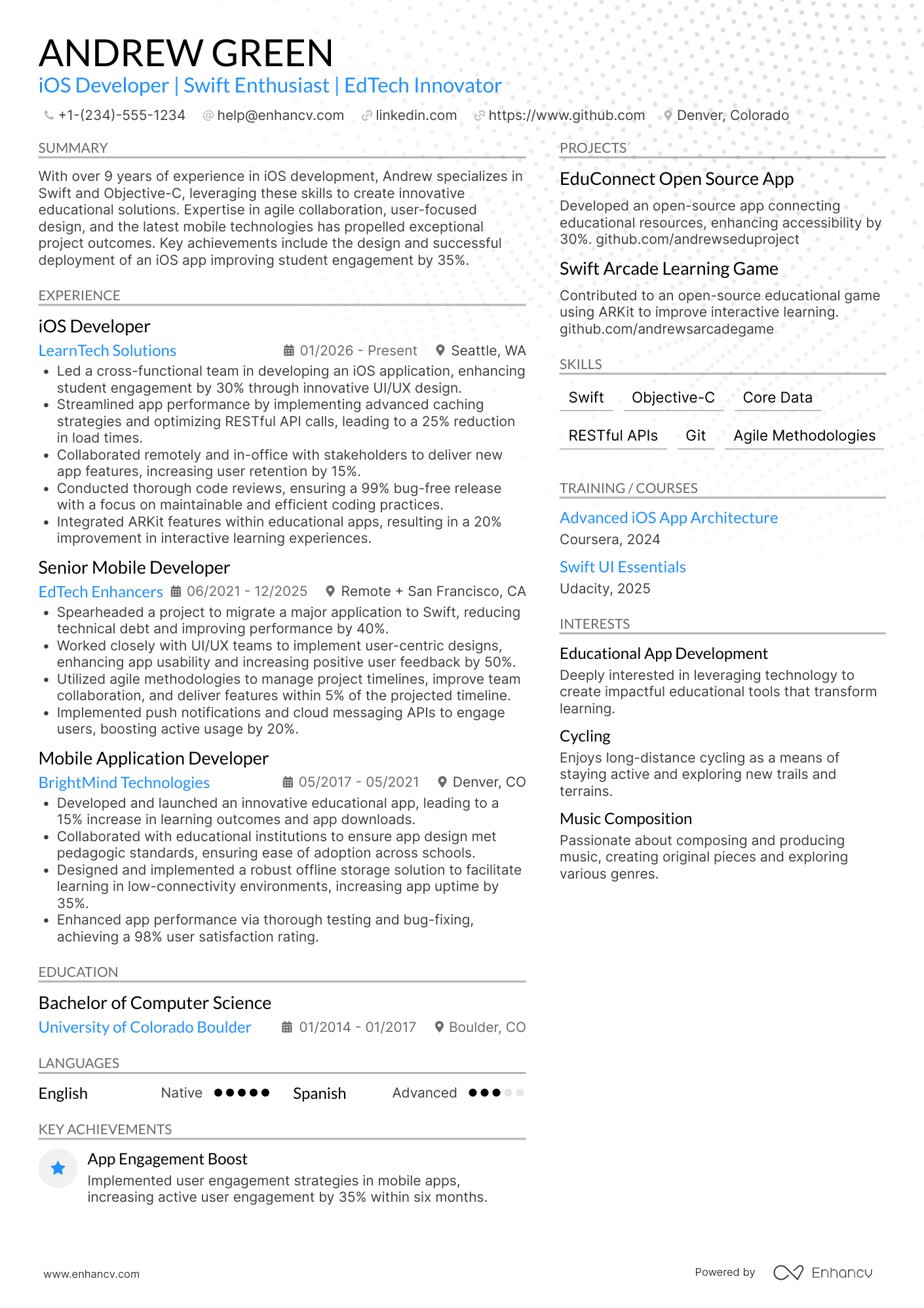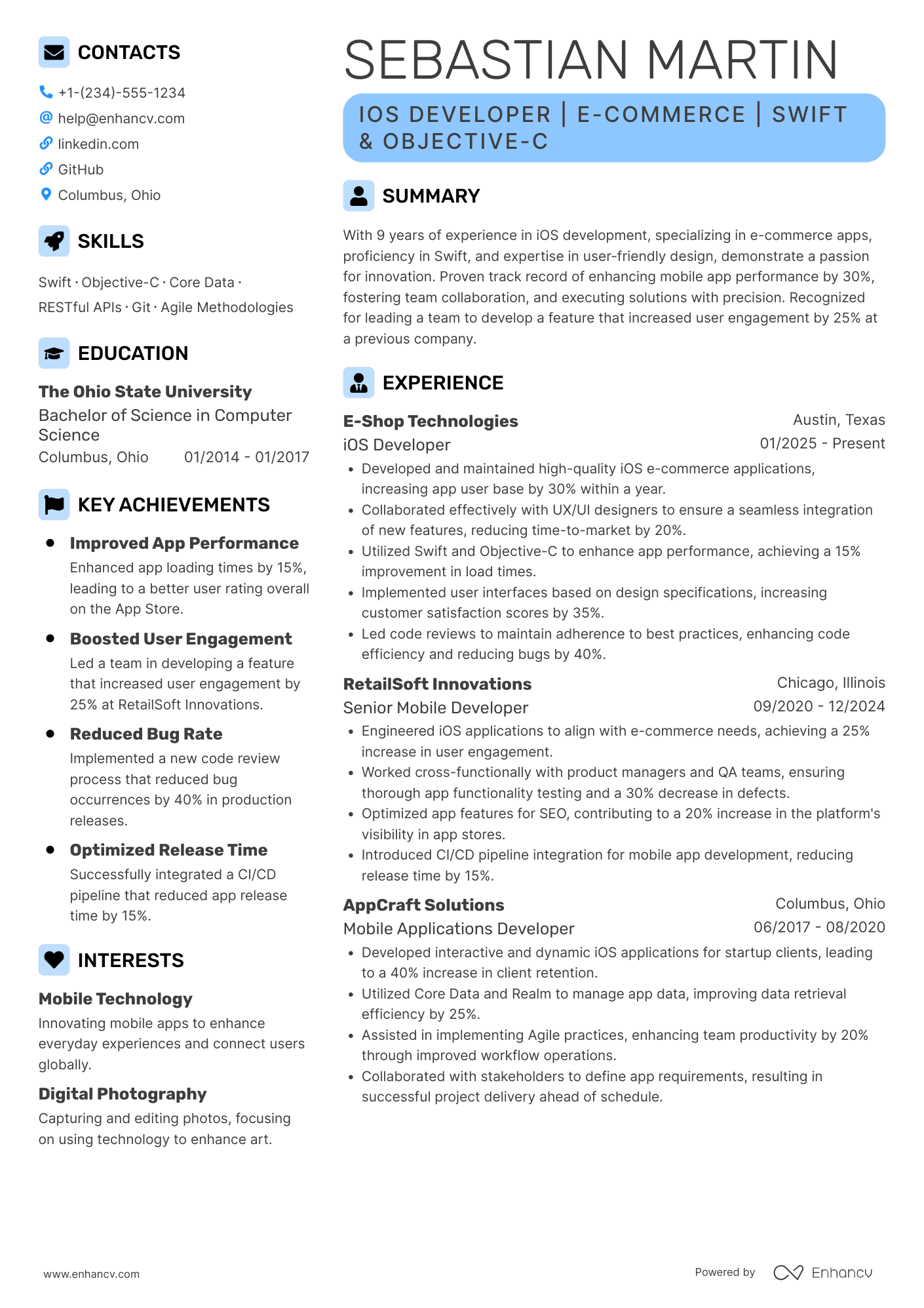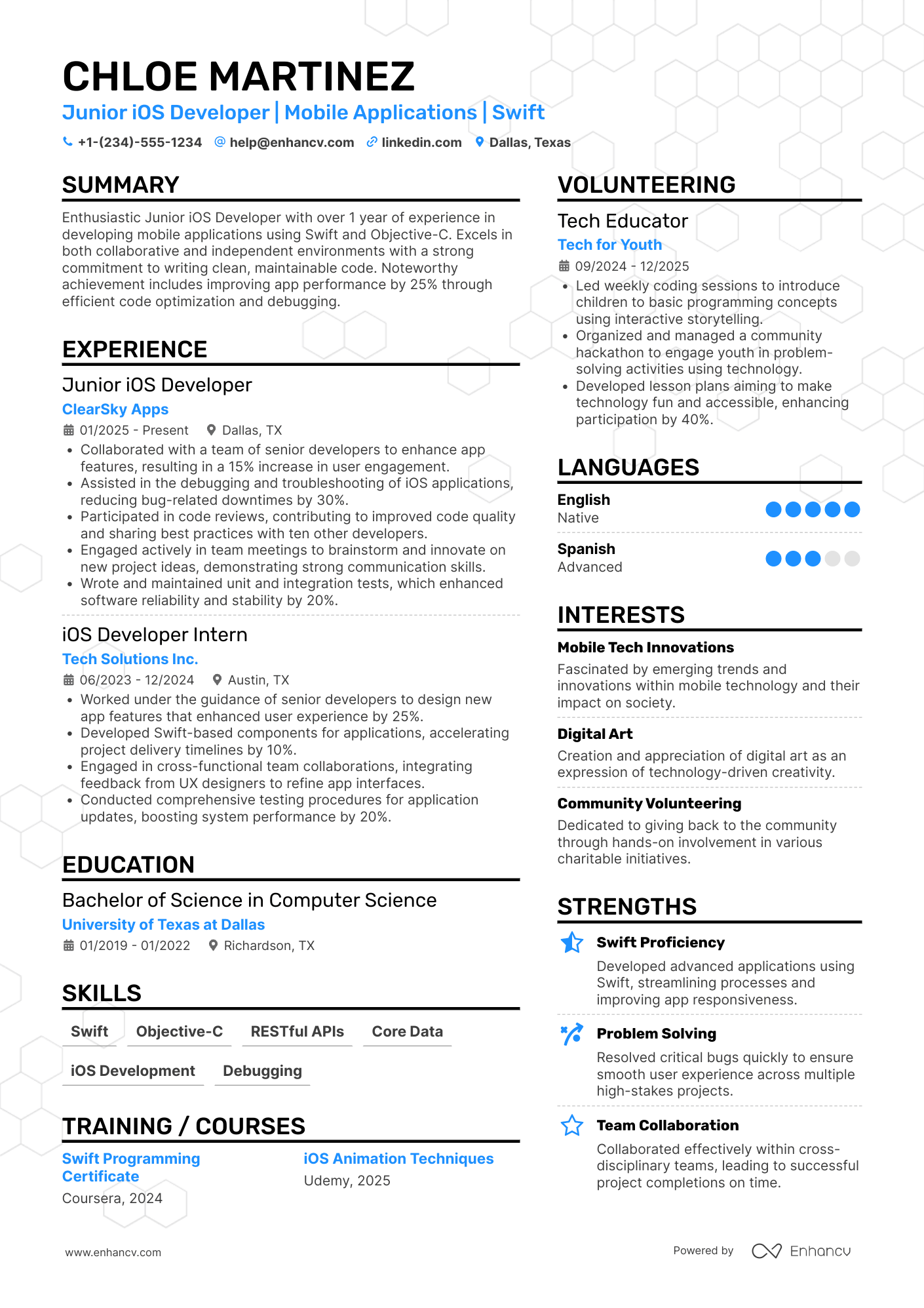
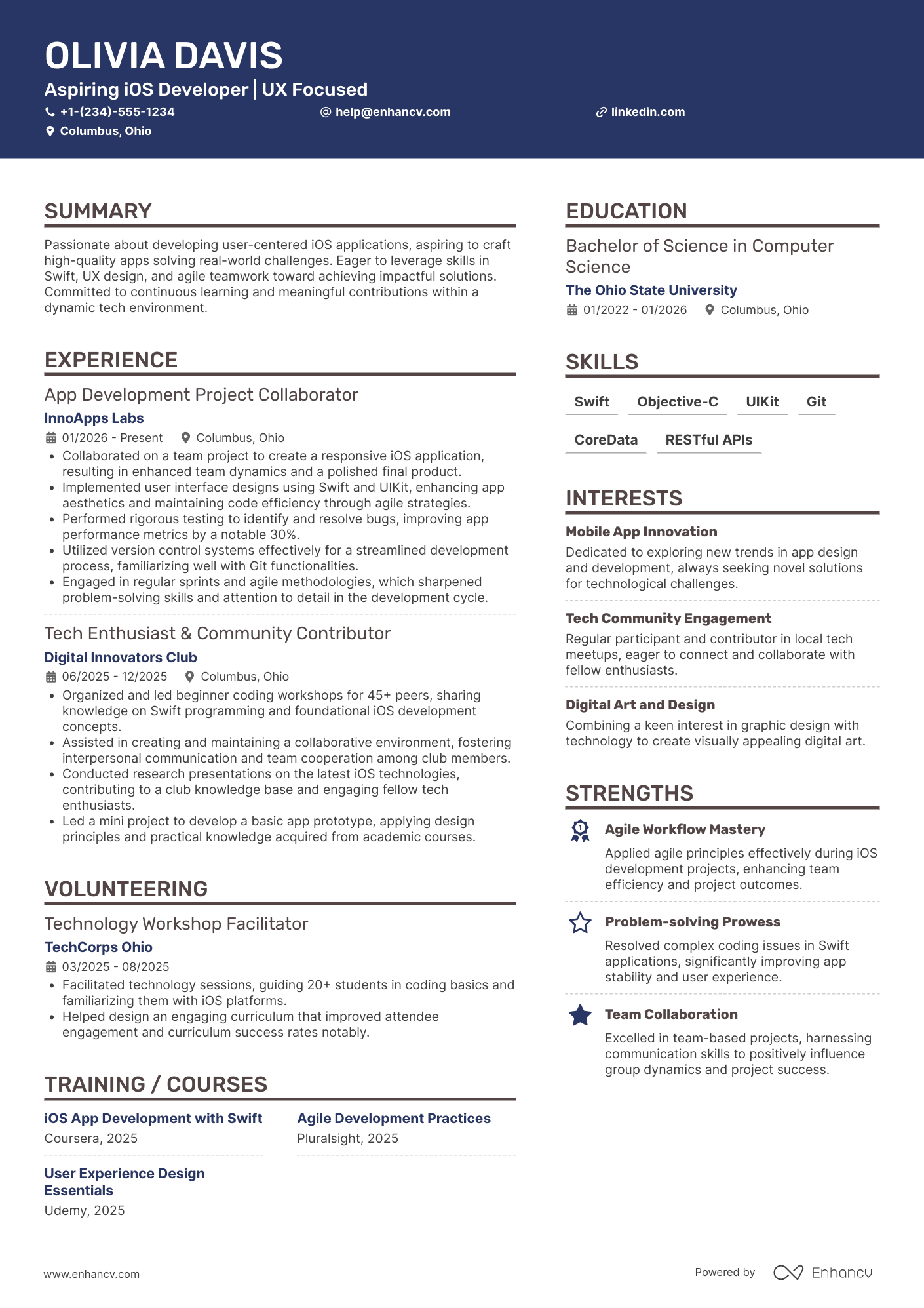
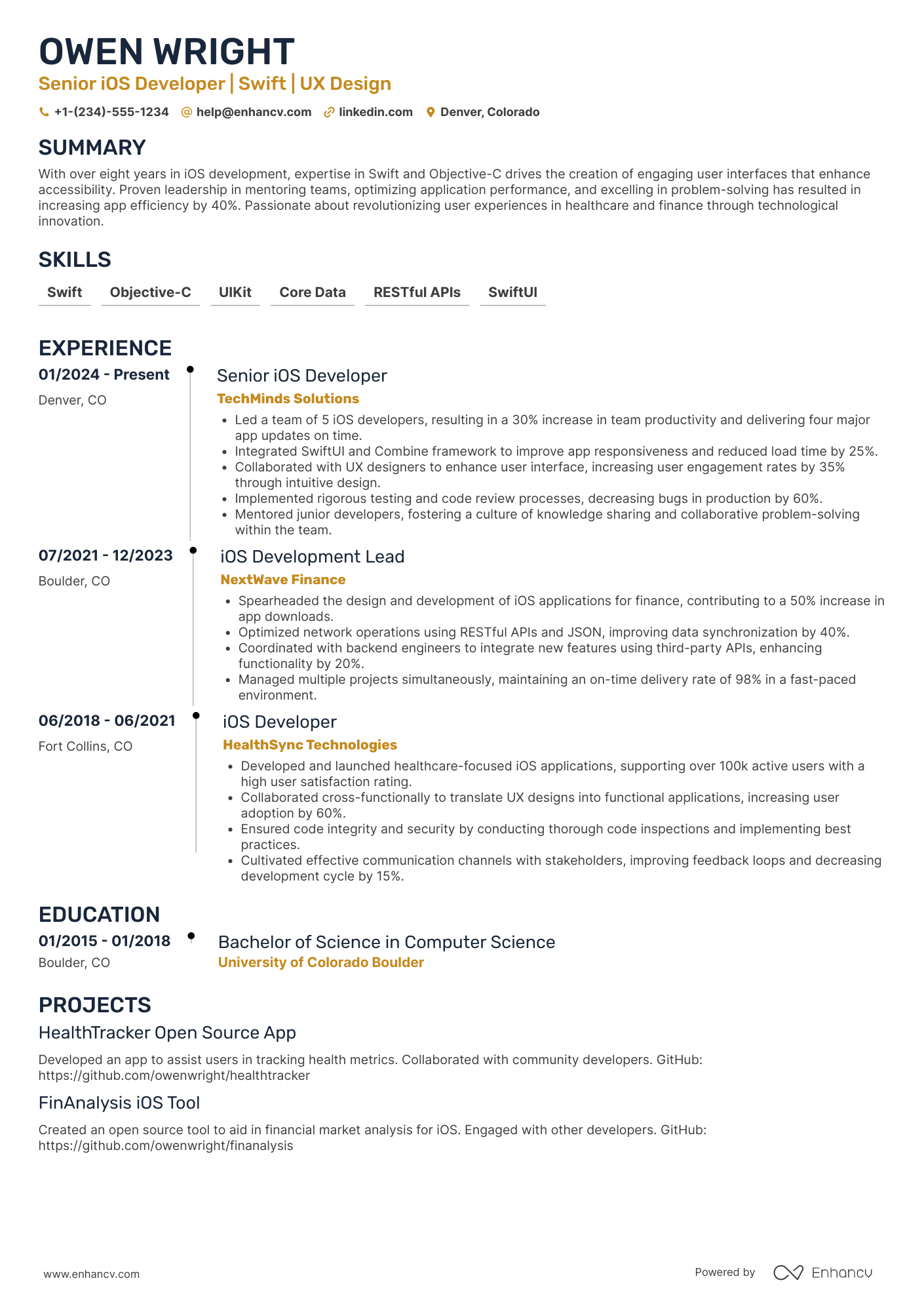
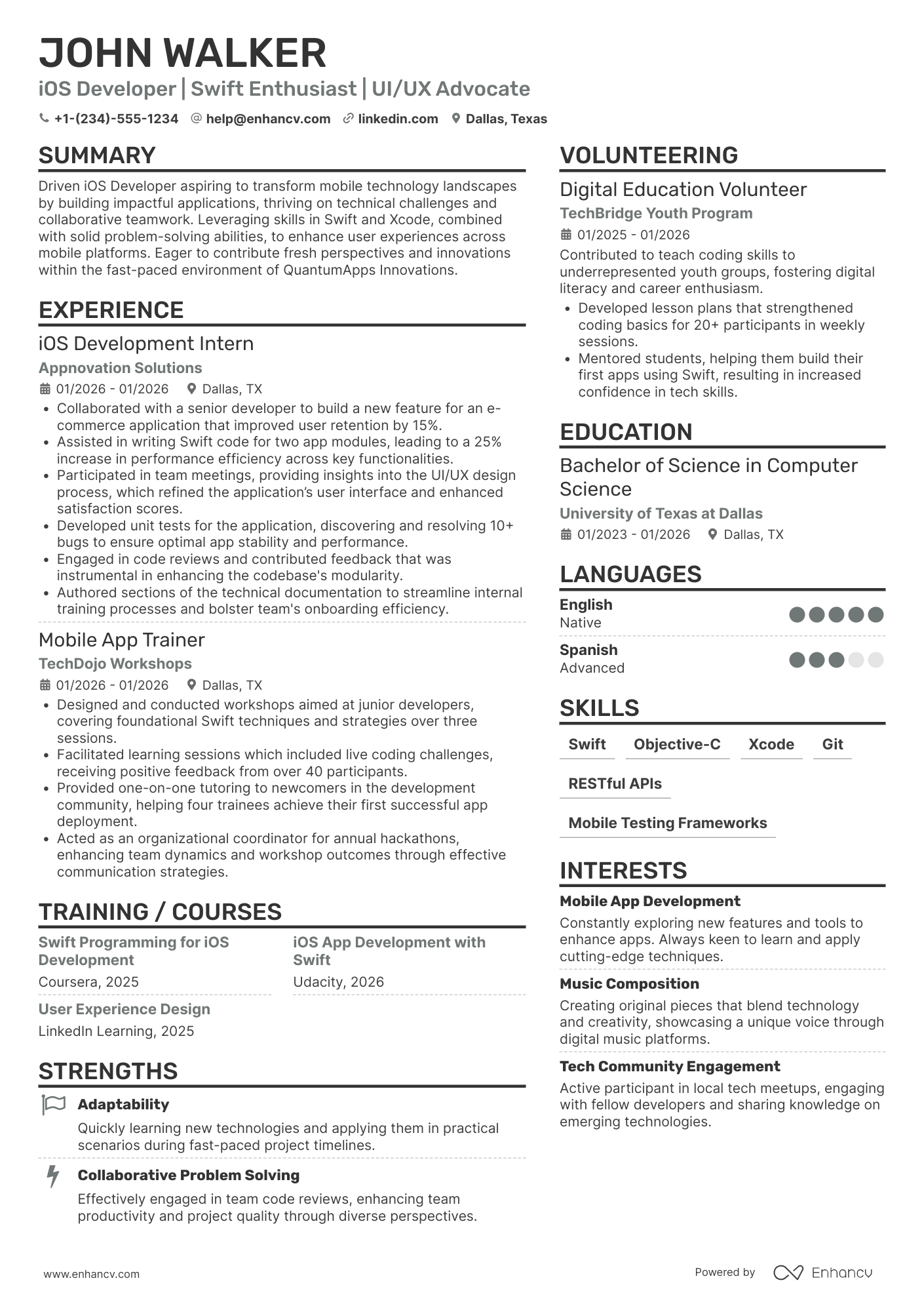
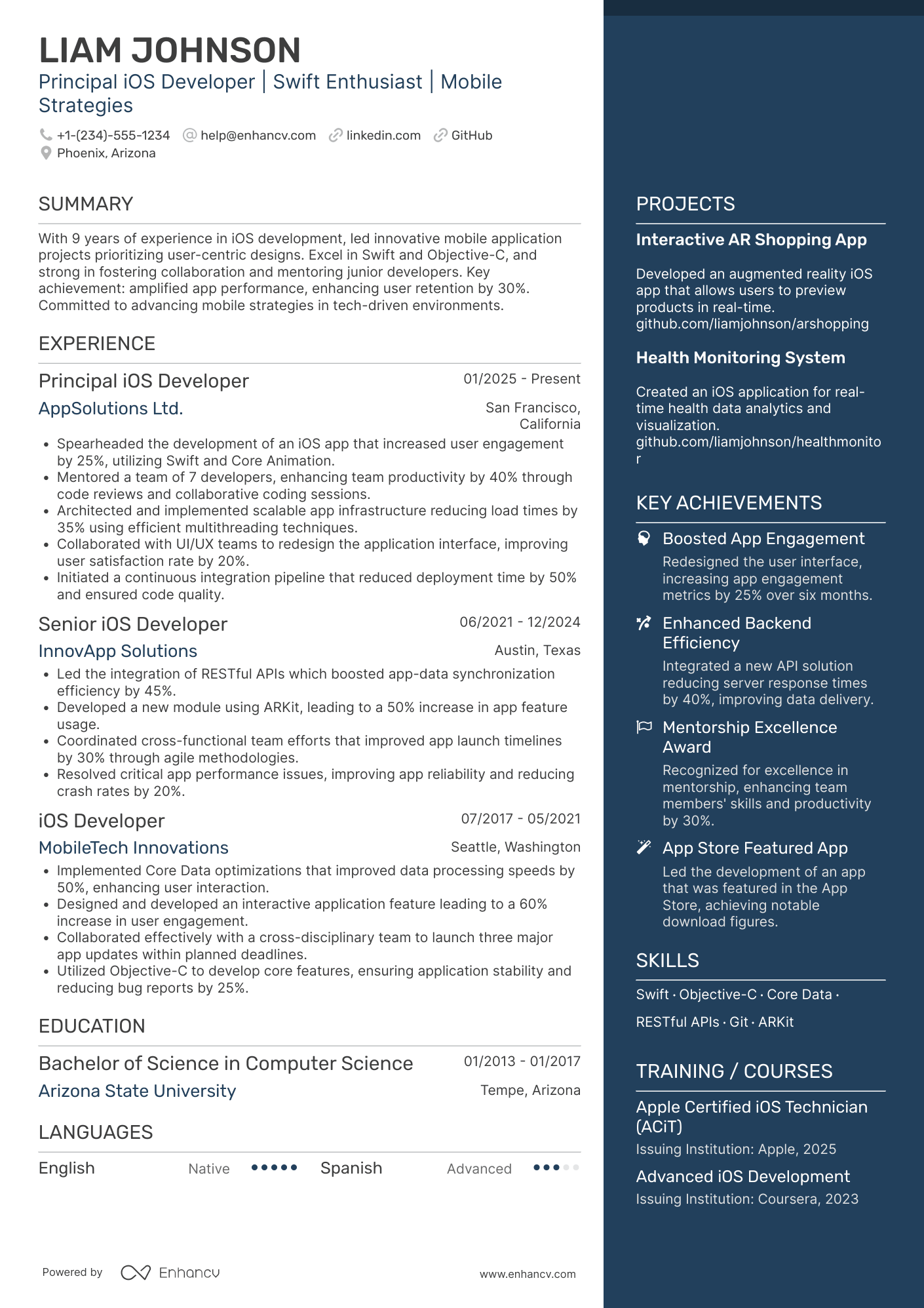
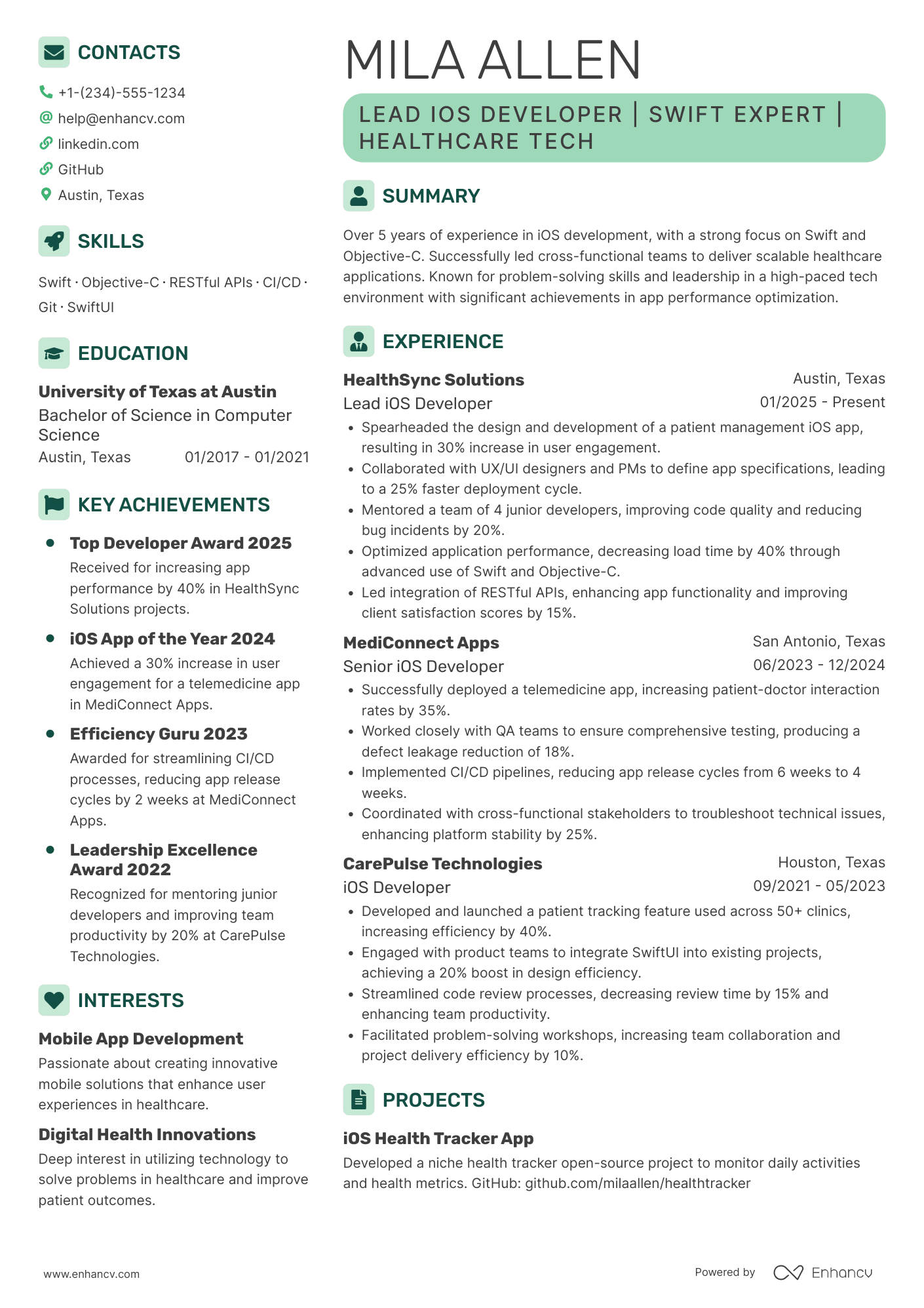
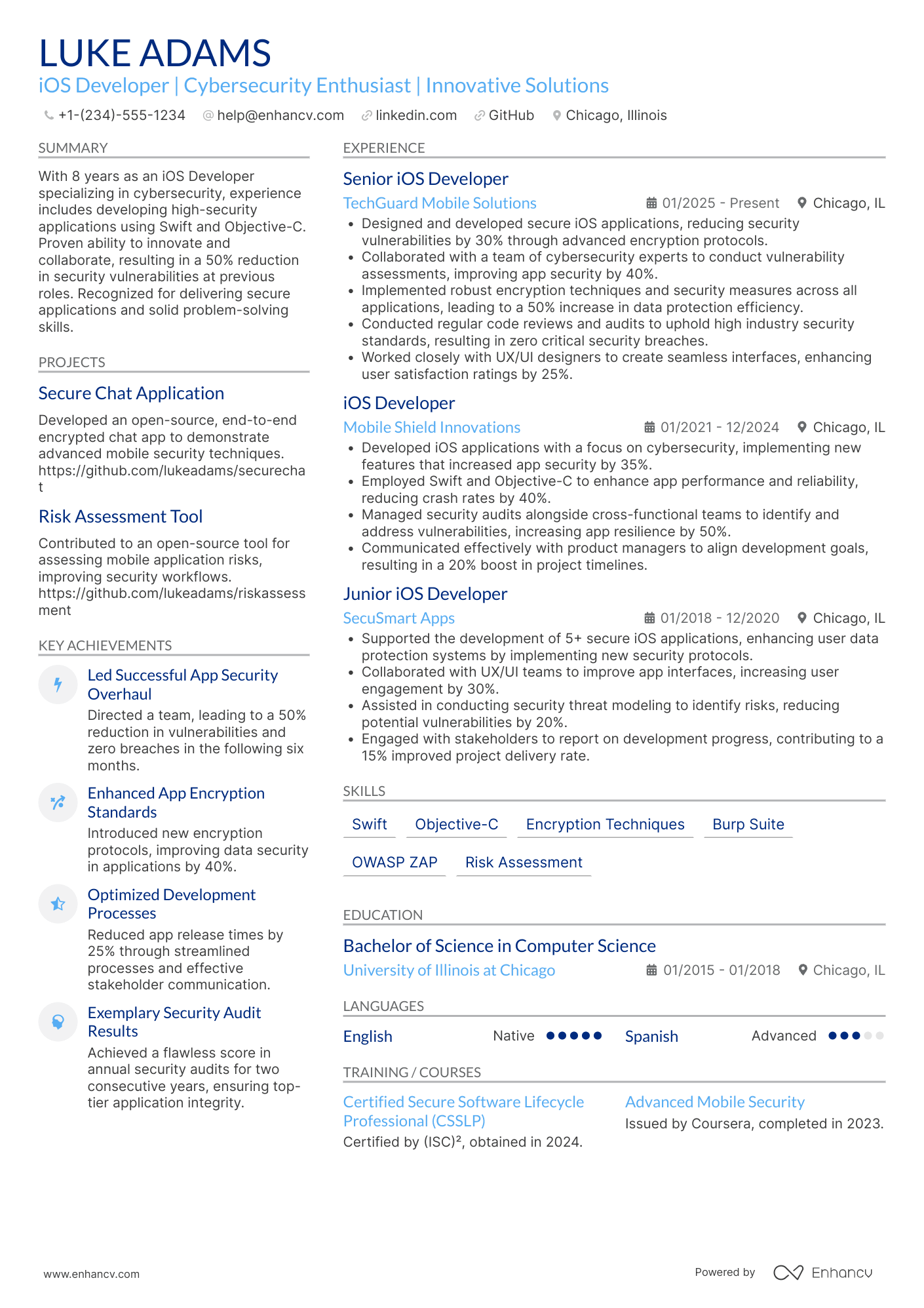
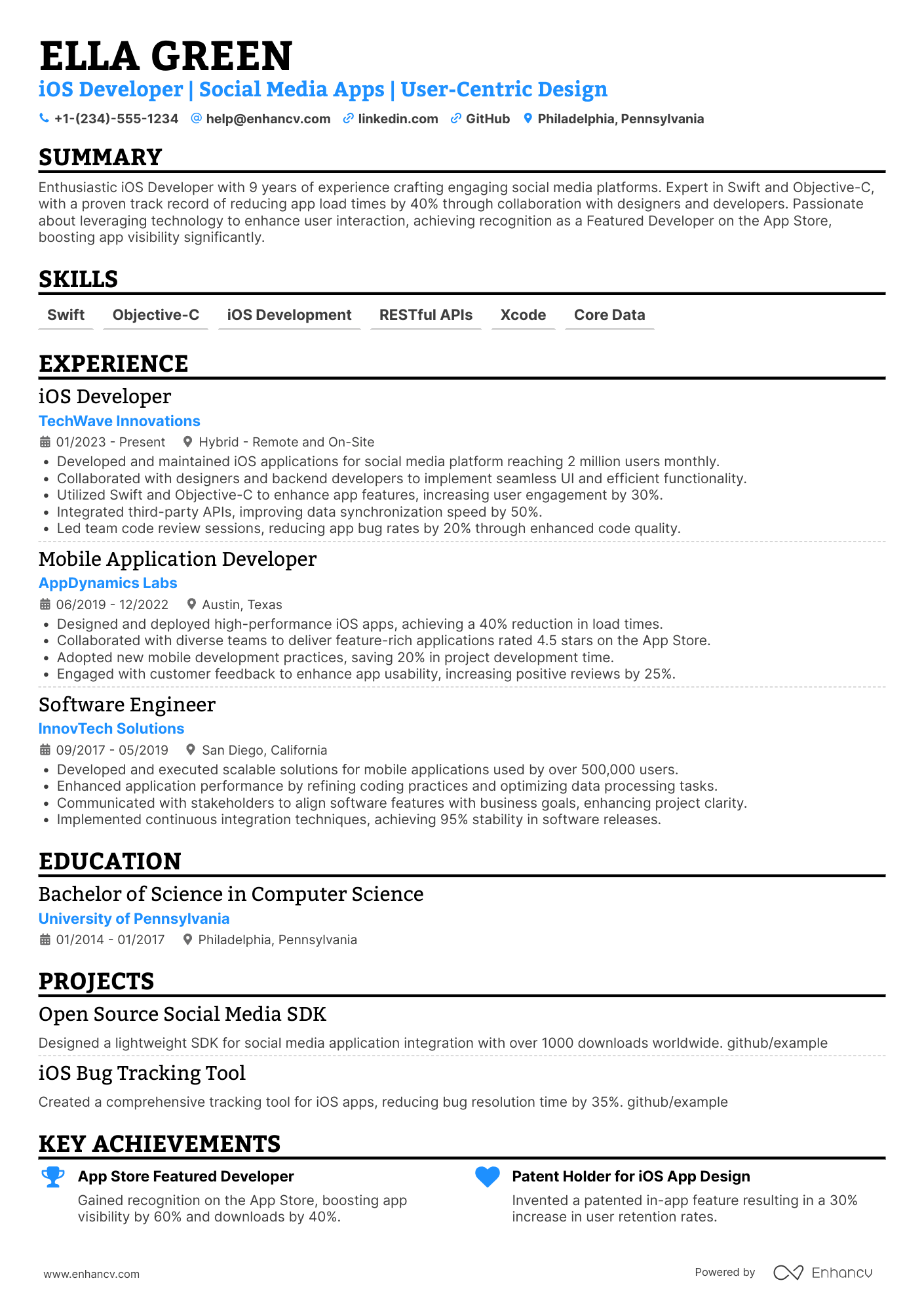
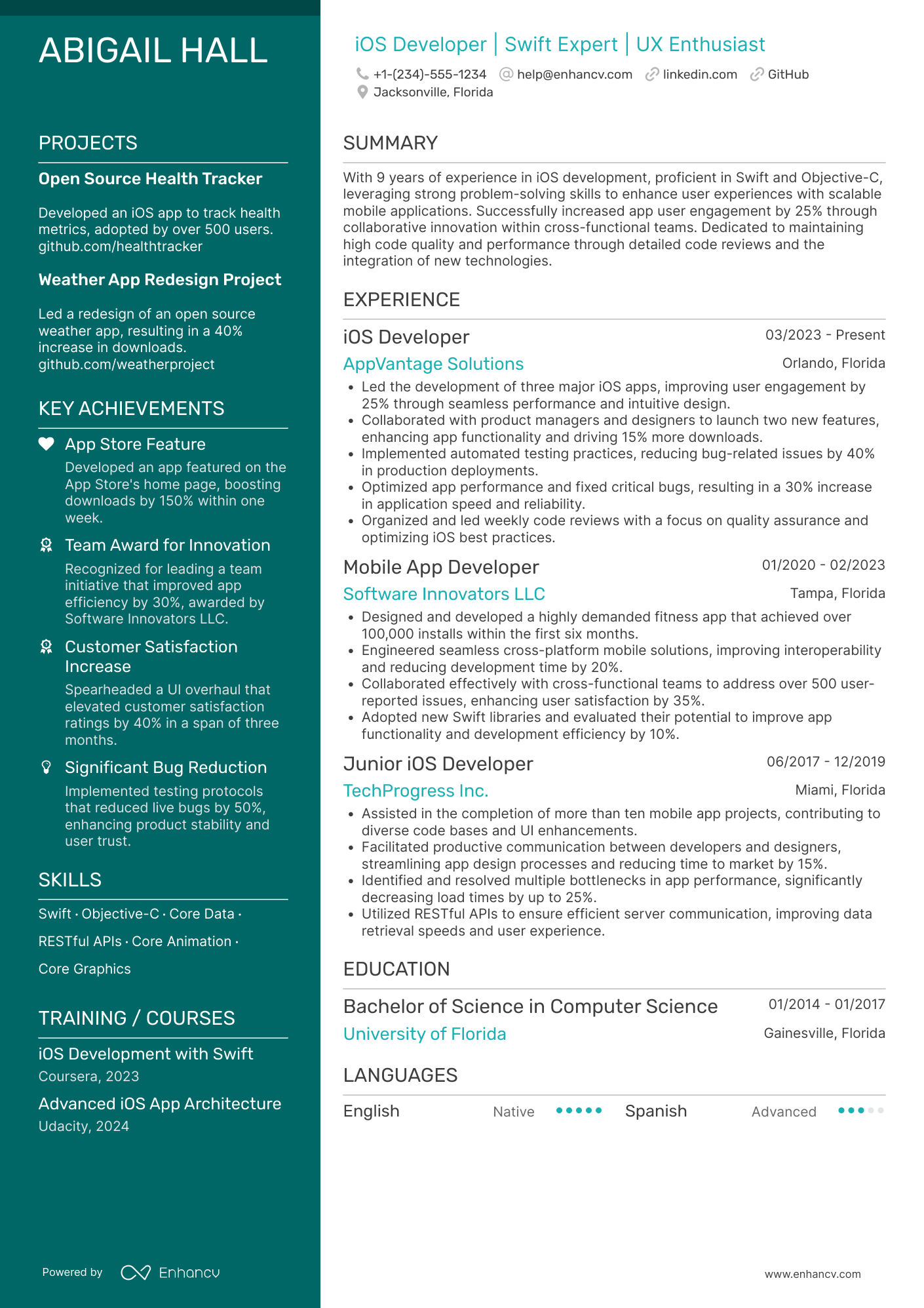
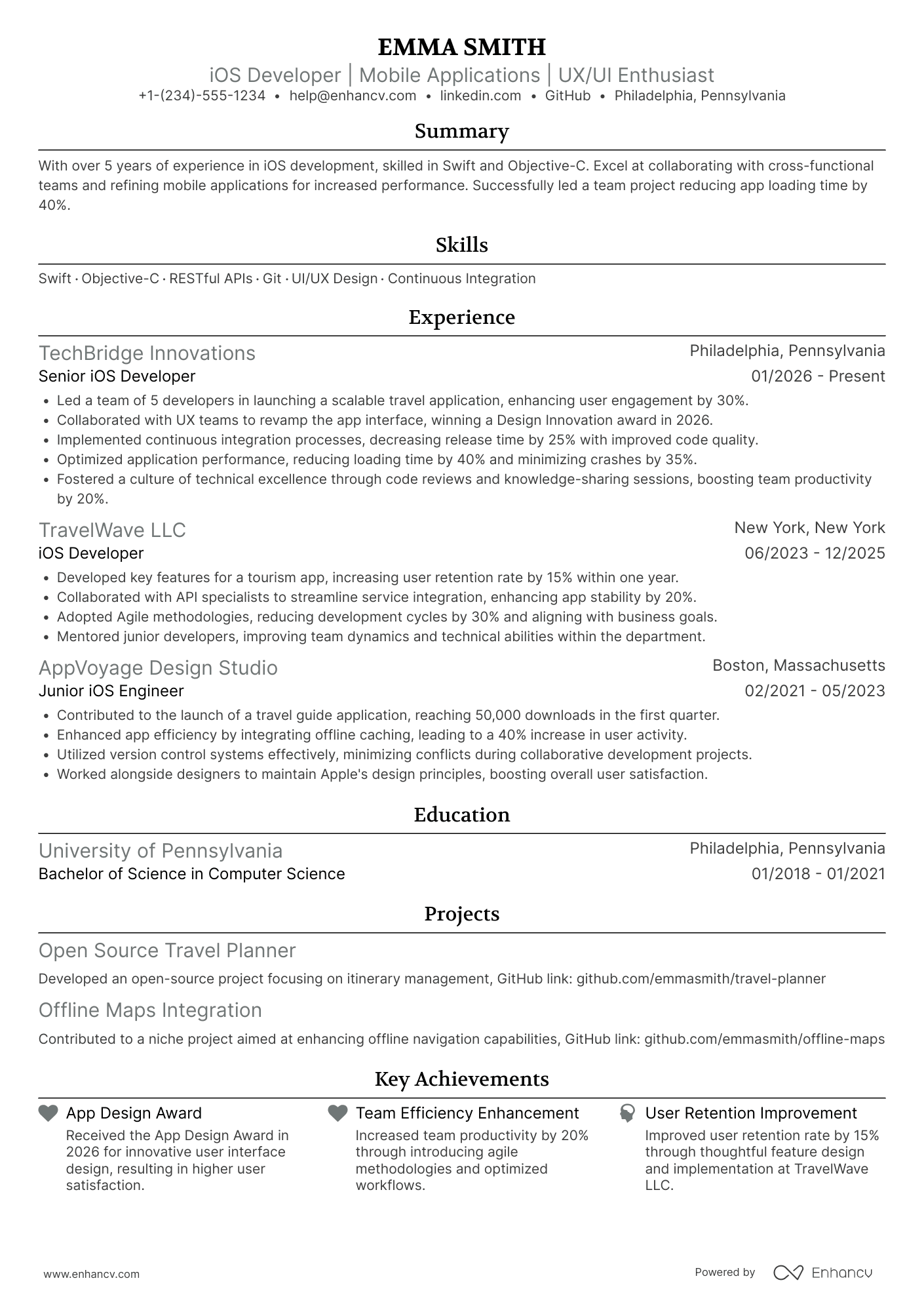
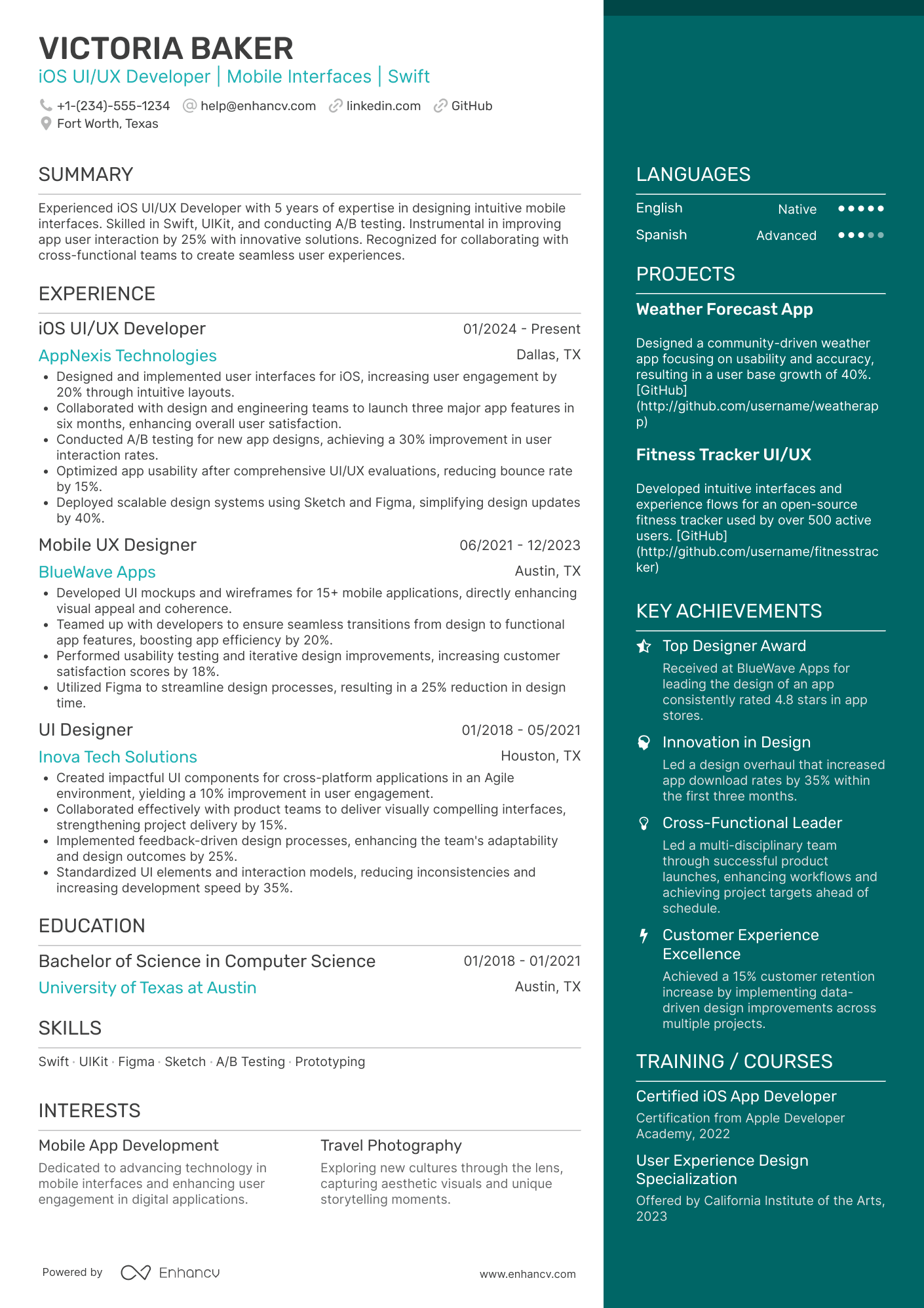
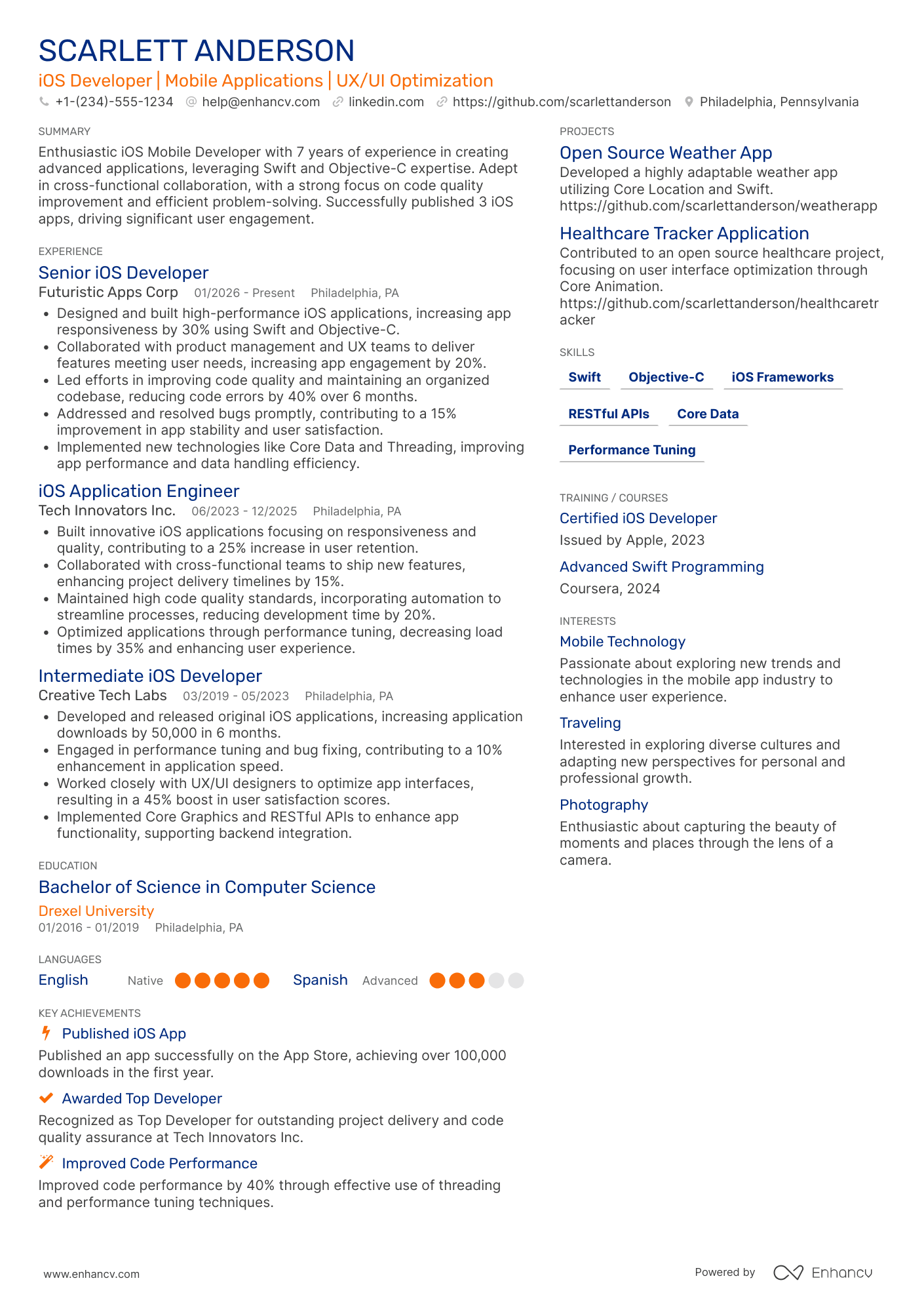
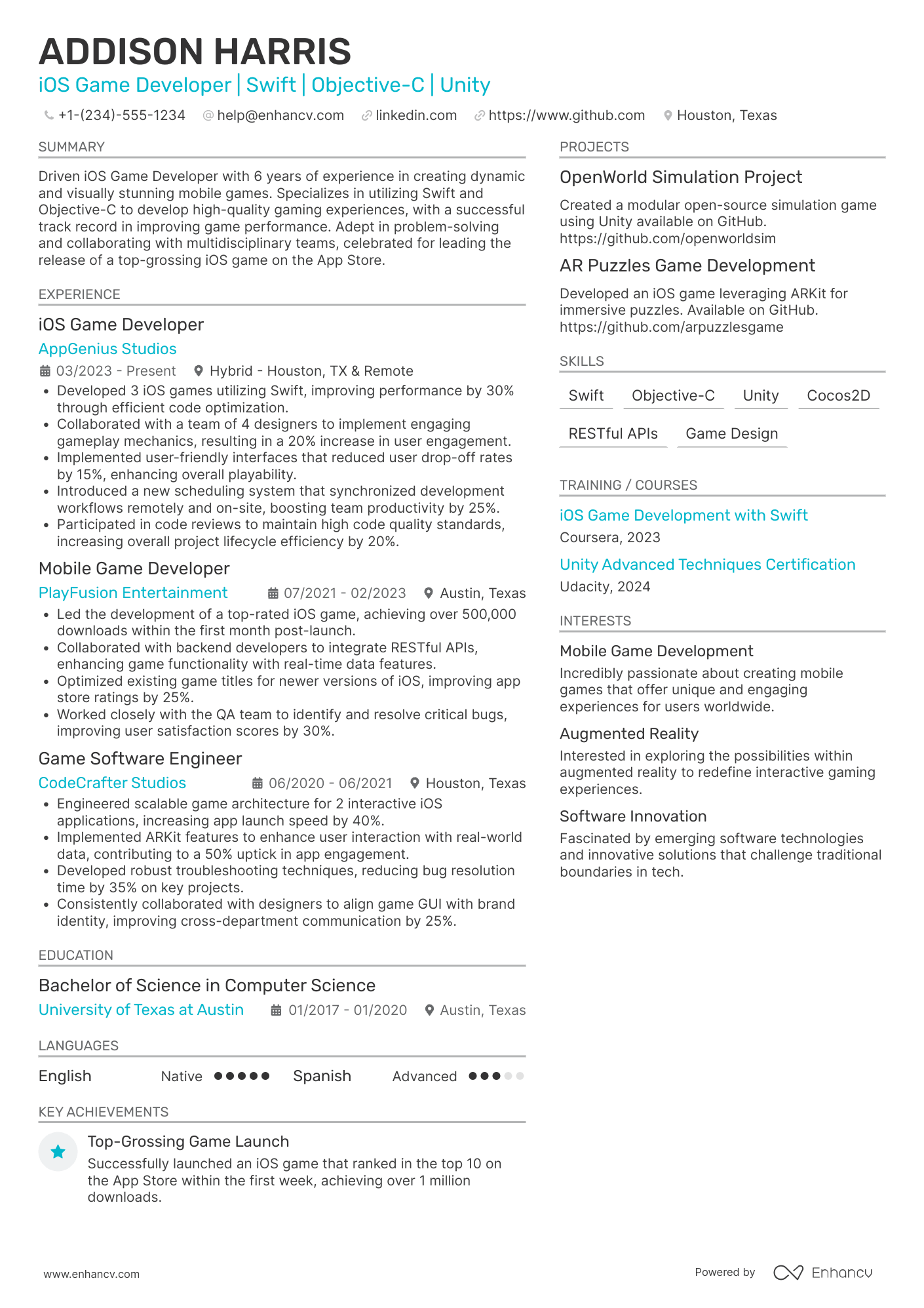
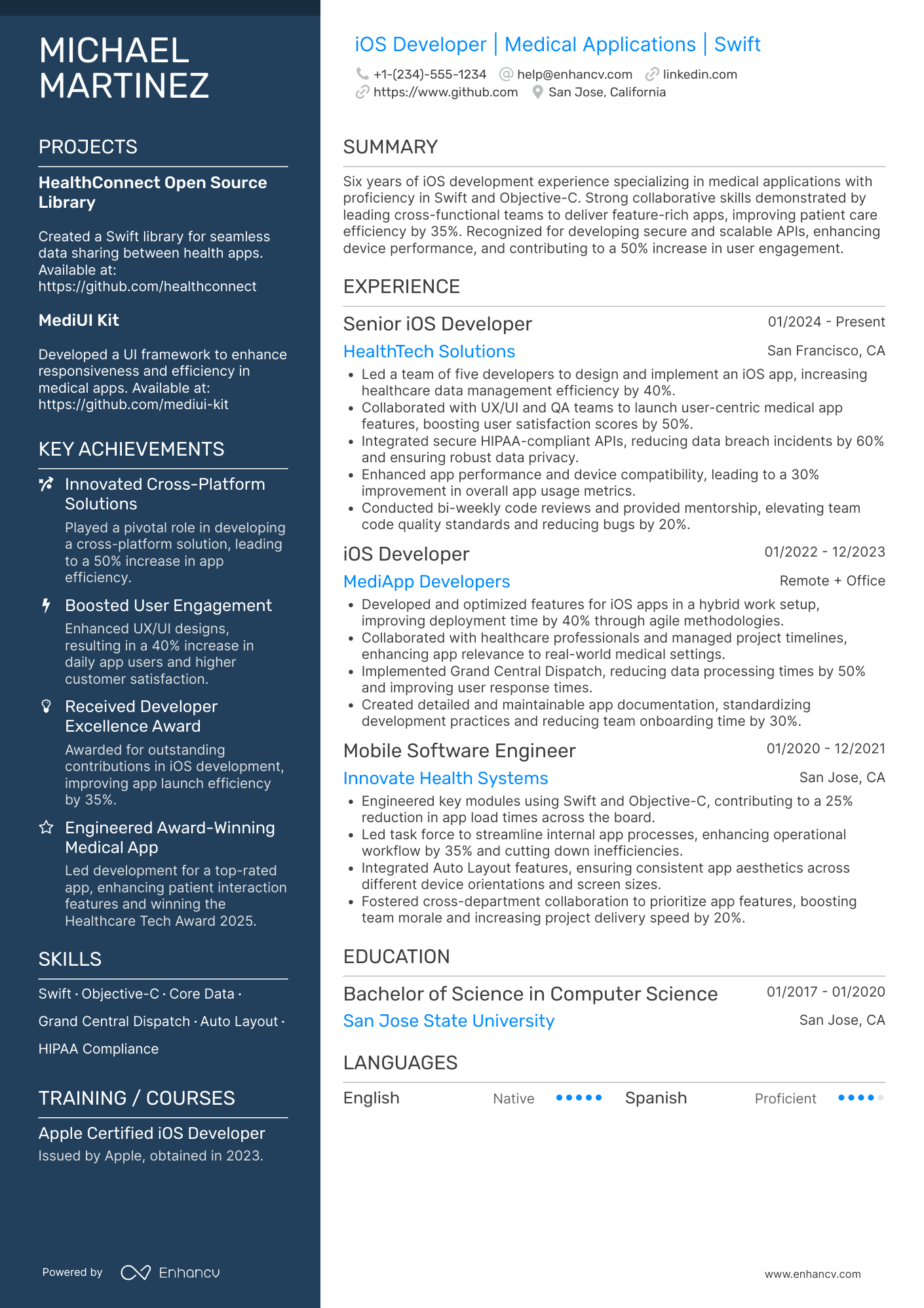
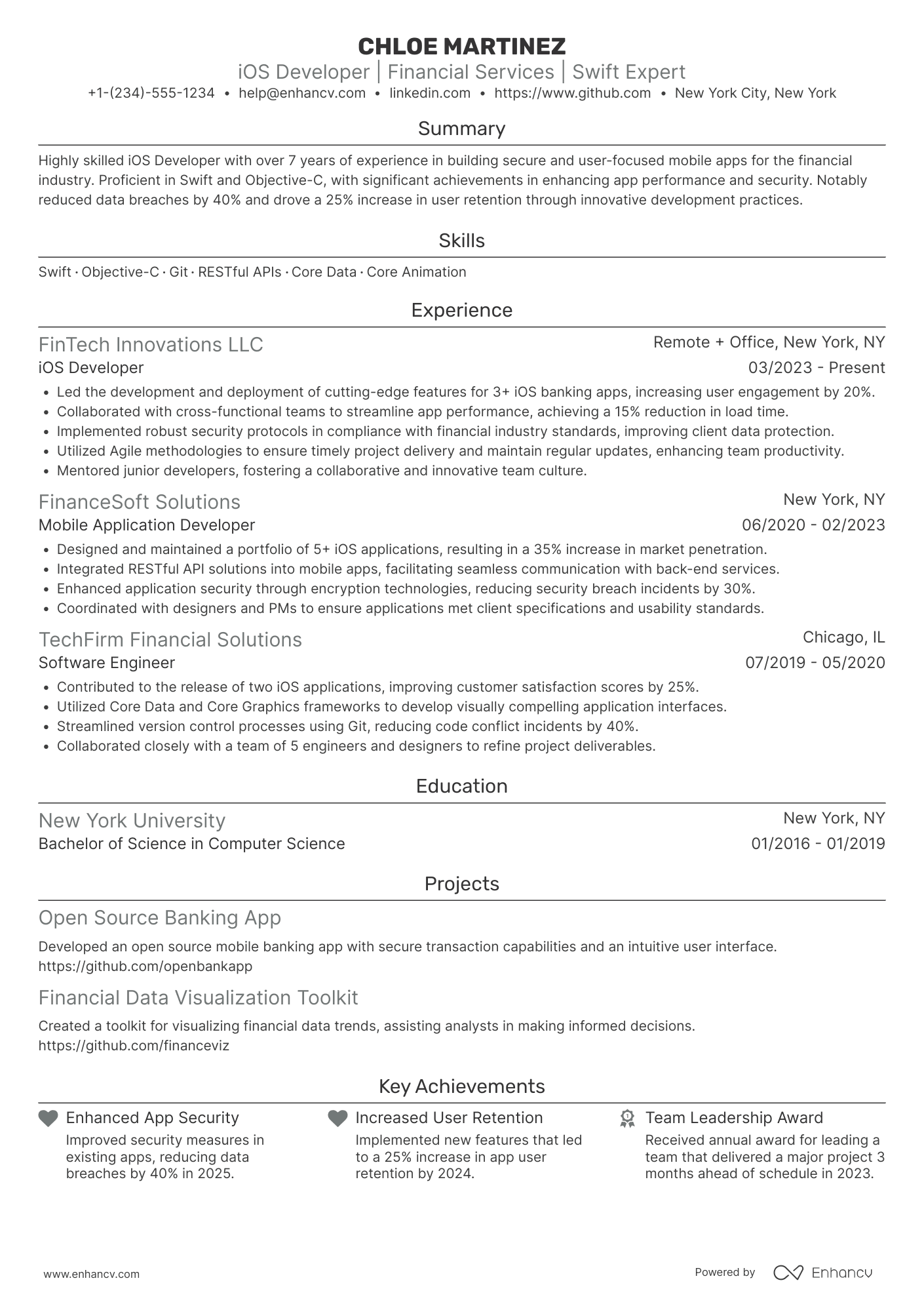
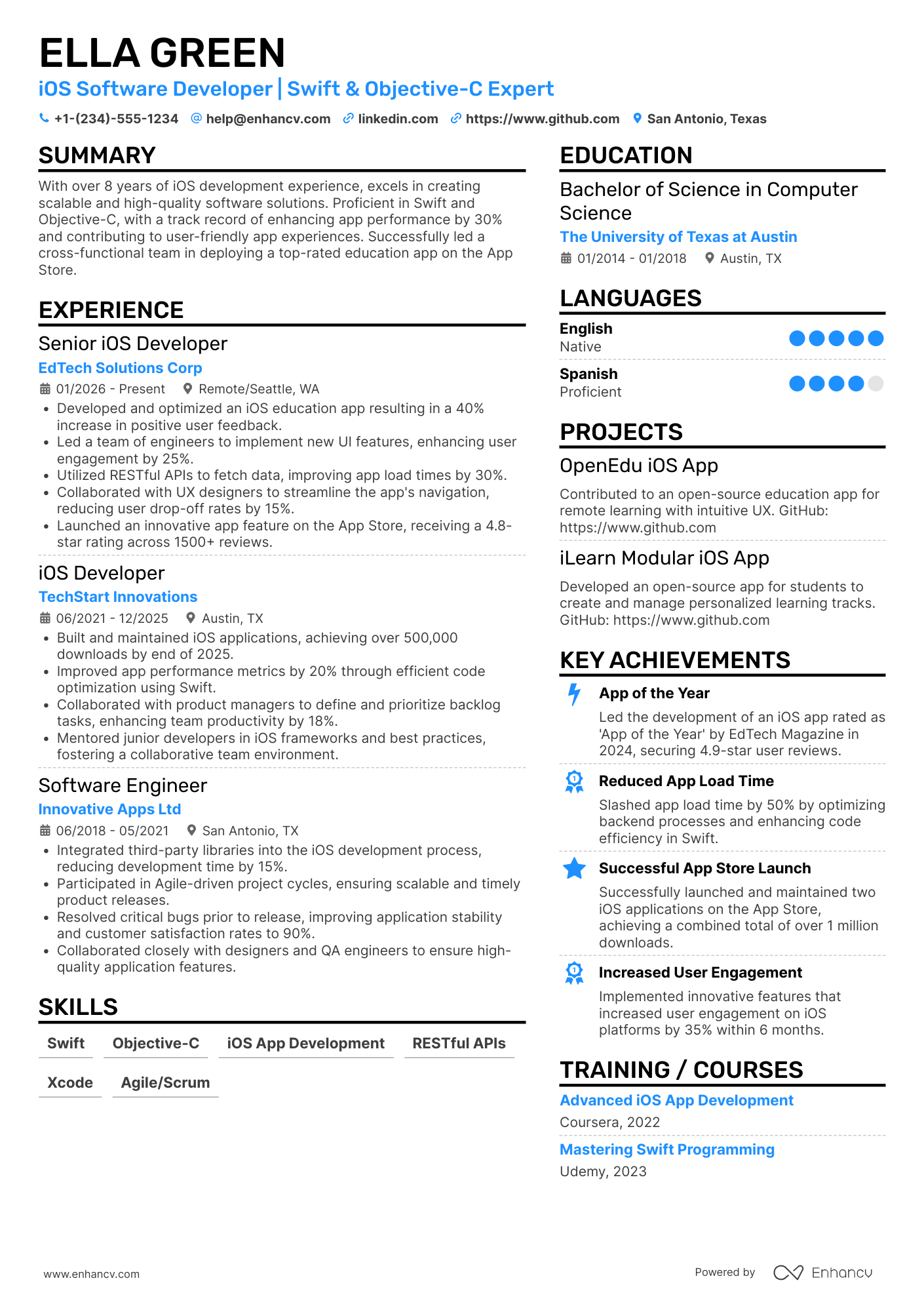
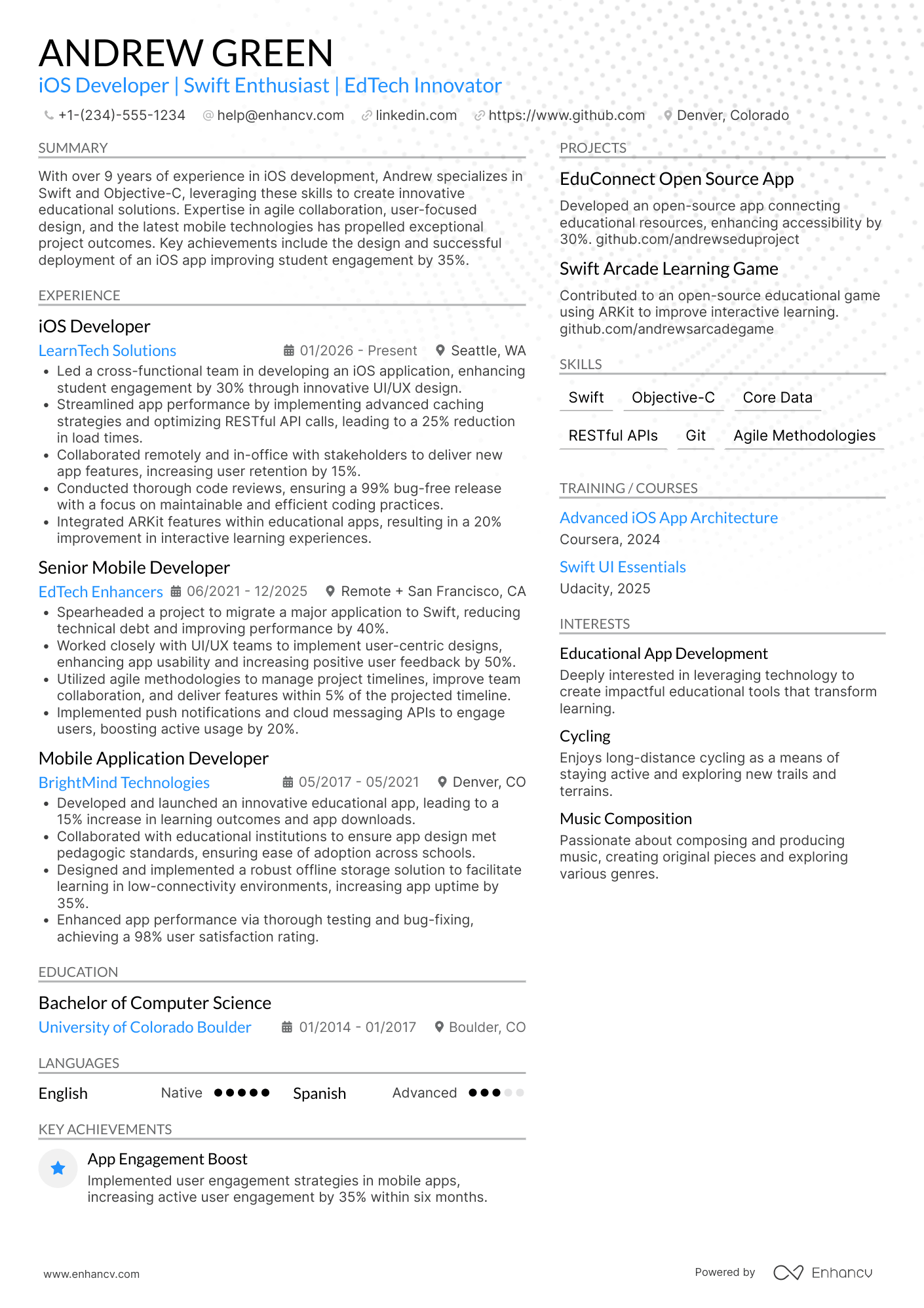
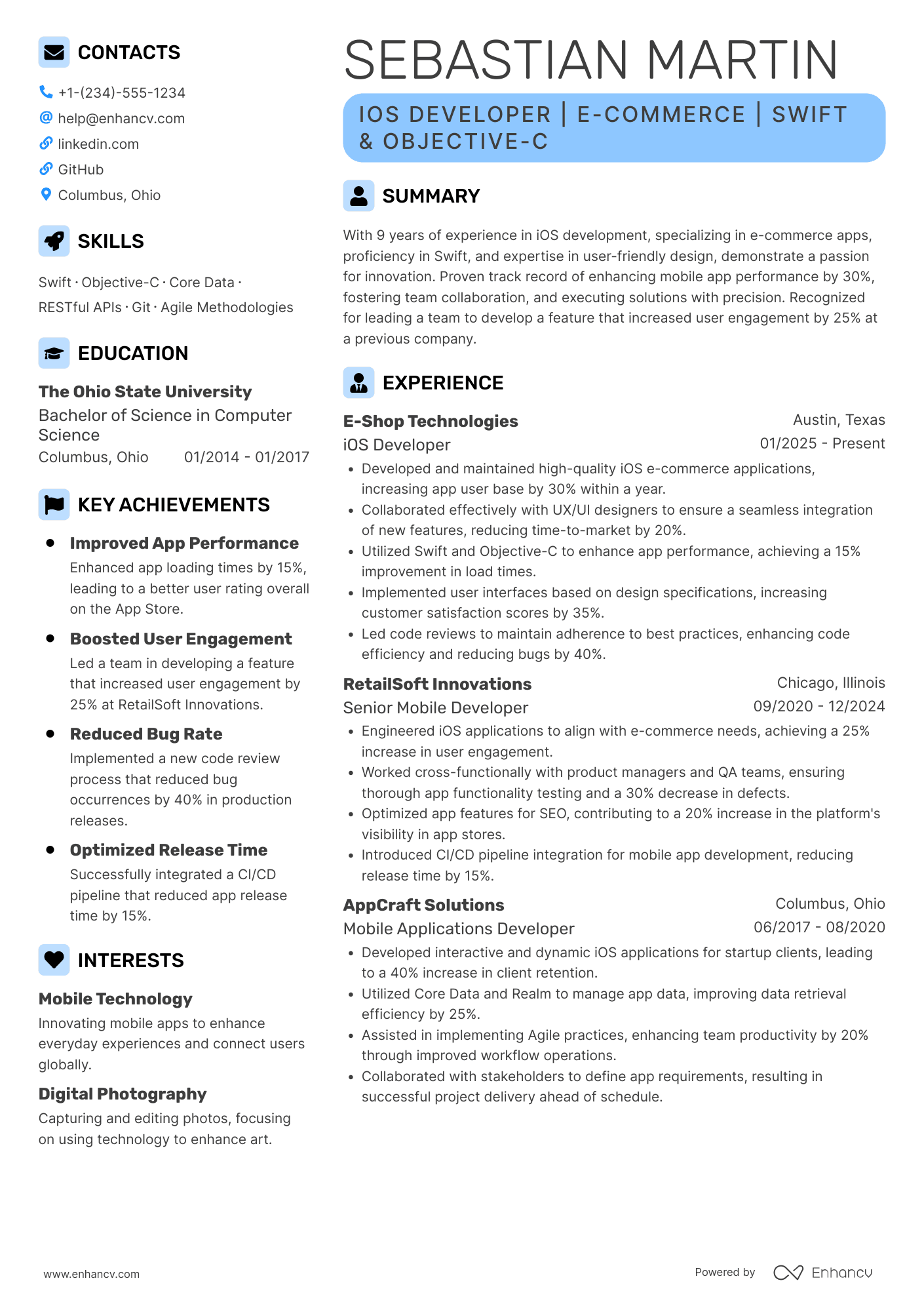
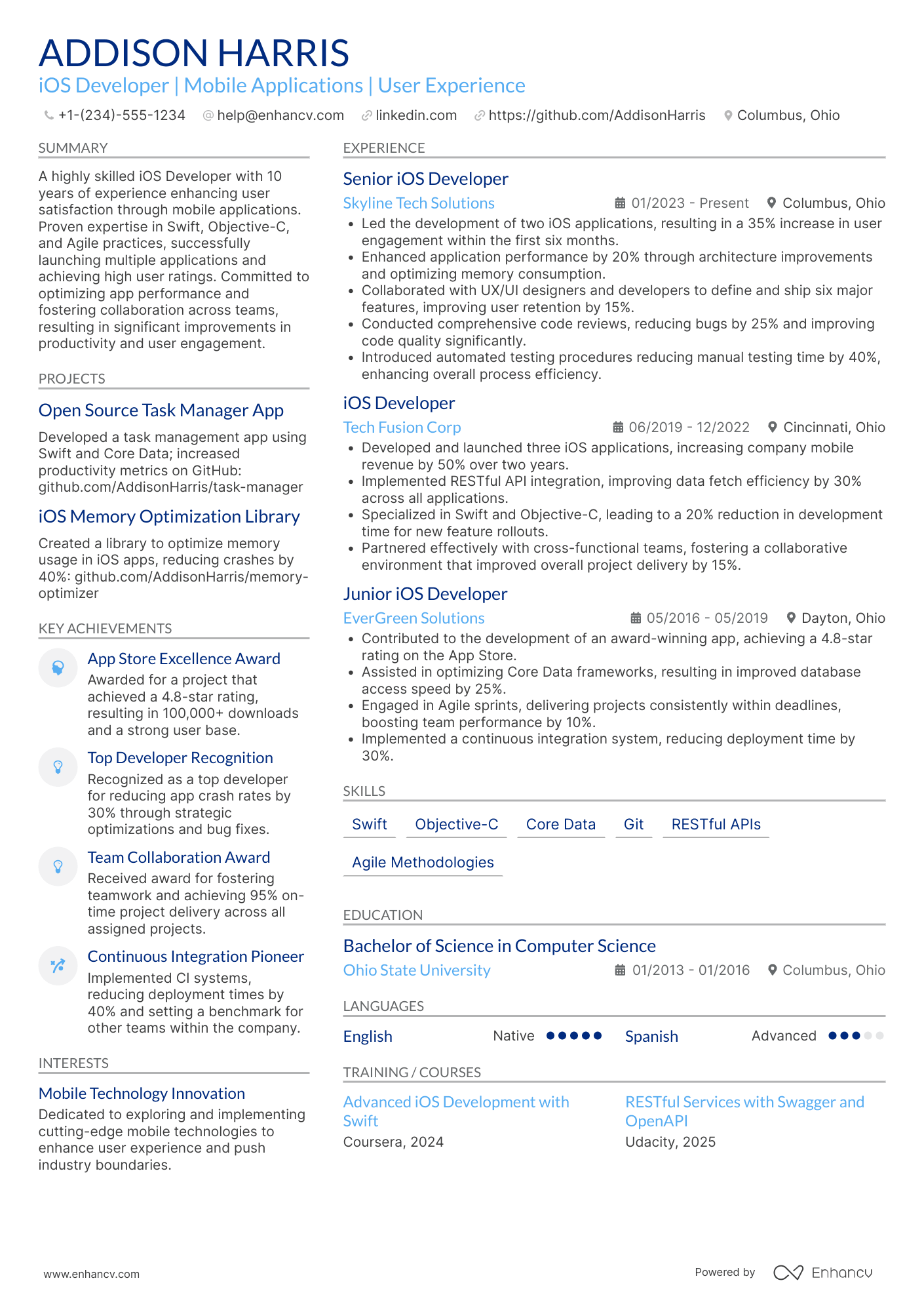
Many iOS developer resume submissions fail because they read like tool inventories and task logs, so key impact gets buried. That matters when an ATS screens for keywords and recruiters scan in seconds amid heavy competition.
This guide shows you how to write a resume that leads with outcomes proving value. Highlight crash-free sessions, App Store rating lifts, reduced launch time, faster release cadence, feature adoption, revenue impact, and accessibility compliance. Show scope, ownership, and measurable delivery.

Key takeaways
- Lead every experience bullet with a measurable outcome, not a task description.
- Use reverse-chronological format if you have professional iOS experience to show growth.
- Tailor your resume to each job posting by mirroring its frameworks, tools, and KPIs.
- Quantify achievements using crash rates, load times, release cadence, and adoption metrics.
- Place skills above experience when you're junior or changing careers into iOS development.
- Tie every listed skill to a specific project or result somewhere on your resume.
- Use Enhancv to turn vague job duties into measurable, recruiter-ready resume bullets quickly.
How to format a iOS developer resume
Recruiters hiring for iOS developer roles prioritize hands-on proficiency with Swift, Objective-C, and Apple frameworks, along with evidence of shipped apps and collaborative project work. A clean, well-structured resume format ensures these technical signals surface quickly during both ATS parsing and the initial human scan.

I have significant experience in this role—which format should I use?
Use a reverse-chronological format—it lets recruiters trace your growing technical depth and project ownership at a glance. Do:
- Lead each role entry with scope details: team size, app user base, and the platforms or modules you owned.
- Highlight core iOS tools and domains—Swift, SwiftUI, UIKit, Core Data, CI/CD pipelines, and App Store submission workflows.
- Quantify outcomes tied to performance, adoption, or reliability improvements.
I'm junior or switching into this role—what format works best?
A hybrid format works well because it lets you lead with a focused skills section while still showing relevant project or work history in chronological order. Do:
- Place a technical skills section near the top, grouping proficiencies by category (languages, frameworks, tools).
- Feature personal apps, open-source contributions, or bootcamp capstone projects as primary experience entries.
- Connect every listed skill to a concrete action and a visible result.
Why not use a functional resume?
A functional format strips away project context and timelines, making it difficult for recruiters to verify where and how you applied your iOS skills in practice.
- Career changers with transferable technical work: You have programming experience in another platform (e.g., Android or web) and have completed iOS projects or certifications but lack formal iOS job titles.
- Bootcamp graduates with no prior tech roles: Your entire iOS experience comes from structured coursework and personal projects, so a skills-led layout helps frame that work coherently.
- Professionals returning after a resume gap: You've been out of the workforce but have recent portfolio apps or open-source commits that demonstrate current iOS competency.
- A functional format is acceptable only when you have no professional iOS experience at all—and even then, every listed skill should be tied to a specific project, contribution, or measurable outcome.
Now that you've established a clean, readable layout, it's time to fill it with the right sections that showcase your qualifications effectively.
What sections should go on a iOS developer resume
Recruiters expect a clean, role-focused resume that proves you can ship reliable iOS apps and improve product and engineering outcomes. Knowing what to put on a resume helps you prioritize the most impactful content. Use this structure for maximum clarity:
- Header
- Summary
- Experience
- Skills
- Projects
- Education
- Certifications
- Optional sections: Open-source work, Leadership, Languages
Strong experience bullets should emphasize measurable impact, shipped features, performance and reliability gains, scale, and cross-functional scope.
Is your resume good enough?
Drop your resume here or choose a file. PDF & DOCX only. Max 2MB file size.
Once you’ve organized your resume with the right content areas, the next step is to write your iOS developer experience section so it supports that structure and shows your impact.
How to write your iOS developer resume experience
The experience section is where you prove you can ship polished, performant iOS apps—not just list responsibilities. Hiring managers prioritize demonstrated impact, so focus each entry on the work you delivered, the frameworks and tools you used, and the measurable outcomes that followed. Building a targeted resume ensures every bullet speaks directly to what the hiring team needs.
Each entry should include:
- Job title
- Company and location (or remote)
- Dates of employment (month and year)
Three to five concise bullet points showing what you owned, how you executed, and what outcomes you delivered:
- Ownership scope: the iOS apps, features, modules, or platform components you were directly accountable for, including the user base, market, or product line they served.
- Execution approach: the languages, frameworks, and development practices you relied on—such as Swift, Objective-C, UIKit, SwiftUI, Core Data, Combine, CI/CD pipelines, or test-driven development—to build and ship your work.
- Value improved: the specific quality, performance, or reliability gains your contributions drove, whether in app stability, load times, crash rates, accessibility compliance, or code maintainability.
- Collaboration context: how you partnered with designers, backend engineers, QA teams, product managers, or stakeholders to align on requirements, resolve technical constraints, and deliver cohesive user experiences.
- Impact delivered: the tangible results your work produced, expressed through adoption, retention, release velocity, App Store performance, or direct business outcomes rather than a summary of daily tasks.
Experience bullet formula
A iOS developer experience example
✅ Right example - modern, quantified, specific.
Senior iOS Developer
StridePay | Remote
2022–Present
Fintech mobile wallet serving over two million monthly active users across the US.
- Led a SwiftUI migration for five core flows using MVVM and Combine, cutting crash-free session drop-offs by 18% and improving App Store rating from 4.2 to 4.6 within two releases.
- Optimized app launch and feed rendering with Instruments, signposts, and async/await, reducing cold-start time by 32% and scrolling jank by 41% on iPhone 11-class devices.
- Built a modular networking layer with URLSession, Codable, and certificate pinning, lowering payment API error rates by 27% and passing two external security audits with zero high-severity findings.
- Implemented automated UI and unit testing with XCTest, XCUITest, and Fastlane in a GitHub Actions pipeline, increasing release cadence from monthly to biweekly and reducing regression defects by 24%.
- Partnered with product managers, designers, and backend engineers to ship Apple Pay and biometric authentication, boosting checkout conversion by 9% and reducing support tickets related to login by 22%.
Now that you've seen how a strong experience section comes together, let's look at how to adjust those details to match the specific job posting you're targeting.
How to tailor your iOS developer resume experience
Recruiters evaluate your iOS developer resume through both manual review and applicant tracking systems that scan for relevant qualifications. Tailoring your resume to the job description ensures your strongest skills and accomplishments surface immediately.
Ways to tailor your iOS developer experience:
- Match Swift or Objective-C versions specified in the job listing.
- Mirror the exact frameworks like SwiftUI or UIKit the role requires.
- Reflect CI/CD tools and deployment workflows the posting references.
- Incorporate accessibility or performance standards the employer prioritizes.
- Align your metrics with the KPIs or success criteria listed.
- Use the same Agile or Scrum terminology the job description uses.
- Highlight relevant domain experience such as fintech or healthcare apps.
- Reference collaboration with cross-functional teams when the role emphasizes teamwork.
Tailoring means aligning your real accomplishments with what the employer needs—not forcing keywords into places where they don't belong.
Resume tailoring examples for iOS developer
| Job description excerpt | Untailored | Tailored |
|---|---|---|
| Build and maintain iOS apps using Swift and SwiftUI, collaborating with cross-functional teams to deliver features on a two-week sprint cycle | Developed mobile applications and worked with team members on various projects. | Built and maintained three customer-facing iOS apps in Swift and SwiftUI, shipping 40+ features across 12 months within a two-week sprint cycle alongside product, design, and backend teams. |
| Optimize app performance and memory usage, reducing crash rates and improving App Store ratings through instrumentation with Firebase Crashlytics | Helped improve app stability and worked on bug fixes to enhance user experience. | Reduced crash rate from 2.1% to 0.3% by profiling memory leaks and optimizing render cycles, using Firebase Crashlytics to triage issues and lifting the App Store rating from 3.8 to 4.6 stars within two release cycles. |
| Implement secure authentication flows using Sign in with Apple and OAuth 2.0, ensuring compliance with Apple's App Review guidelines | Worked on login features and handled security-related tasks for the mobile app. | Implemented Sign in with Apple and OAuth 2.0 authentication flows for 150K+ monthly active users, passing Apple's App Review on first submission and eliminating three previously flagged guideline violations. |
Once you’ve aligned your experience with the role’s needs, the next step is to quantify your iOS developer achievements so hiring teams can quickly see your impact.
How to quantify your iOS developer achievements
Quantifying your achievements proves you shipped real improvements, not just code. For iOS developers, focus on performance, crash rate, build and release speed, adoption, and cost or risk reduction.
Quantifying examples for iOS developer
| Metric | Example |
|---|---|
| App performance | "Reduced cold start time from 2.8s to 1.6s by optimizing Swift concurrency and caching with Instruments Time Profiler." |
| Reliability | "Cut crash-free sessions from 96.9% to 99.4% by fixing top three crashes in Firebase Crashlytics and adding defensive parsing." |
| Delivery speed | "Reduced release cycle from biweekly to weekly by automating CI in GitHub Actions and adding fastlane lanes for signing and TestFlight." |
| Quality | "Raised unit test coverage from 28% to 62% using XCTest and snapshot tests, reducing escaped UI regressions by 40%." |
| Security risk | "Eliminated eight high-risk findings by migrating tokens to Keychain, enabling certificate pinning, and passing a third-party security review." |
Turn vague job duties into measurable, recruiter-ready resume bullets in seconds with Enhancv's Bullet Point Generator.
With strong bullet points in place, the next step is ensuring your skills section presents the right mix of technical and interpersonal strengths that hiring managers expect from an iOS developer.
How to list your hard and soft skills on a iOS developer resume
Your skills section shows you can ship reliable iOS apps, and recruiters and ATS (applicant tracking systems) scan it to match your stack to the job post; most iOS resumes land best with a heavier hard-skill mix plus targeted collaboration skills. iOS developer roles require a blend of:
- Product strategy and discovery skills
- Data, analytics, and experimentation skills
- Delivery, execution, and go-to-market discipline
- Soft skills
Your skills section should be:
- Scannable (bullet-style grouping).
- Relevant to the job post.
- Backed by proof in experience bullets.
- Updated with current tools.
Place your skills section:
- Above experience if you're junior or switching careers.
- Below experience if you're mid/senior with strong achievements.

Hard skills
Strong hard skills for an iOS developer include:
- Swift, SwiftUI, UIKit
- Xcode, Instruments
- iOS SDK, Apple Human Interface Guidelines
- Combine, async/await, Grand Central Dispatch
- Model-View-ViewModel architecture
- Core Data, SQLite, Realm
- URLSession, REST, GraphQL
- XCTest, XCUITest, snapshot testing
- Git, GitHub, pull requests
- Continuous integration, Fastlane
- App Store Connect, TestFlight
- Crashlytics, performance monitoring
Soft skills
Complement those with soft skills that demonstrate how you work with others:
- Translate requirements into technical plans
- Write clear technical documentation
- Communicate tradeoffs with product partners
- Collaborate with designers on UI details
- Review code with actionable feedback
- Estimate work and flag risks early
- Debug issues methodically under pressure
- Own features from build to release
- Align on API contracts with backend teams
- Prioritize user impact in decisions
How to show your iOS developer skills in context
Skills shouldn't live only in a bulleted list on your resume.
They should be demonstrated in:
- Your summary (high-level professional identity)
- Your experience (proof through outcomes)
Here's what both look like in practice. You can explore common resume skills by role to see how other iOS developers present their abilities.
Summary example
Senior iOS developer with eight years of experience building consumer fintech apps in Swift and SwiftUI. Led a five-person mobile team, drove 95% crash-free sessions, and reduced release cycles by 30% through modular architecture and CI/CD pipelines.
- States seniority and experience level upfront
- Names role-relevant tools and frameworks
- Includes a concrete, measurable outcome
- Highlights leadership as a soft skill
Experience example
Senior iOS Developer
Greenline Financial | Remote
March 2020–January 2024
- Rebuilt the flagship banking app in SwiftUI, cutting average load time by 40% across 1.2 million active users.
- Partnered with backend and design teams to ship a biometric login feature, increasing user retention by 18%.
- Implemented unit and UI testing with XCTest, raising code coverage from 45% to 88% within two quarters.
- Every bullet ties a skill to measurable proof.
- Tools appear naturally inside real accomplishments.
Once you’ve demonstrated your iOS development skills through relevant projects and results, the next step is learning how to write an iOS developer resume with no experience so you can present that evidence effectively without a traditional work history.
How do I write a iOS developer resume with no experience
Even without full-time experience, you can demonstrate readiness through:
- Shipped App Store personal app
- Open-source SwiftUI feature contributions
- iOS internship or apprenticeship projects
- Freelance iOS bug fixes
- Hackathon iOS app submission
- iOS course capstone app
- TestFlight beta releases with feedback
If you're building your first application, our guide on creating a resume without work experience walks you through how to structure these projects for maximum impact.
Focus on:
- Swift and SwiftUI code samples
- Clean architecture and modularity
- Networking, persistence, and testing
- Shipped apps with measurable impact
Resume format tip for entry-level iOS developer
Use a hybrid resume format because it highlights projects and skills first while still showing education and any relevant work history. Do:
- Link GitHub, App Store, and TestFlight builds.
- List tools: Xcode, Swift Package Manager, Git.
- Add two to four projects with metrics.
- Describe features using action verbs.
- Include testing: XCTest, snapshot tests.
- Shipped a SwiftUI habit tracker to the App Store, added Core Data persistence and XCTest coverage, and reduced crash rate to under one percent.
Even without professional experience, your education section can demonstrate the technical foundation and relevant coursework that qualify you for an iOS developer role.
How to list your education on a iOS developer resume
Your education section helps hiring teams confirm you have the foundational knowledge needed for iOS development. It validates technical training in programming, software design, and related disciplines.
Include:
- Degree name
- Institution
- Location
- Graduation year
- Relevant coursework (for juniors or entry-level candidates)
- Honors & GPA (if 3.5 or higher)
Skip month and day details—list the graduation year only.
Here's a strong education entry tailored for an iOS developer resume:
Example education entry
Bachelor of Science in Computer Science
University of California, San Diego | San Diego, CA | 2021
GPA: 3.7/4.0
- Relevant Coursework: Mobile Application Development, Data Structures, Object-Oriented Programming, Human-Computer Interaction
- Honors: Magna Cum Laude, Dean's List (six semesters)
How to list your certifications on a iOS developer resume
Certifications on your resume show an iOS developer's commitment to learning, proficiency with key tools, and alignment with current industry standards, especially when paired with recent projects.
Include:
- Certificate name
- Issuing organization
- Year
- Optional: credential ID or URL
- Put certifications below education when your degree is recent and your certifications add supporting proof, not your main qualification.
- Put certifications above education when they are recent, highly relevant to iOS developer roles, or your education is older.
Best certifications for your iOS developer resume
- Apple Certified iOS Developer
- Apple Certified Associate—Swift
- Meta iOS Developer Professional Certificate
- Google Associate Android Developer
- AWS Certified Developer—Associate
- Microsoft Certified: Azure Developer Associate
- Scrum Alliance Certified ScrumMaster (CSM)
Once you’ve positioned your credentials where recruiters can quickly verify them, shift to your iOS developer resume summary to highlight the value those qualifications bring upfront.
How to write your iOS developer resume summary
Your resume summary is the first thing a recruiter reads. A strong one instantly signals you have the skills and experience to build quality iOS applications.
Keep it to three to four lines, with:
- Your title and total years of iOS development experience.
- The domain or product type you've worked in, such as fintech, health, or consumer apps.
- Core tools and technologies like Swift, UIKit, SwiftUI, Core Data, or Combine.
- One or two measurable achievements, such as app ratings, download numbers, or performance gains.
- Soft skills tied to real outcomes, like collaboration that shortened release cycles or communication that improved code reviews.

PRO TIP
At the junior level, focus on relevant technical skills, tools you've used in real projects, and any early measurable impact. Avoid vague phrases like "passionate self-starter" or "quick learner." Instead, show what you built and what happened as a result. Recruiters want proof of capability, not motivation statements.
Example summary for a iOS developer
iOS developer with two years of experience building Swift and SwiftUI apps in fintech. Improved app load time by 35% through Core Data optimization. Collaborated with cross-functional teams to ship three features ahead of schedule.
Optimize your resume summary and objective for ATS
Drop your resume here or choose a file.
PDF & DOCX only. Max 2MB file size.
Now that your summary is ready to hook recruiters with a snapshot of your value, make sure the header above it presents your contact details clearly and professionally.
What to include in a iOS developer resume header
A resume header is the top section with your identity and contacts, and it boosts visibility, credibility, and recruiter screening for a iOS developer role.
Essential resume header elements
- Full name
- Tailored job title and headline
- Location
- Phone number
- Professional email
- GitHub link
- Portfolio link
A LinkedIn link helps recruiters verify experience quickly and supports screening.
Don't include photos on a iOS developer resume unless the role is explicitly front-facing or appearance-dependent.
Use a tailored job title, keep links short and active, and match your header details to your application profile.
Example
IOS developer resume header
Jordan Lee
iOS developer | Swift, SwiftUI, UIKit
Austin, TX
(512) 555-01XX
jordan.lee@enhancv.com
github.com/jordanlee
jordanlee.dev
linkedin.com/in/jordanlee
Once your contact details and role branding are clear at the top, you can strengthen the rest of your application with additional sections that highlight relevant strengths and context.
Additional sections for iOS developer resumes
When your core qualifications match other candidates, additional sections help you stand out with unique, role-relevant credibility. For example, listing language skills can set you apart when applying to companies with global user bases.
- Languages
- Open source contributions
- App Store portfolio
- Technical publications
- Hackathons and coding competitions
- Apple developer certifications
- Hobbies and interests
Once you've rounded out your resume with the right supplementary sections, it's worth turning your attention to the document that often accompanies it—your cover letter.
Do iOS developer resumes need a cover letter
No, most iOS developer resumes don't require a cover letter. But if you're unsure about what a cover letter is and when it adds value, it helps in competitive roles, smaller teams, or when hiring managers expect context. It can make a difference when your resume needs a clear narrative.
Use a cover letter when it adds specific context:
- Explain role and team fit: Match your experience to the stack, collaboration style, and ownership level the iOS developer role requires.
- Highlight one or two outcomes: Share a project with measurable impact, like launch speed, crash reduction, performance gains, or retention improvements.
- Show product understanding: Reference the product's users, key workflows, and tradeoffs you'd consider in iOS developer decisions.
- Address transitions or gaps: Connect non-obvious experience to iOS developer work, such as backend work, design, QA, or a recent career change.
Drop your resume here or choose a file.
PDF & DOCX only. Max 2MB file size.
Whether you include a cover letter depends on the role and hiring process, and using AI to improve your iOS developer resume helps you tailor your content quickly and consistently to match those expectations.
Using AI to improve your iOS developer resume
AI can sharpen your resume's clarity, structure, and impact. It helps tighten language, highlight results, and align content with job descriptions. But overuse creates generic, robotic text. Once your resume reads clearly and fits the role, step away from AI. If you're wondering which AI is best for writing resumes, the answer depends on your specific needs and how much editing control you want.
Here are 10 practical prompts you can copy and paste to strengthen specific sections of your iOS developer resume:
- Sharpen your summary: "Rewrite my iOS developer resume summary to highlight my strongest technical skills and years of experience in under four sentences."
- Quantify experience bullets: "Add measurable outcomes to these iOS developer experience bullet points using metrics like performance improvements, crash reductions, or user growth."
- Align with job posting: "Compare my iOS developer resume experience section to this job description and suggest edits that better align my bullet points with listed requirements."
- Tighten skills section: "Review my iOS developer skills section and remove outdated or irrelevant technologies, then organize remaining skills by category."
- Strengthen project descriptions: "Rewrite my iOS developer project descriptions to clearly state the problem solved, technologies used, and measurable results achieved."
- Improve action verbs: "Replace weak or repetitive verbs in my iOS developer experience bullets with stronger, more specific action verbs."
- Refine education section: "Suggest how to present my education section for an iOS developer resume, emphasizing relevant coursework and academic projects."
- Highlight certifications: "Rewrite my iOS developer certifications section to clearly show each credential's relevance to modern mobile development roles."
- Remove filler language: "Identify and remove vague or unnecessary words from my iOS developer resume without changing the core meaning of each bullet."
- Fix consistency issues: "Check my iOS developer resume for inconsistent formatting, tense, punctuation, and date styles across all sections."
Stop using AI once your resume sounds accurate, specific, and aligned with real experience. AI should never invent experience or inflate claims—if it didn't happen, it doesn't belong here.
Conclusion
A strong iOS developer resume ties measurable outcomes to role-specific skills, and it stays easy to scan. Lead with impact, back it with Swift, UIKit, SwiftUI, and testing, and keep sections consistent and well-labeled.
Hiring teams still want iOS developers who ship reliable features, improve performance, and collaborate well. A clear structure and results-driven bullets show you can deliver today and adapt to the near-future market.
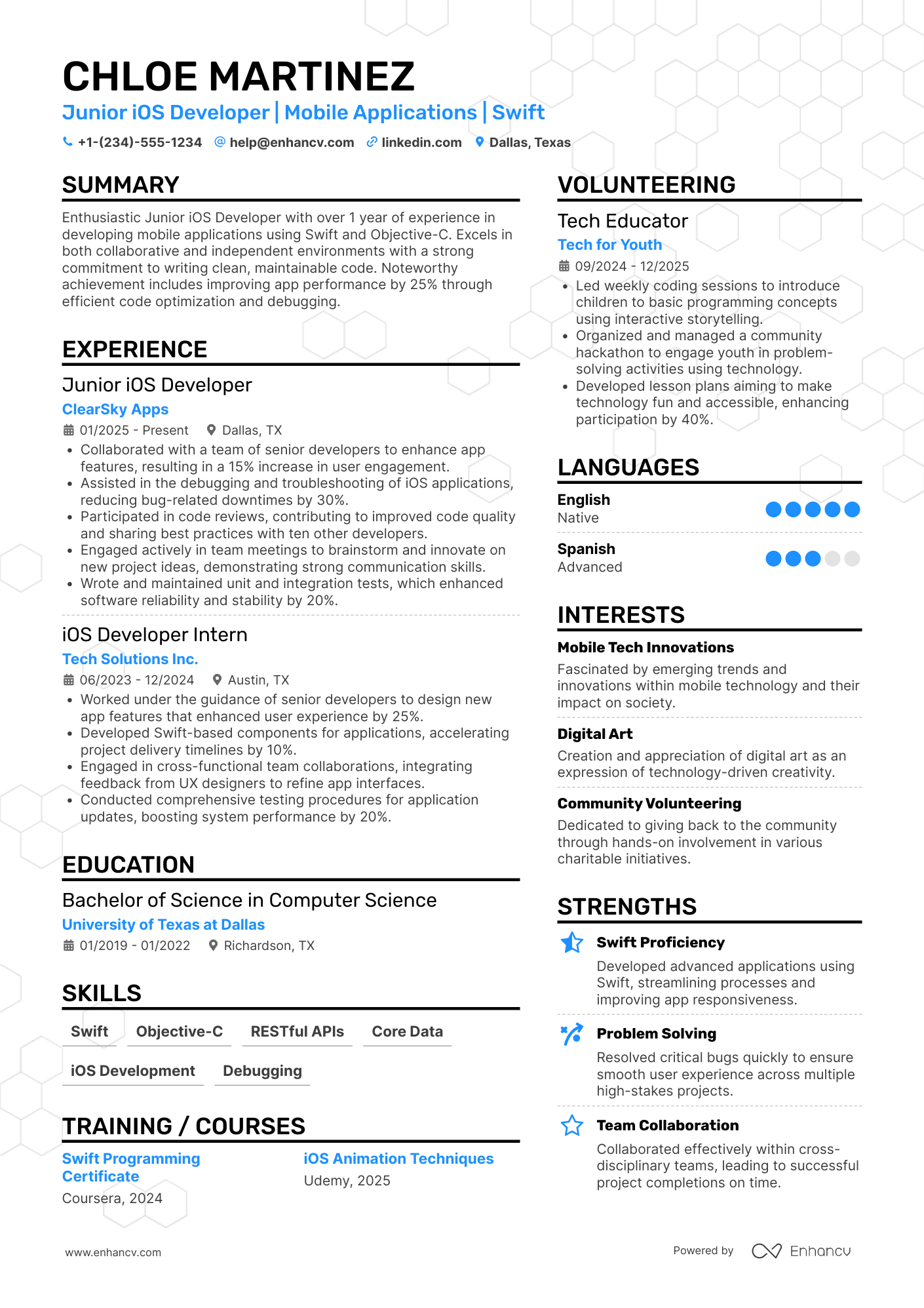
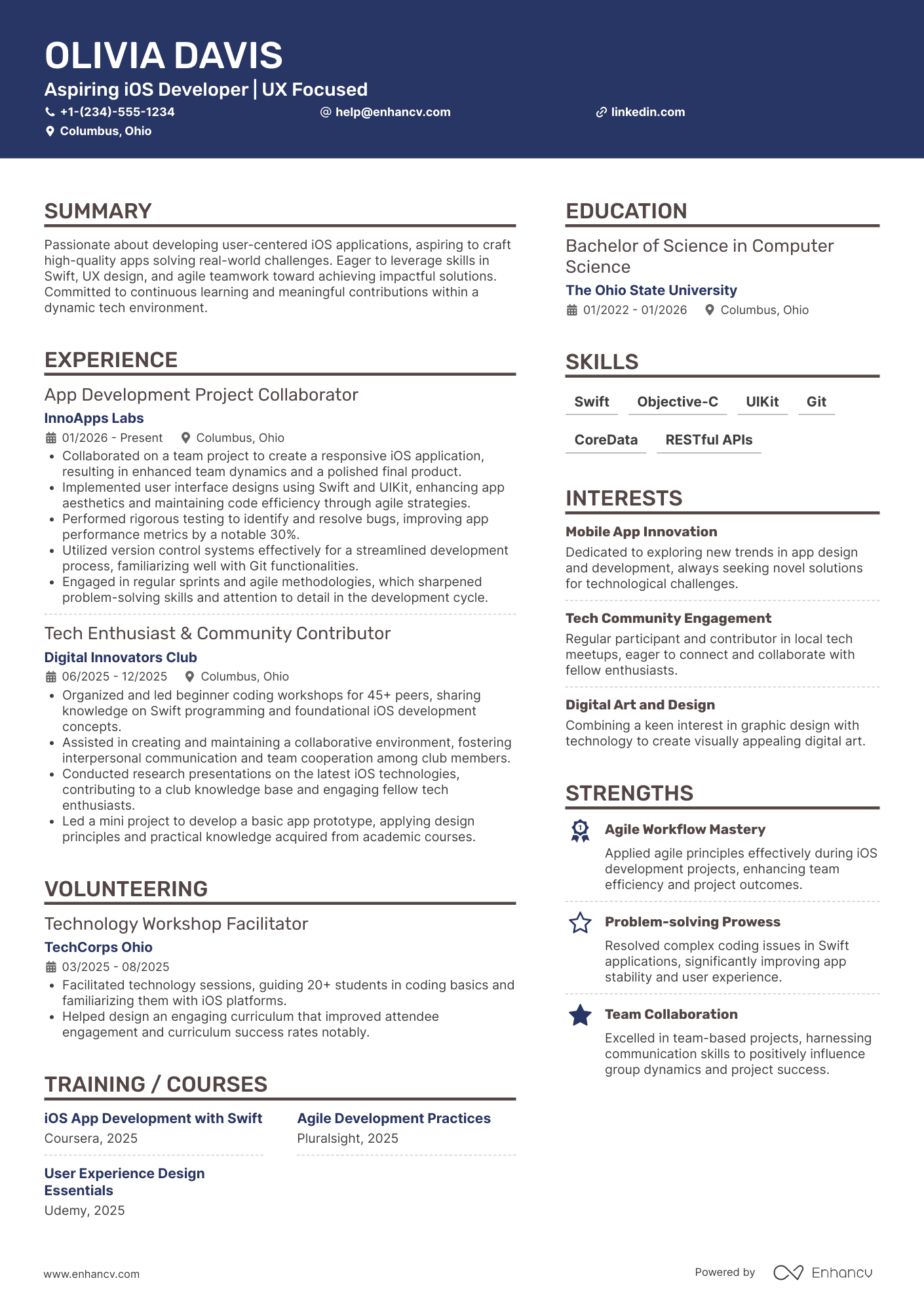
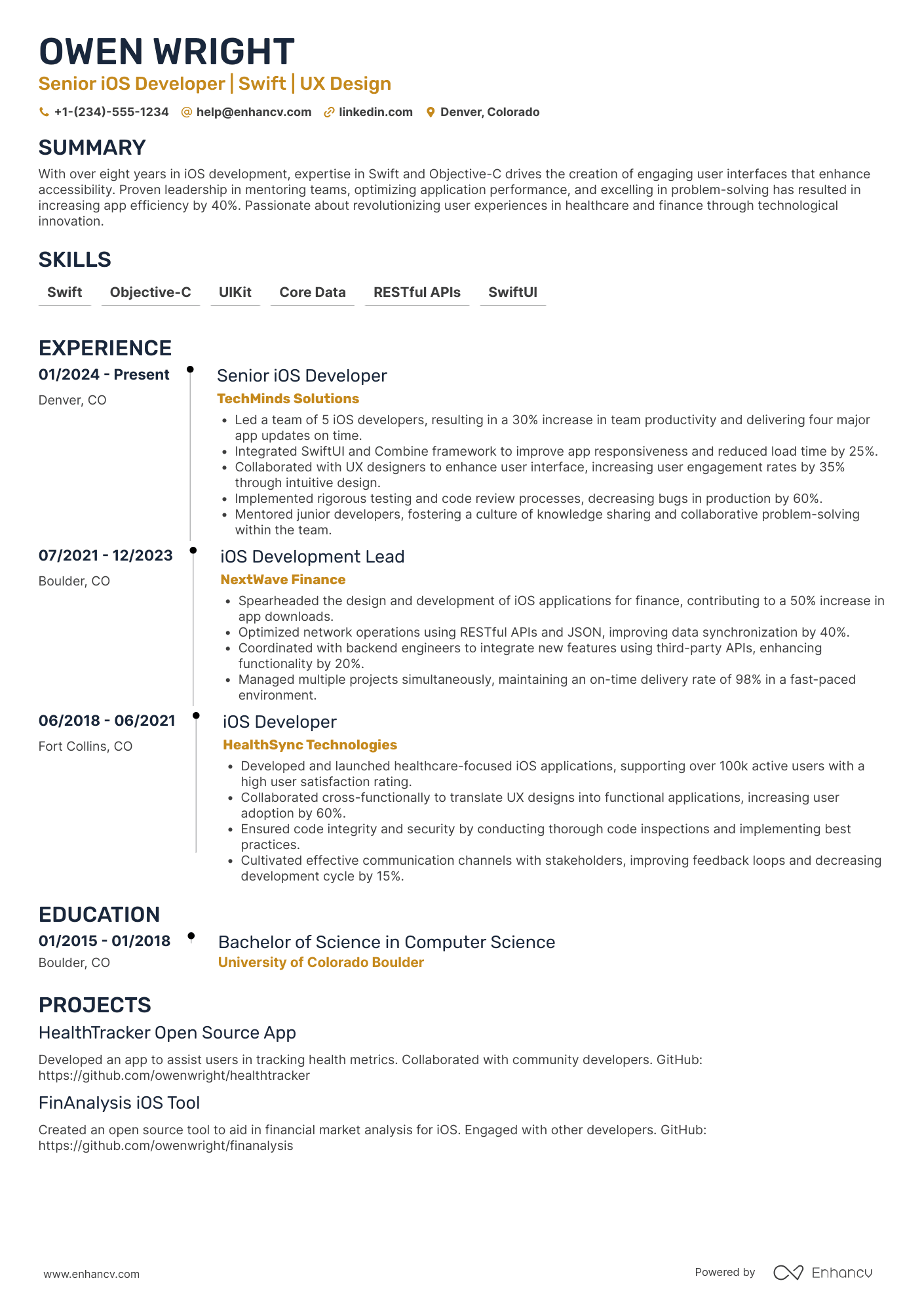
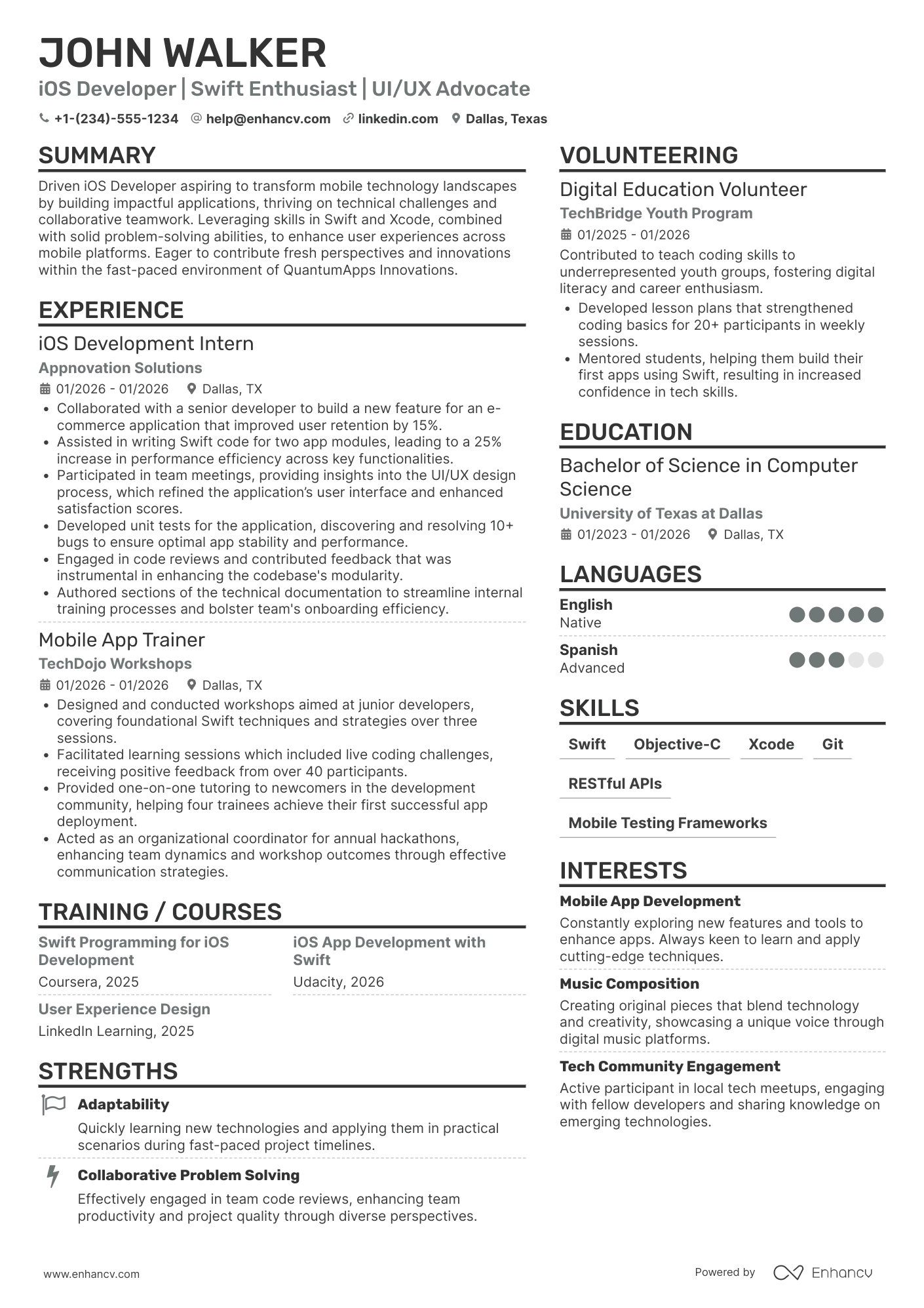
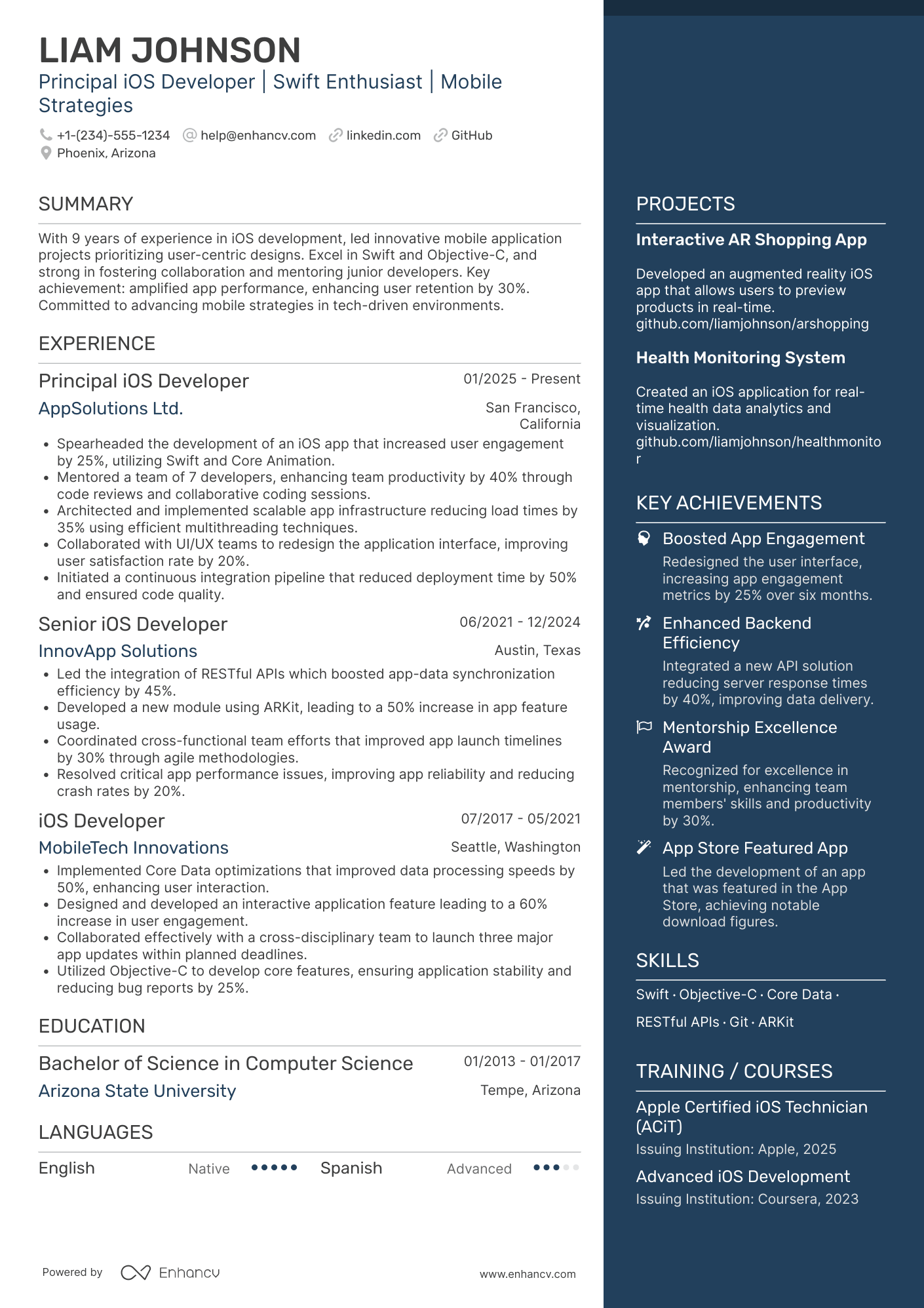
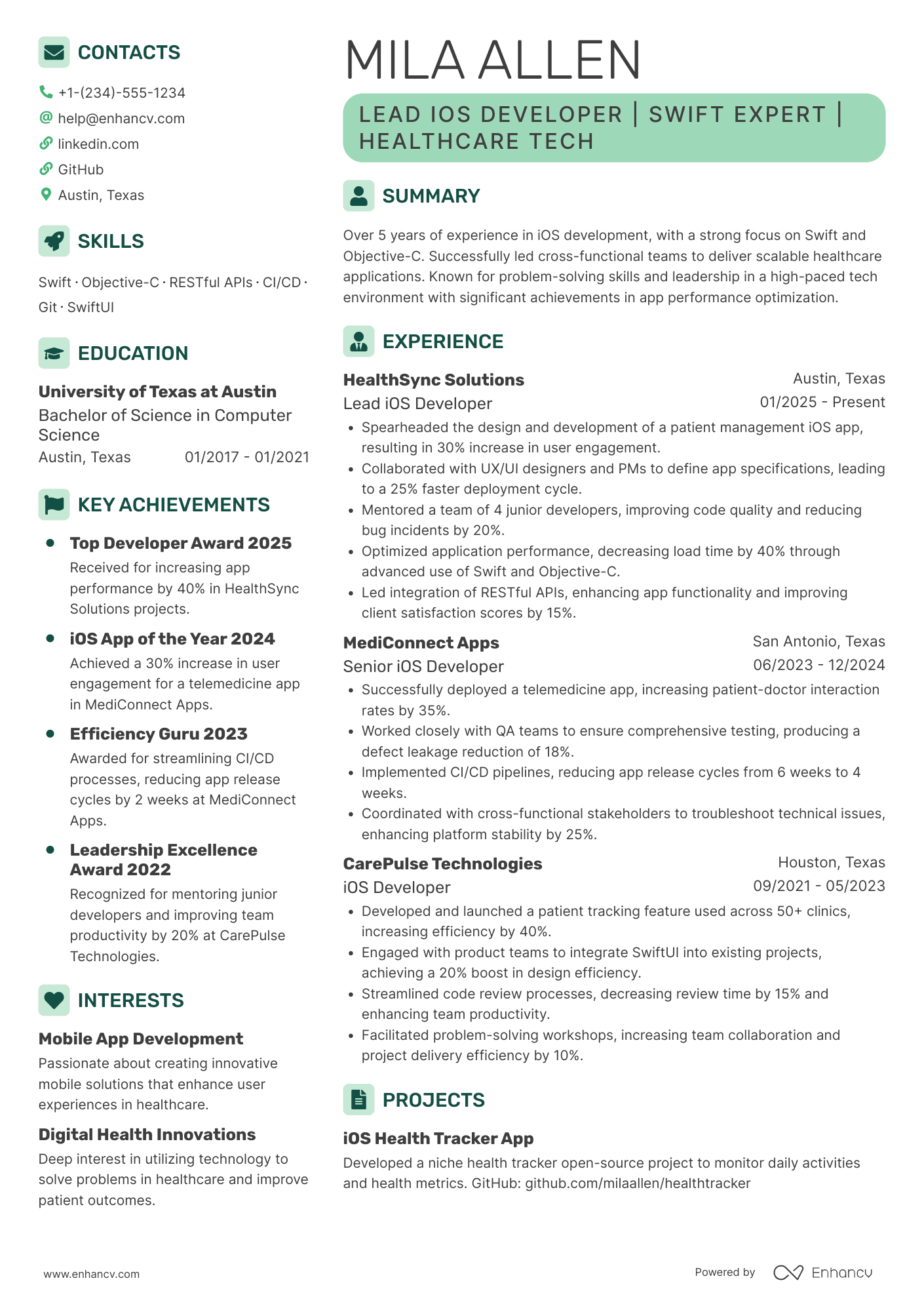
iOS Developer resume examples
By Experience
By Role